Curtain visualizer — see curtains on your window first
Drop, color, and how the light reads — all judged in your real room.
Curtains fail in three ways online: the drop is wrong (too short reads cheap, too long pools awkwardly), the color shifts dramatically under your room's light, and the opacity is a guess until they're hung. The frustrating part is that you can usually only tell after you've ironed, mounted, and stepped back — by which point the return window is awkward. PlopIt hangs the exact curtain from any Amazon, IKEA, or Pottery Barn link in front of your real window, at the length you're ordering. Sheer panels show the actual light behavior; blackout fabrics show how dark the room actually gets; ivory, oat, and cream all read as the distinct colors they really are, against your wall.
Examples
Each preview below is real — generated by PlopIt from a room photo and a product image. Tap to see the full before/after.
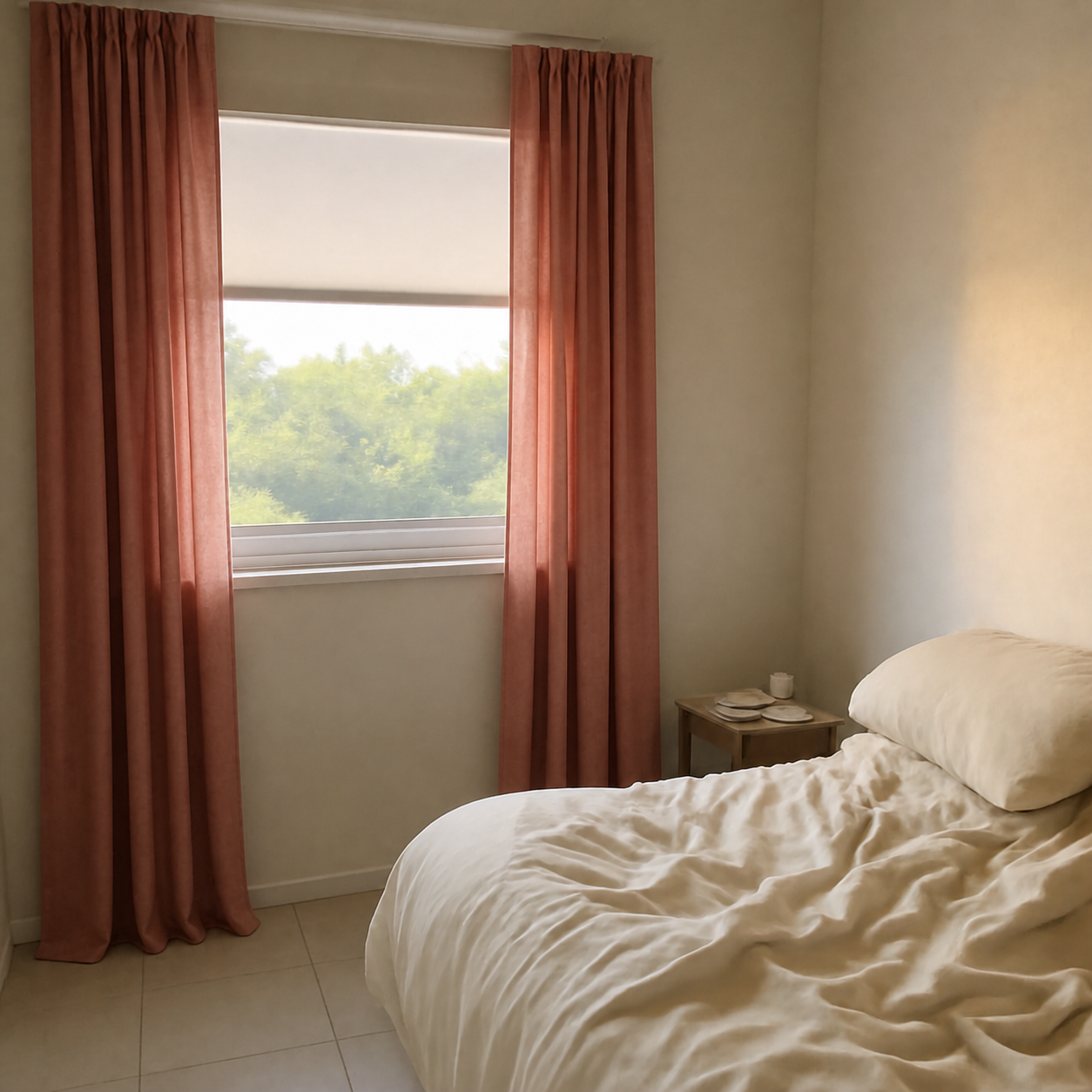
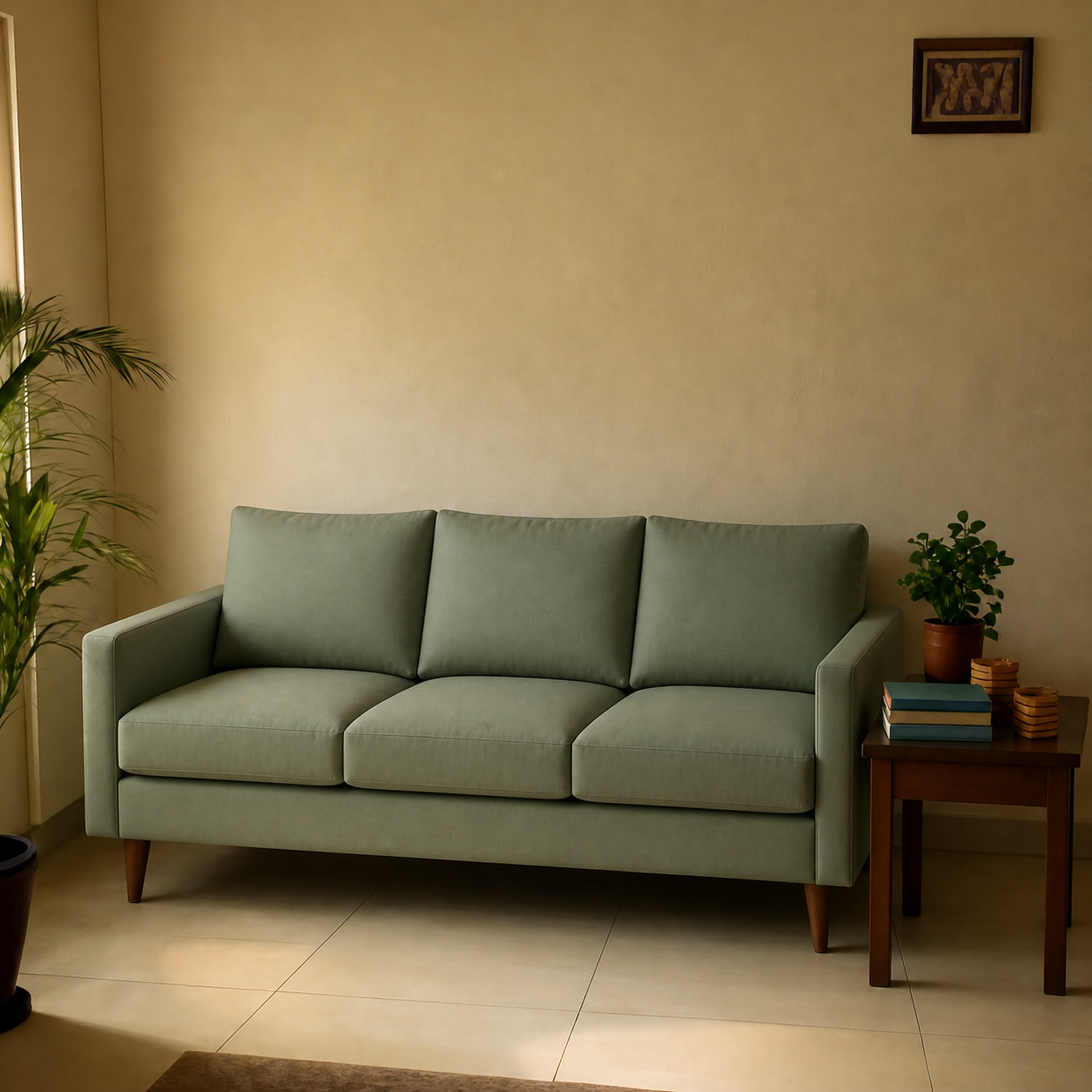
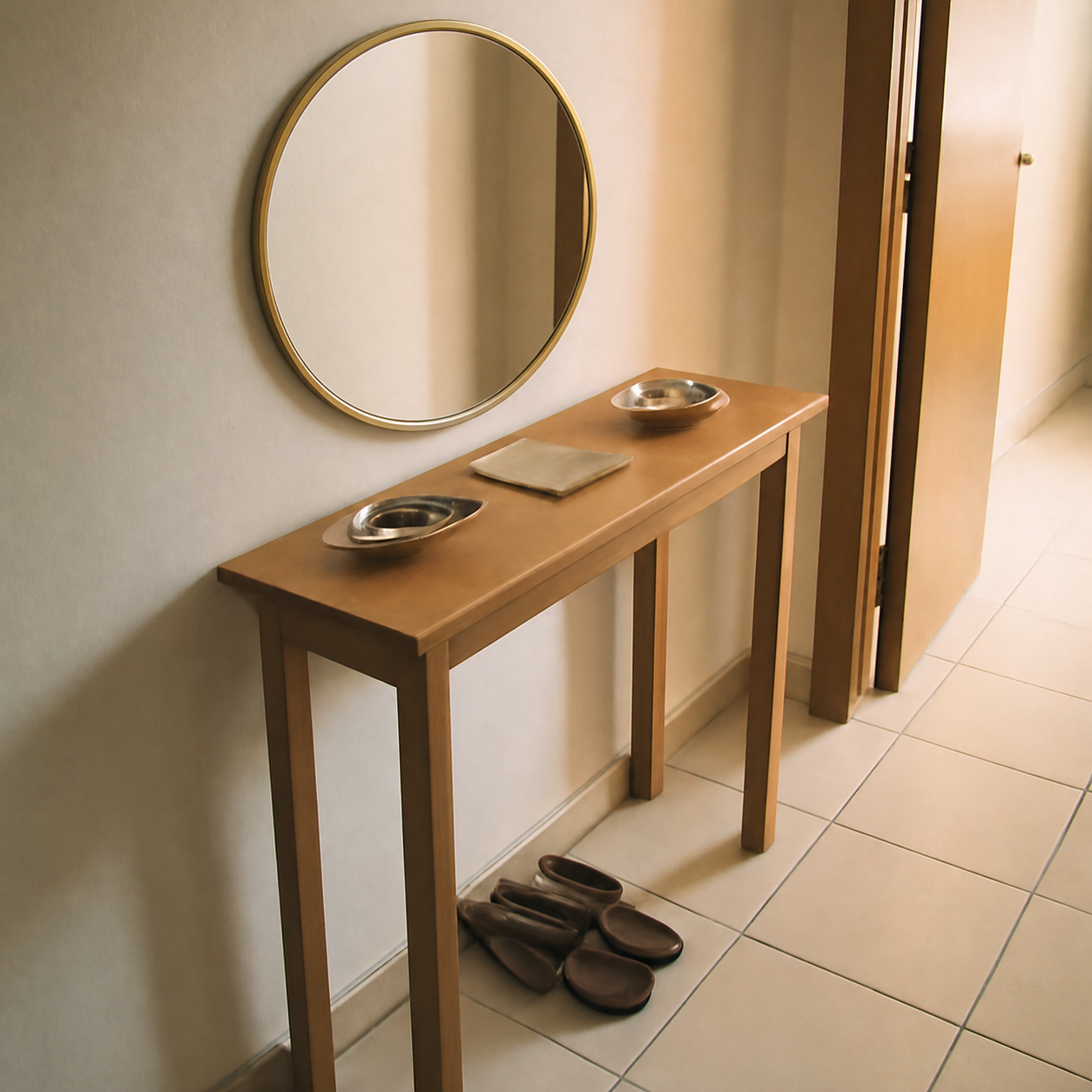
What a curtain preview catches
- Sheer vs. blackout — see the real light behavior in your room
- Catches length mistakes before the order — 84" vs. 96" vs. 108"
- Color drift — ivory, oat, and cream are not the same, and your light proves it
- Compare two or three colorways at the same window without re-mounting anything
How to preview yours
- 1Take a photo of the room or surface you want the product in. Phone cameras are fine — good light helps the result.
- 2Paste an Amazon, IKEA, Wayfair, or Pepperfry link — or upload the product image directly.
- 3PlopIt renders a photoreal preview in about 20 seconds. Drag the slider to compare before and after.
Free · no signup