Rug visualizer — see how a rug fits before you buy
The size question — 5x8, 6x9, 8x10 — answered against your actual furniture.
Rugs are the single most-returned home category online, and the reason is always the same: the size on the label says nothing about whether the rug floats the seating area or comes up half a foot short of the couch. The standard advice — "front legs of the sofa on the rug" — is hard to apply from a measuring tape and a product photo. PlopIt skips the geometry. Drop a photo of your living room or bedroom in, paste an Amazon, Wayfair, or West Elm link, and the tool lays the exact rug under your real furniture so you can see which size anchors the room. Patterns, pile, and color all shift under your own light too — and the preview shows it.
Examples
Each preview below is real — generated by PlopIt from a room photo and a product image. Tap to see the full before/after.
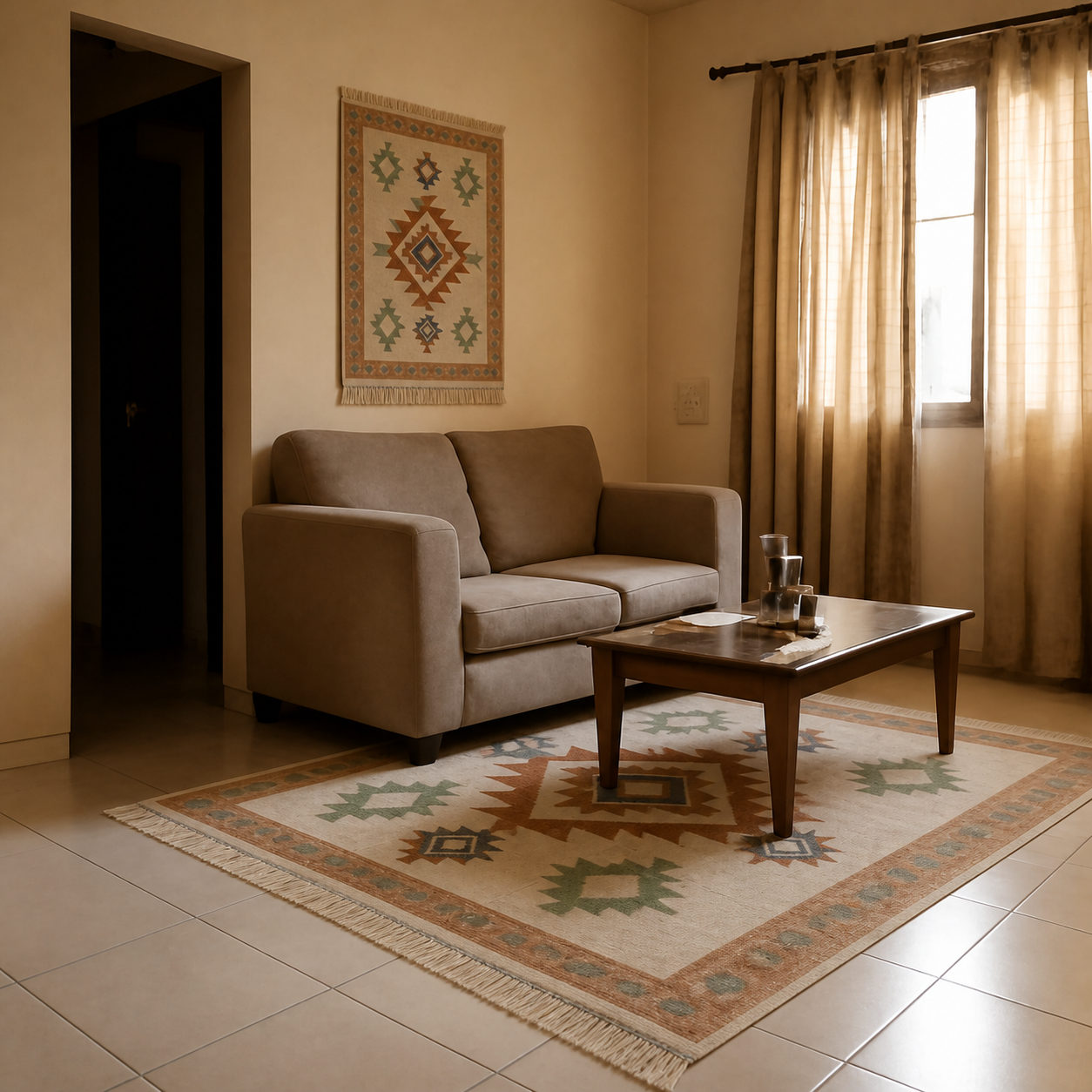
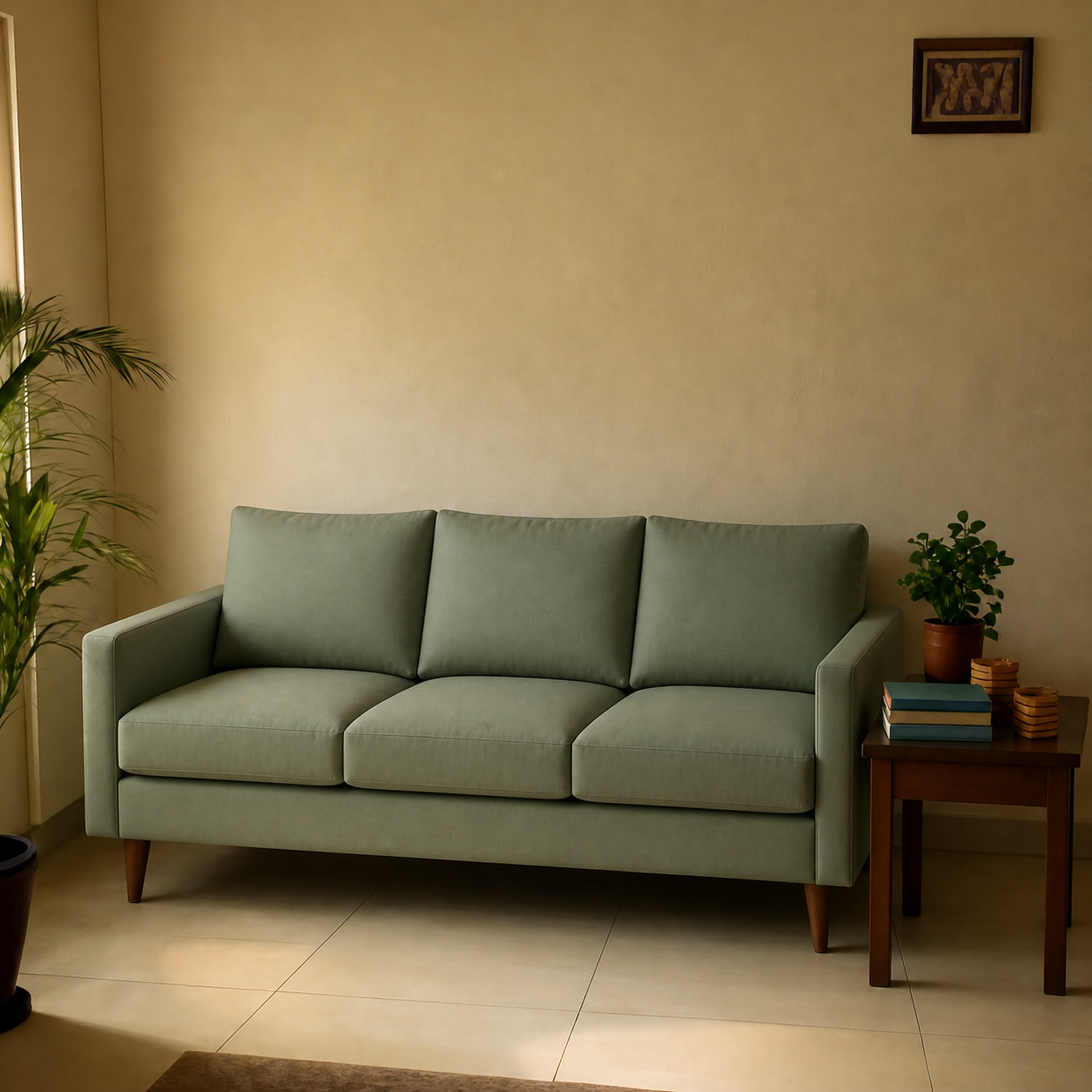
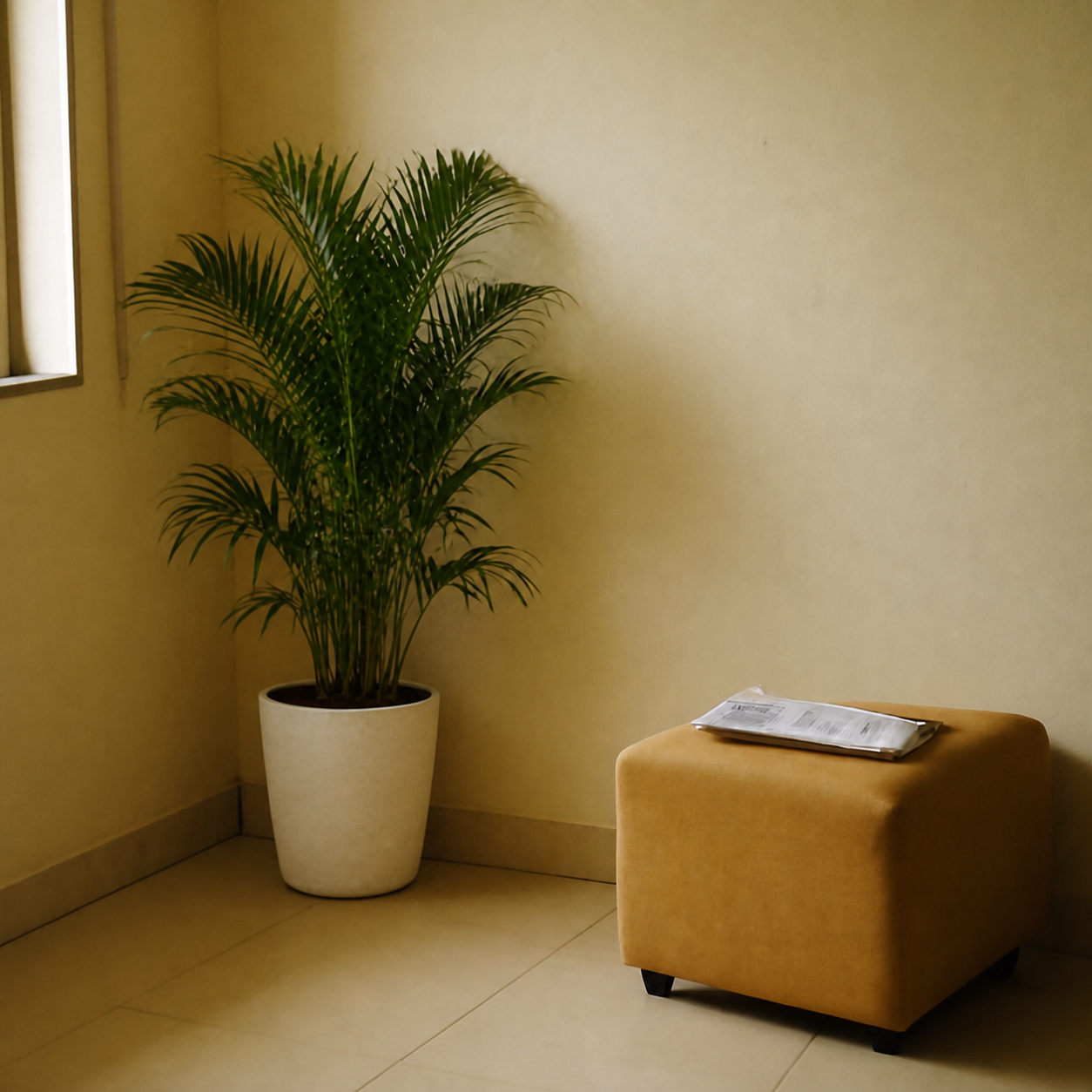
What a rug preview catches that a tape measure won't
- Solves the eternal "is 5x8 big enough?" question for under your coffee table
- Pattern and pile read truthfully against your floor, not a staged hardwood backdrop
- Catches color drift — what looks ivory in the listing can pull pink at home
- Compare a Persian-style overdye, a flatweave, and a neutral berber in the same room
How to preview yours
- 1Take a photo of the room or surface you want the product in. Phone cameras are fine — good light helps the result.
- 2Paste an Amazon, IKEA, Wayfair, or Pepperfry link — or upload the product image directly.
- 3PlopIt renders a photoreal preview in about 20 seconds. Drag the slider to compare before and after.
Free · no signup