PlopIt
Plop it before you shop it.
Try any product in your actual room before you buy it.
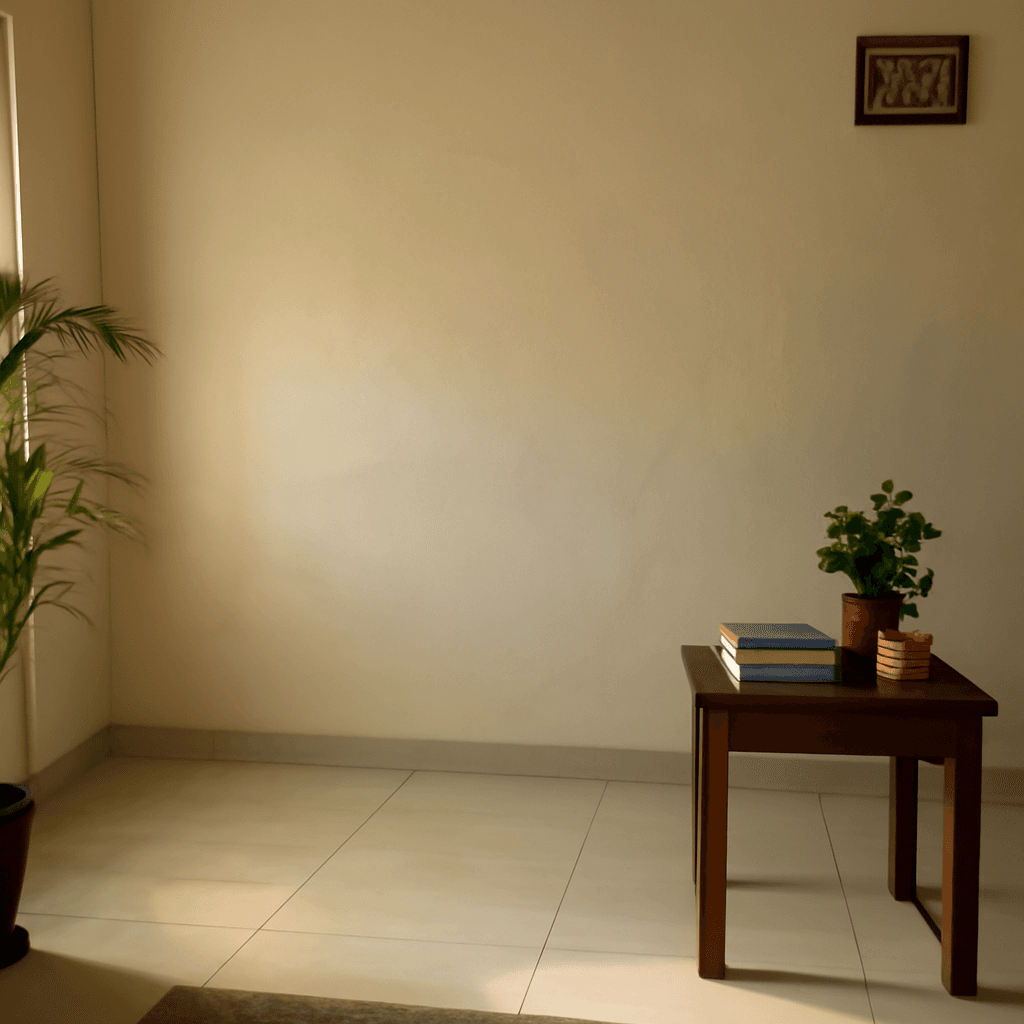
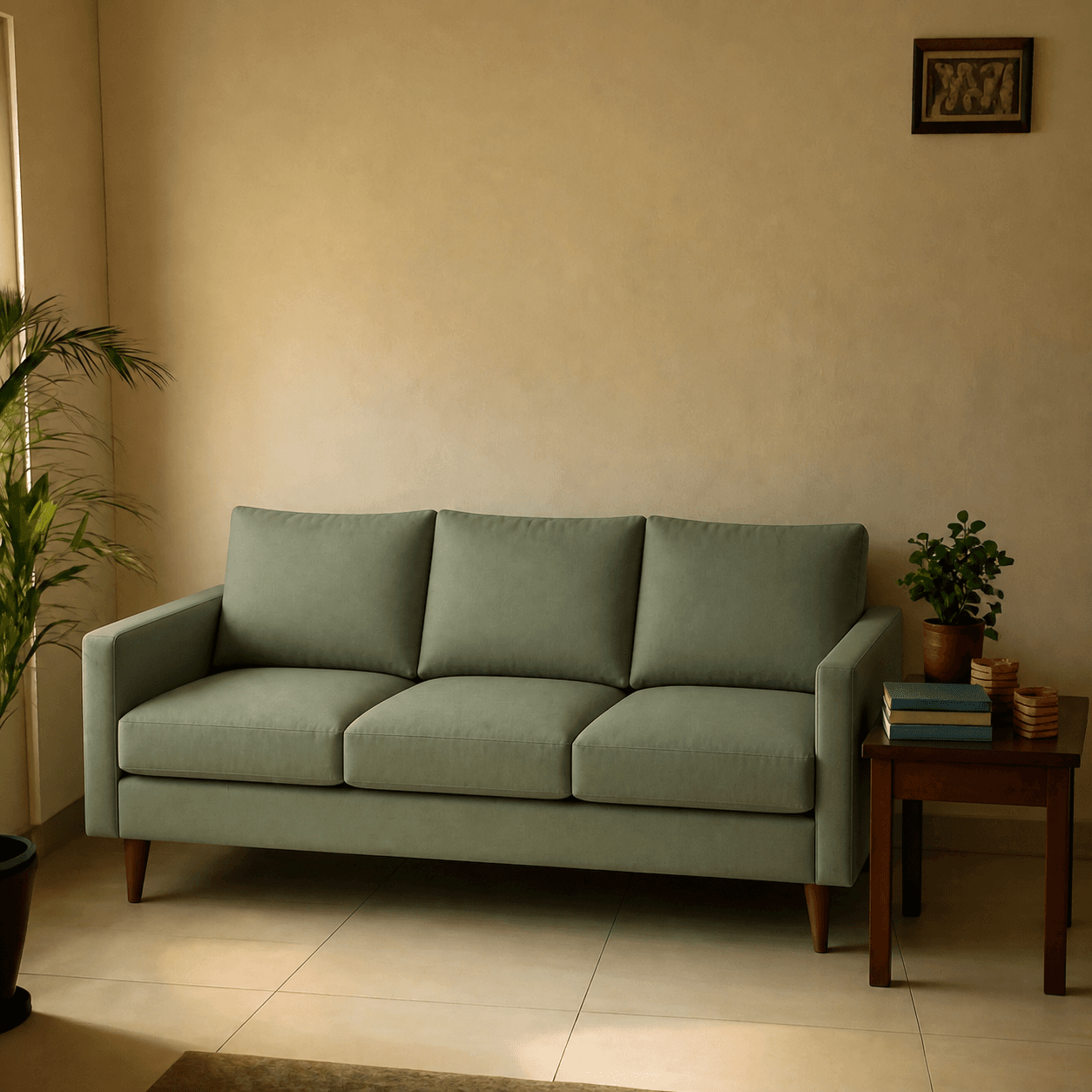
Free · No signup · No card
How it works
1. Snap your space
Take a photo of your wall, desk, balcony, phone, pet — anything.
2. Paste any link
Drop in a product URL from Amazon, Flipkart, Etsy, or wherever you shop.
3. See it in place
AI places the product into your scene at the right scale and lighting.
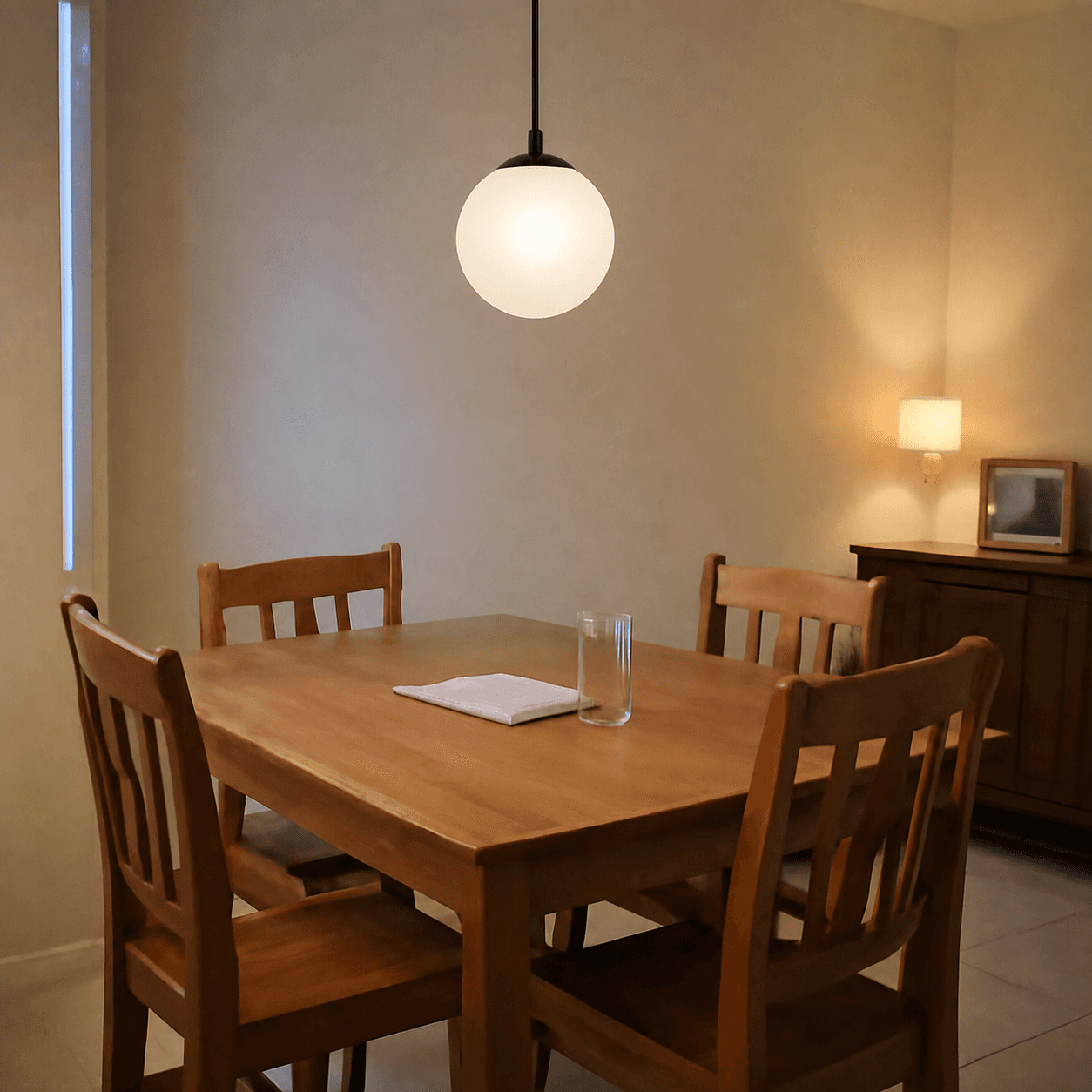
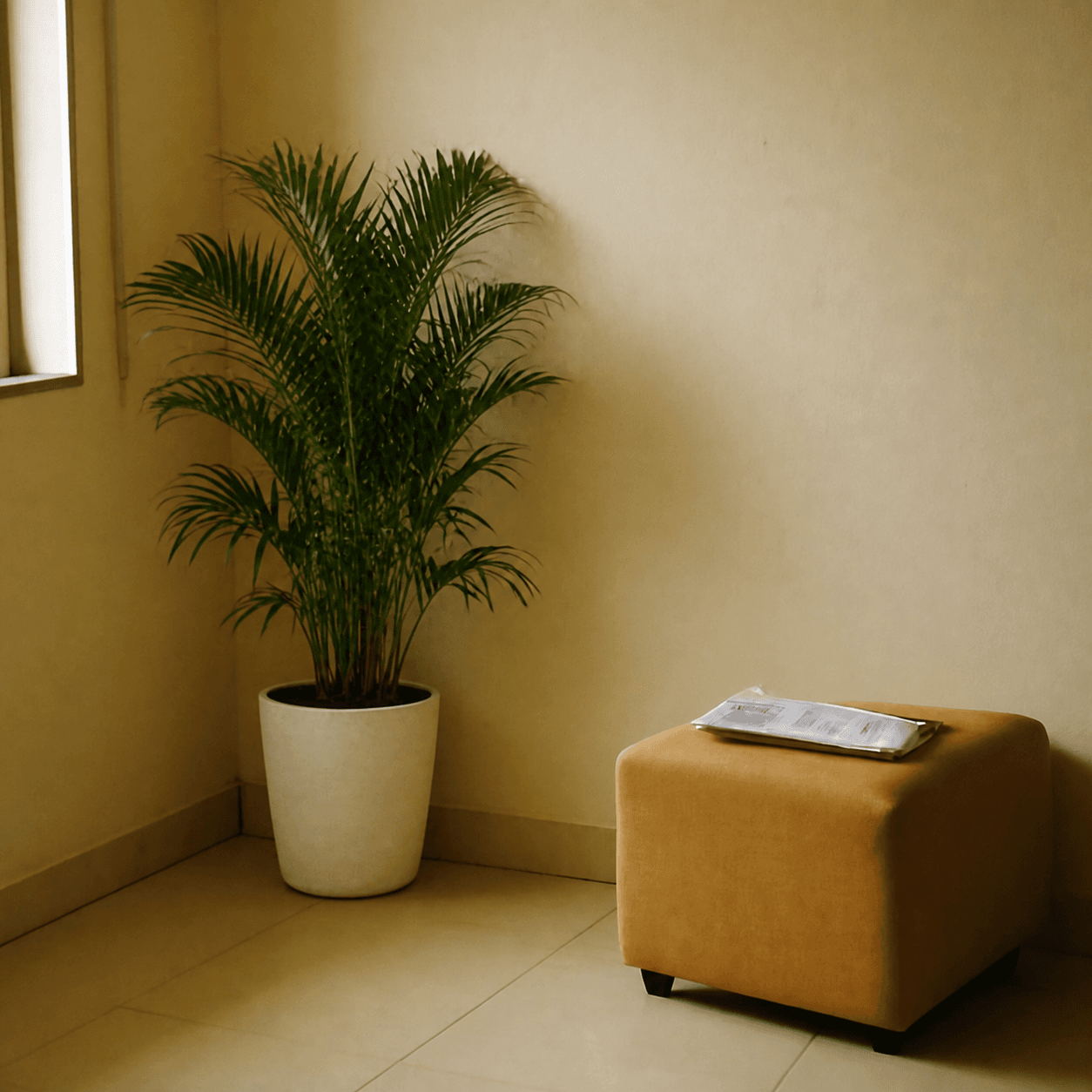
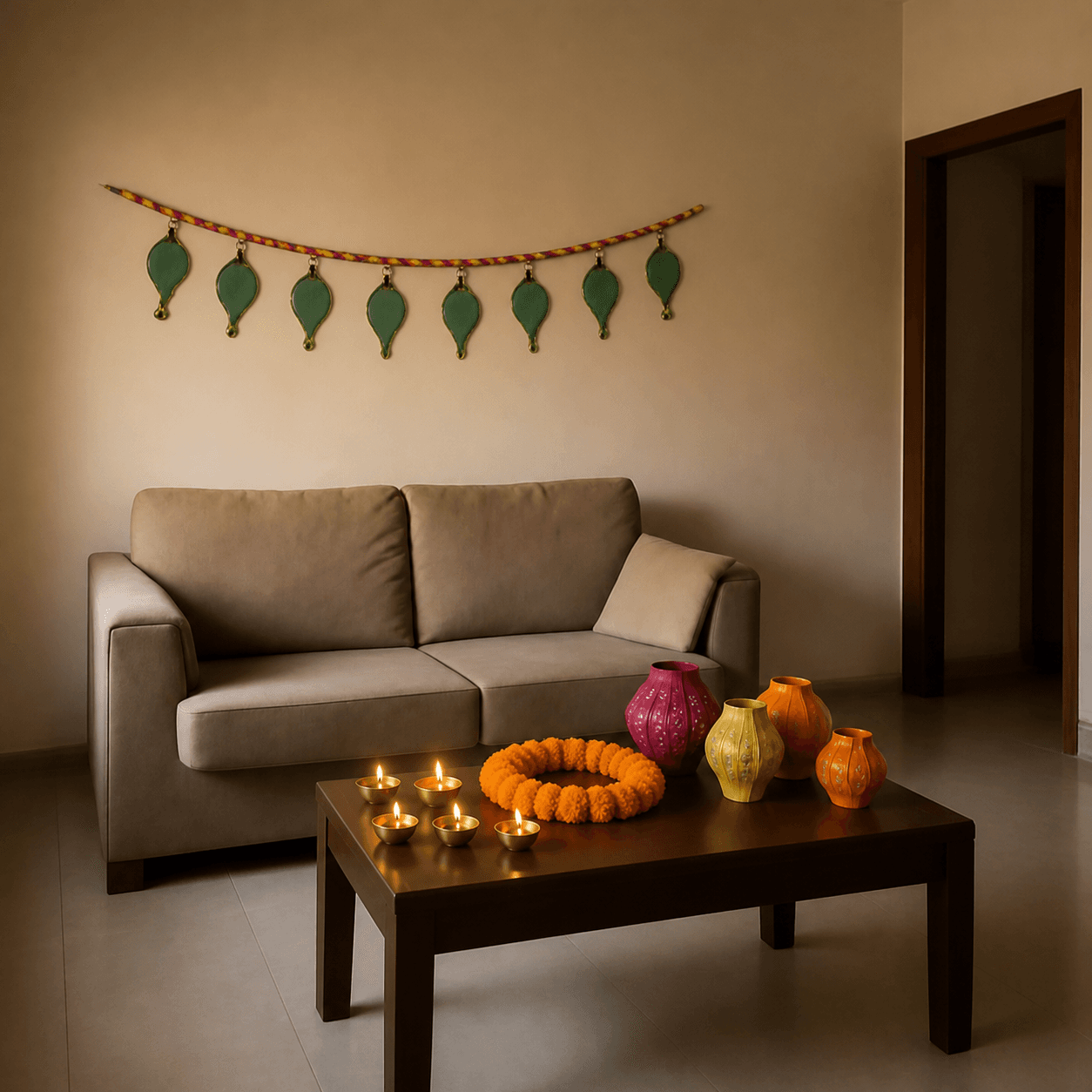
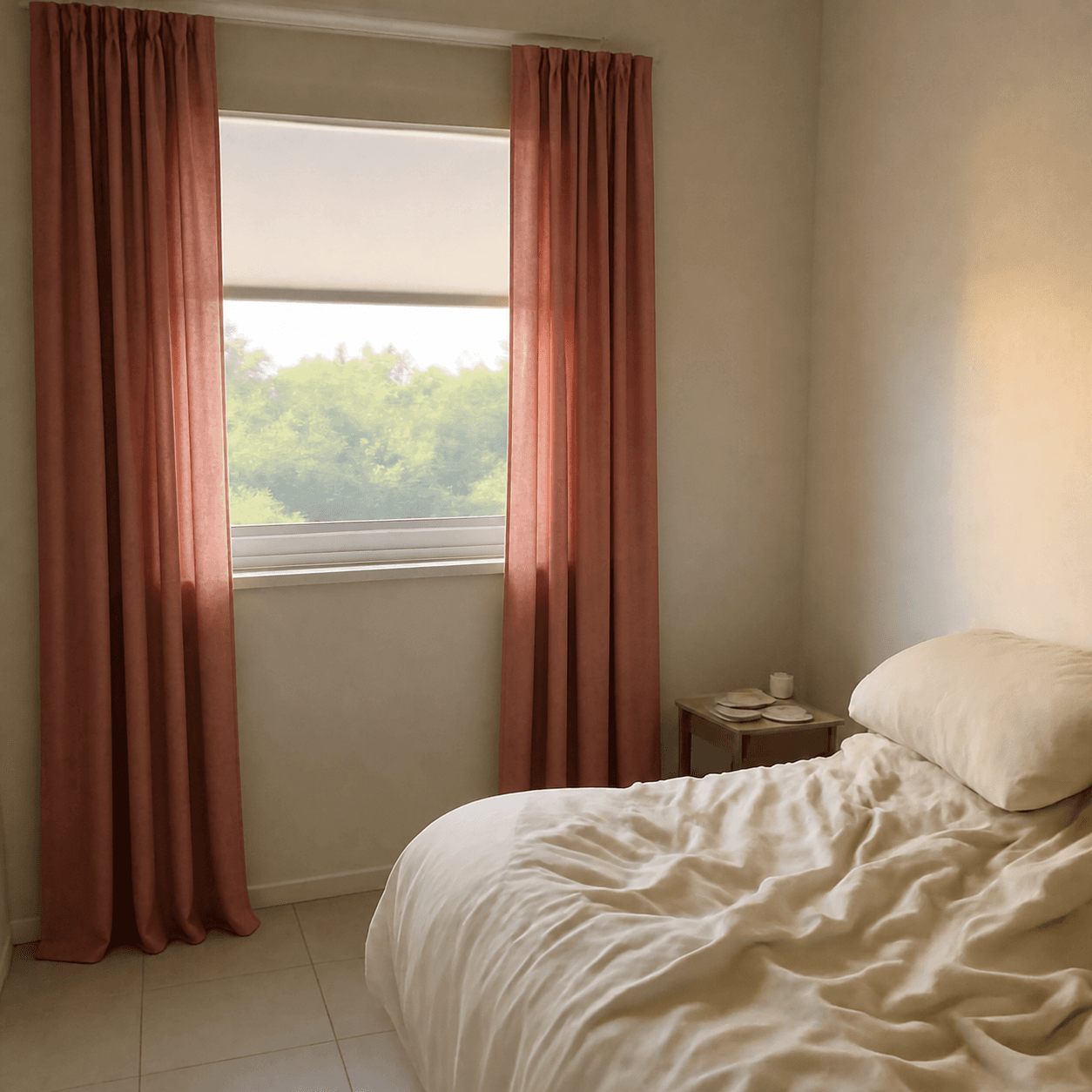
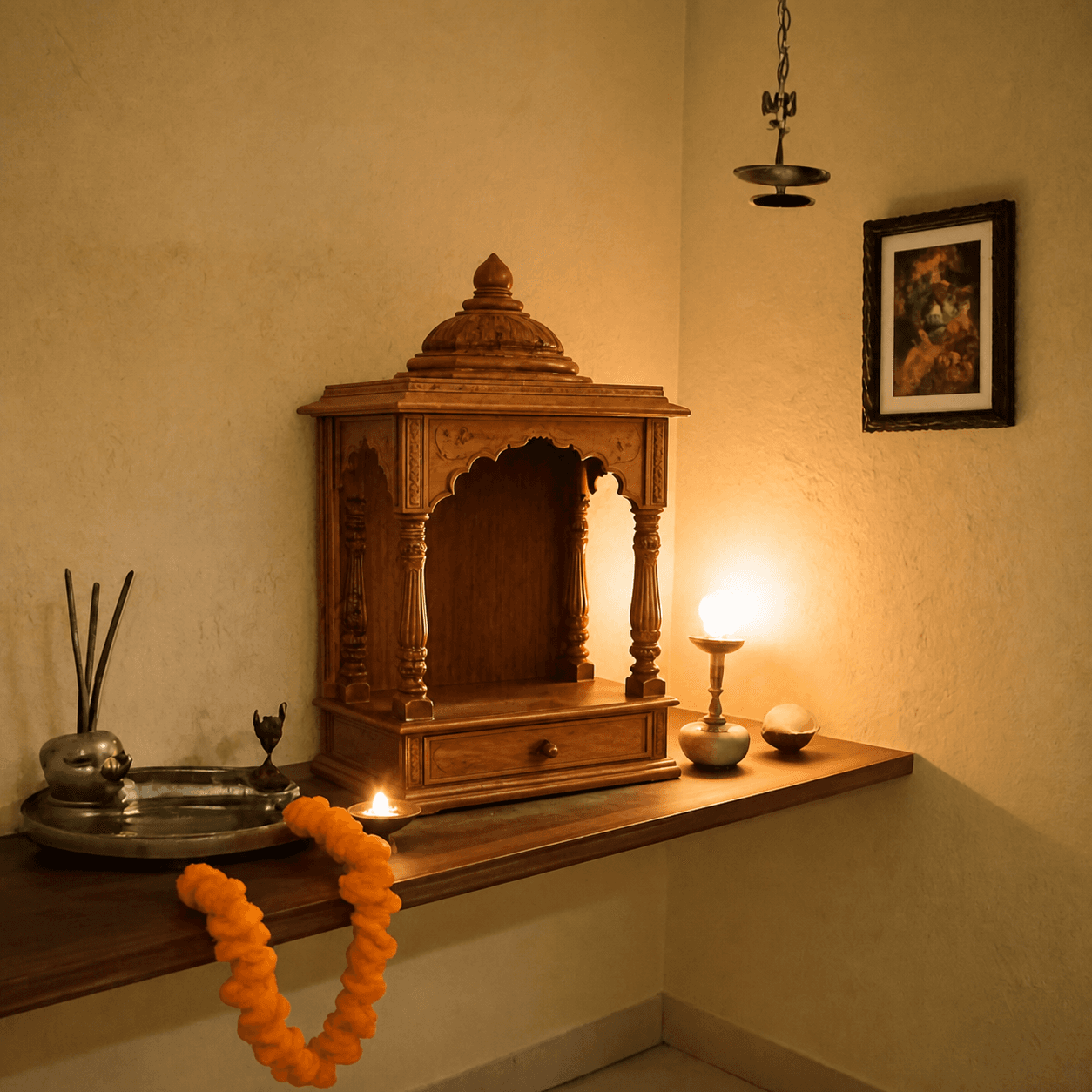
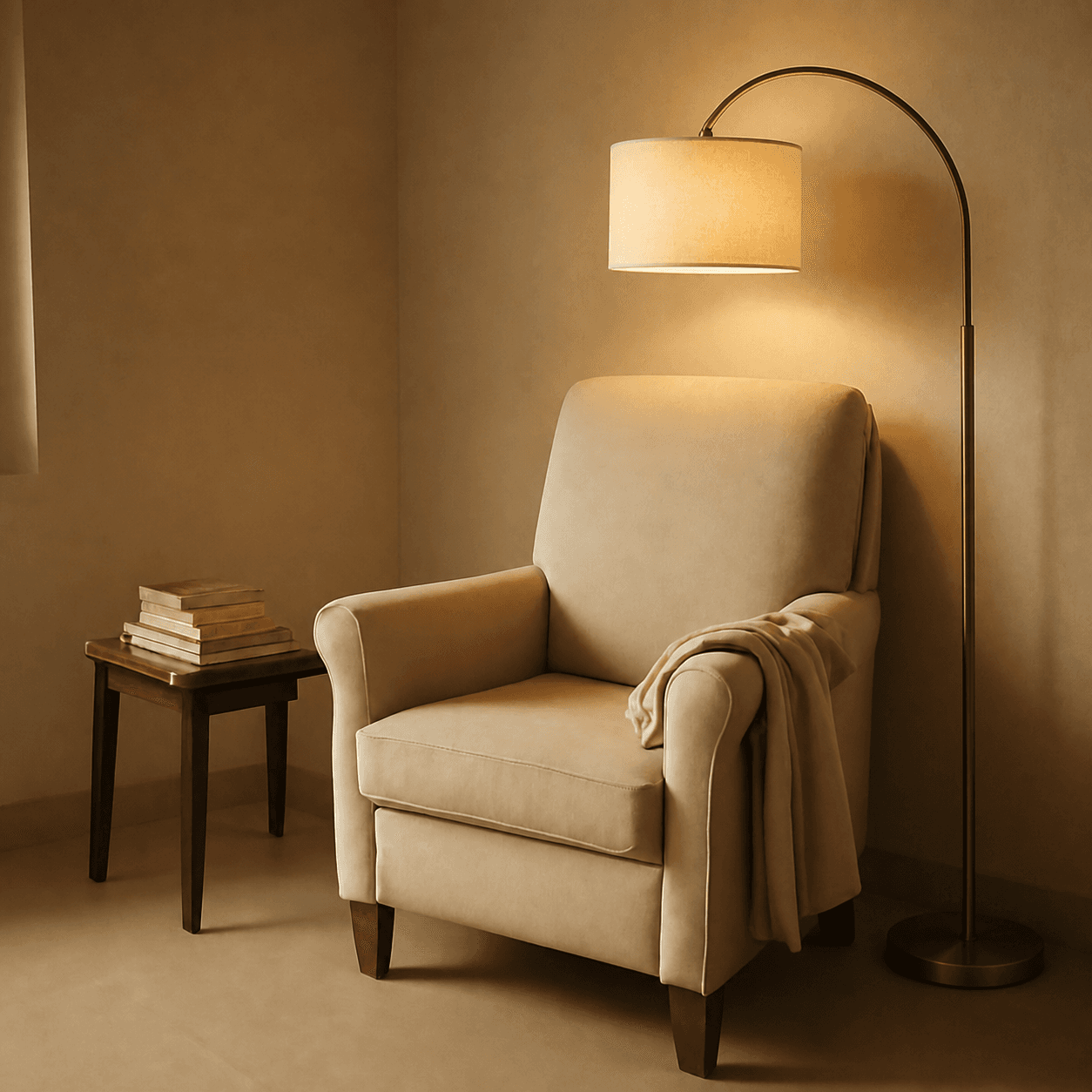
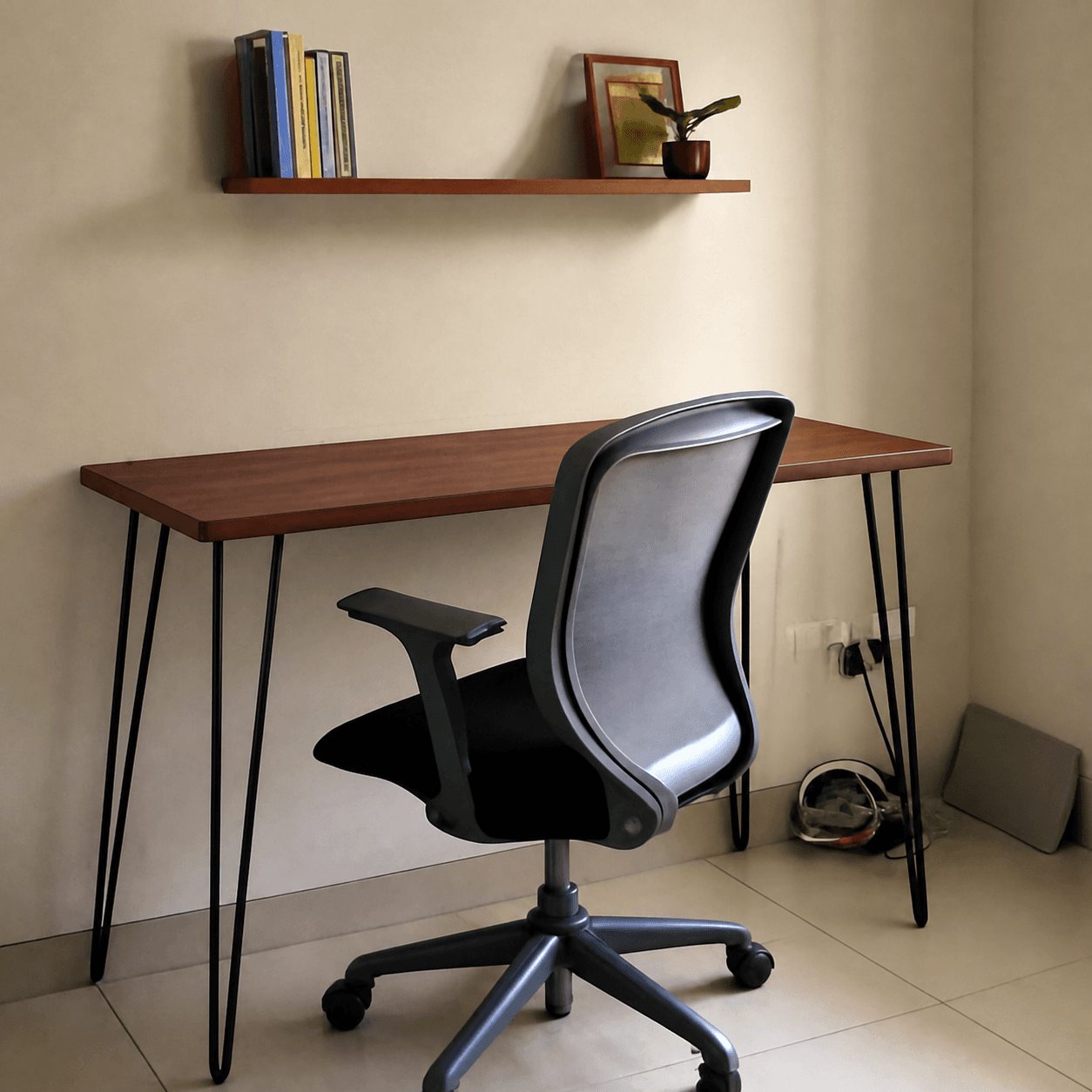
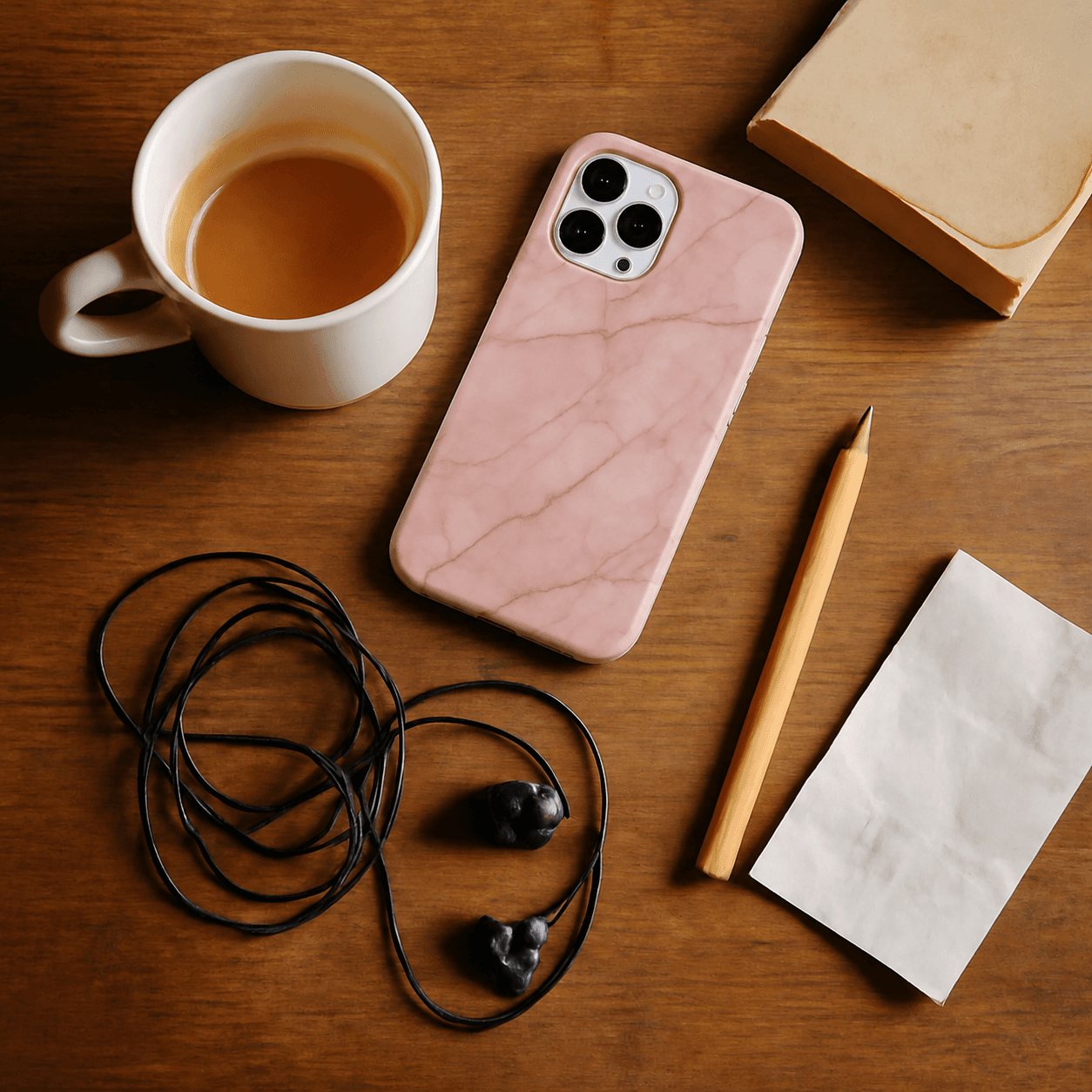
Works for anything
Drag a slider to compare — then try with your own.
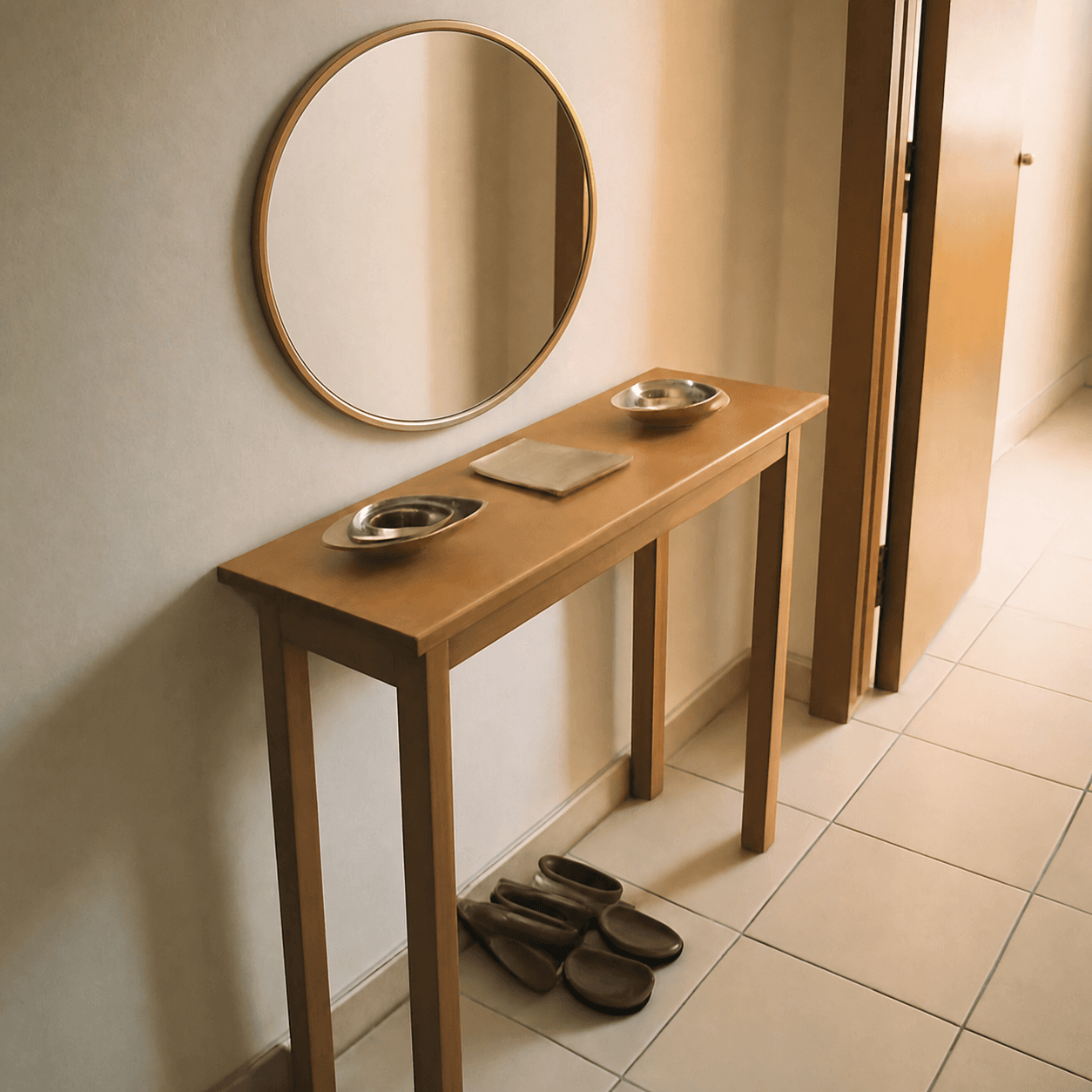
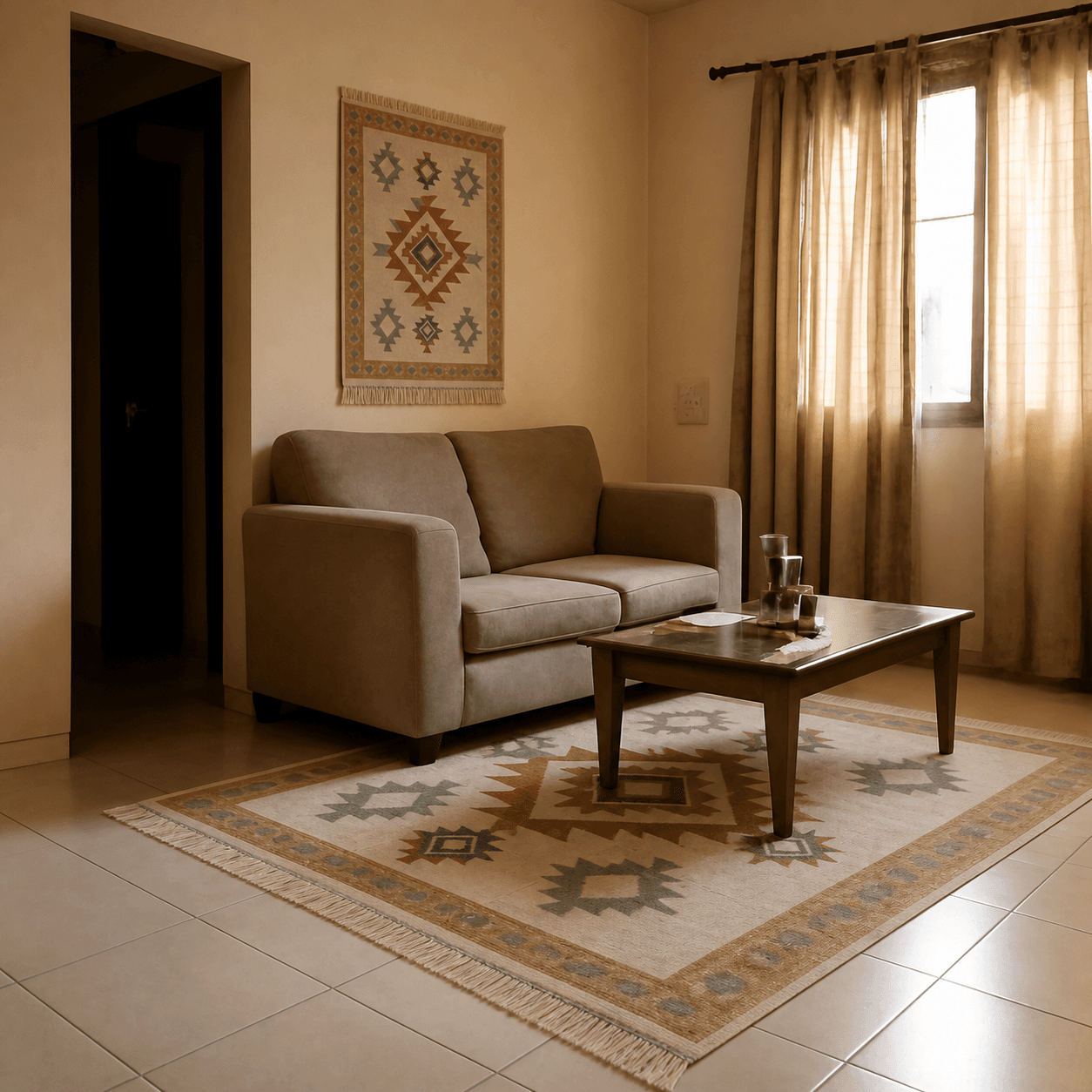


Try it now
Drop in your space and a product — or use a sample to see how it works.
Drop your space photo
Drag, click, or paste · JPG/PNG · max 10MB
Add your space photo to continue
Free shopping tools
Sizing, fit, and return-cost references for online shoppers — free, no signup.
Read before you buy
Honest guides on previewing furniture and decor in your real room.
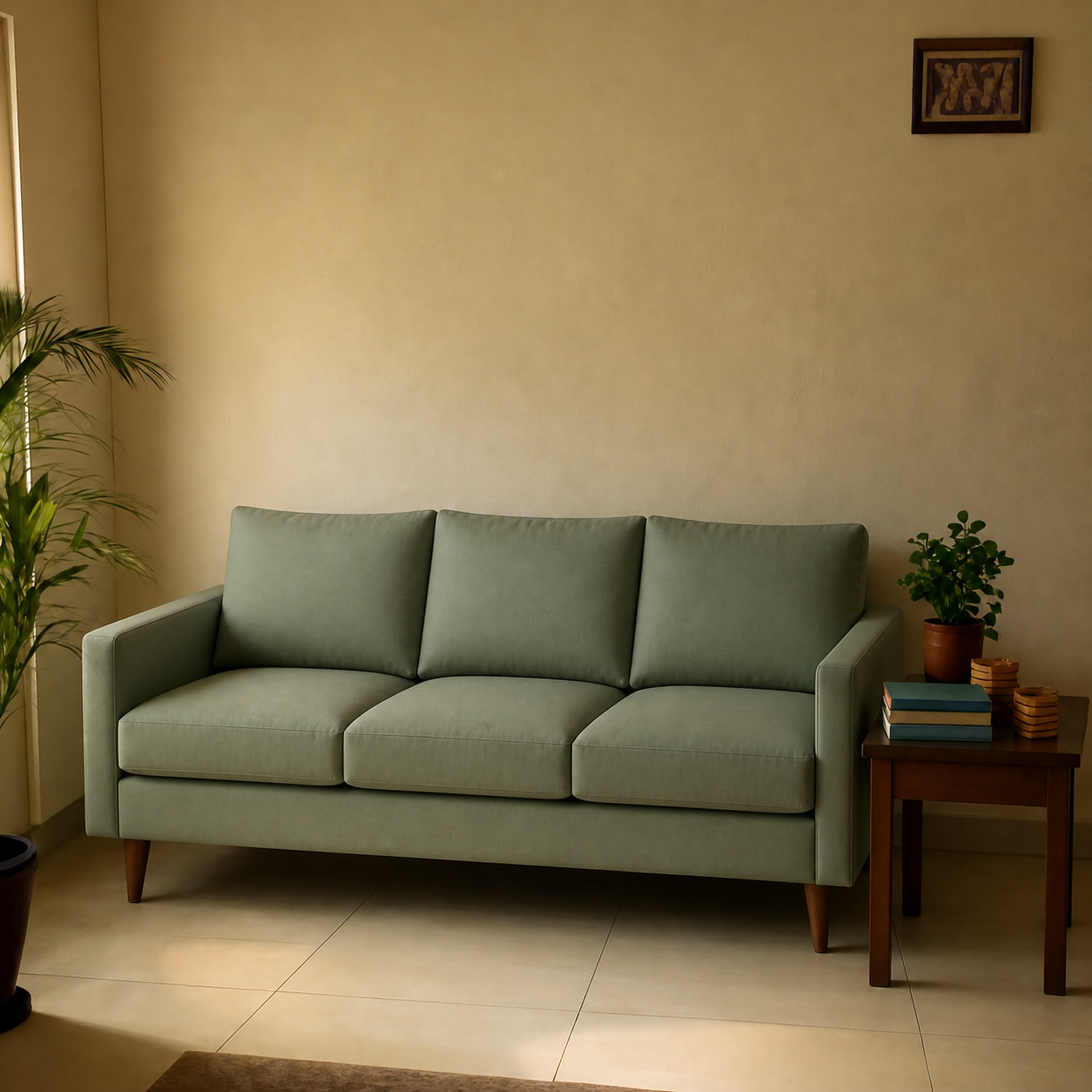
Is it safe to upload room photos to an AI tool?
Uploading a photo of your room to an AI tool is reasonably safe with three checks: a retention policy that deletes uploads, a clear stance against training on user data, and the ability to request deletion. Plus practical precautions like stripping metadata and framing people out.
How accurate are AI room visualizers for scale and lighting?
AI room visualizers are accurate within ~5% on scale and match lighting direction correctly for most rooms — when the room photo has clear references like a doorway or existing furniture. Empty rooms and close-up wall shots produce less reliable results. Here is what to expect.
How to Test a Paint Colour, a Sofa, and a Rug Together Before Buying Anything
Testing paint, sofa, and rug together is how you avoid the Frankenstein-room problem — three pieces that each looked great alone and clash the moment they share a wall. The right workflow is to preview all three combinations in your real room first, narrow to two or three, then commit.