Plant visualizer — see a plant in your room first
Fiddle leaf, monstera, or olive — at the actual size you're buying.
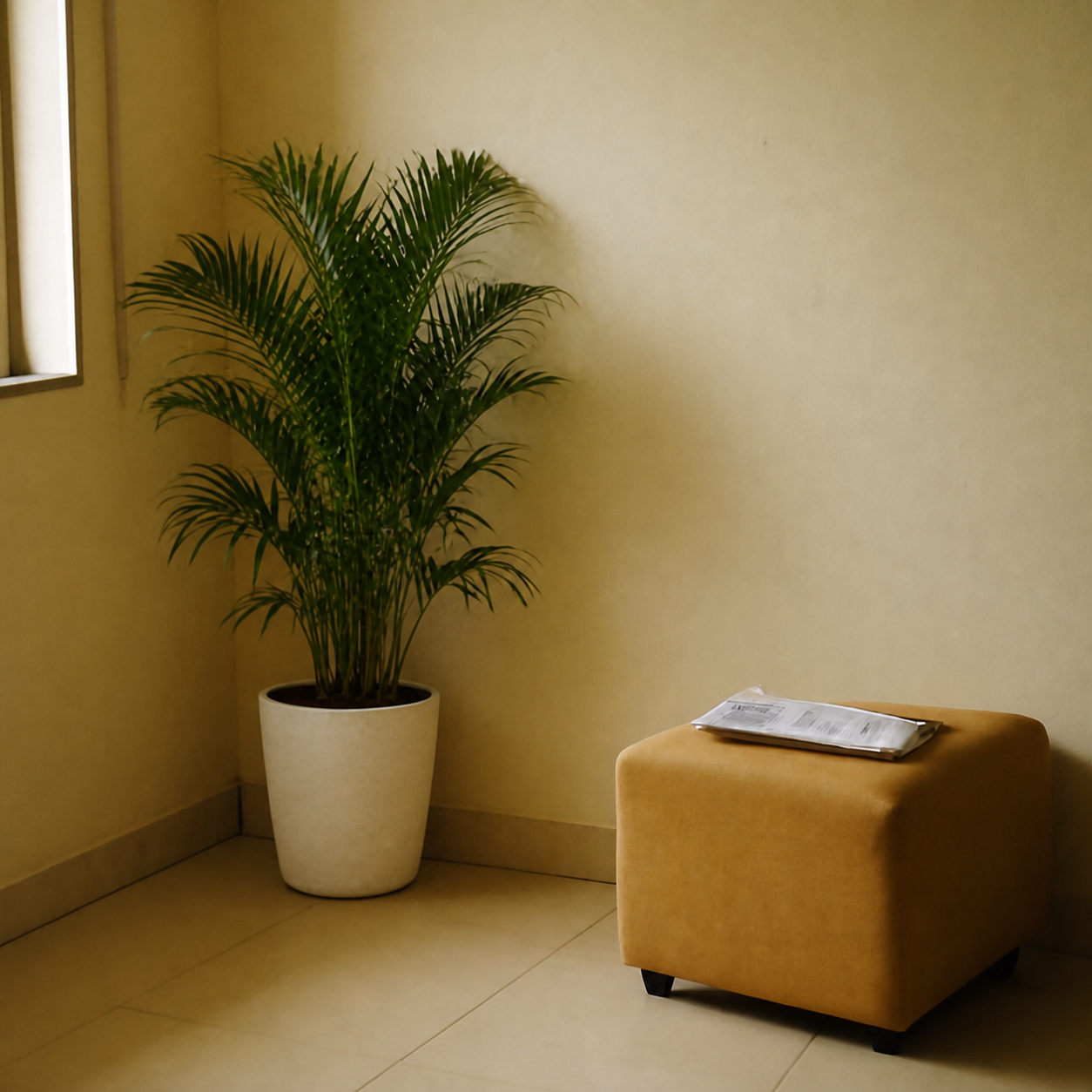
Online plant listings sell a fiddle leaf the way furniture sites sell sectionals — in a brightly lit room with nothing else in the frame. The plant you actually receive is shorter, sparser, and lives next to your TV, not in a 12-foot stylist's studio. The bigger trap: corner plants are bought to fill space, and an under-sized one fills none of it. PlopIt places the plant at the exact height you're ordering (a 6-foot fig and a 3-foot one are completely different objects) in your actual corner. You see whether it reads as a piece of furniture or as a houseplant on a shelf, and whether the pot's color fights or works with the wall behind it.
Examples
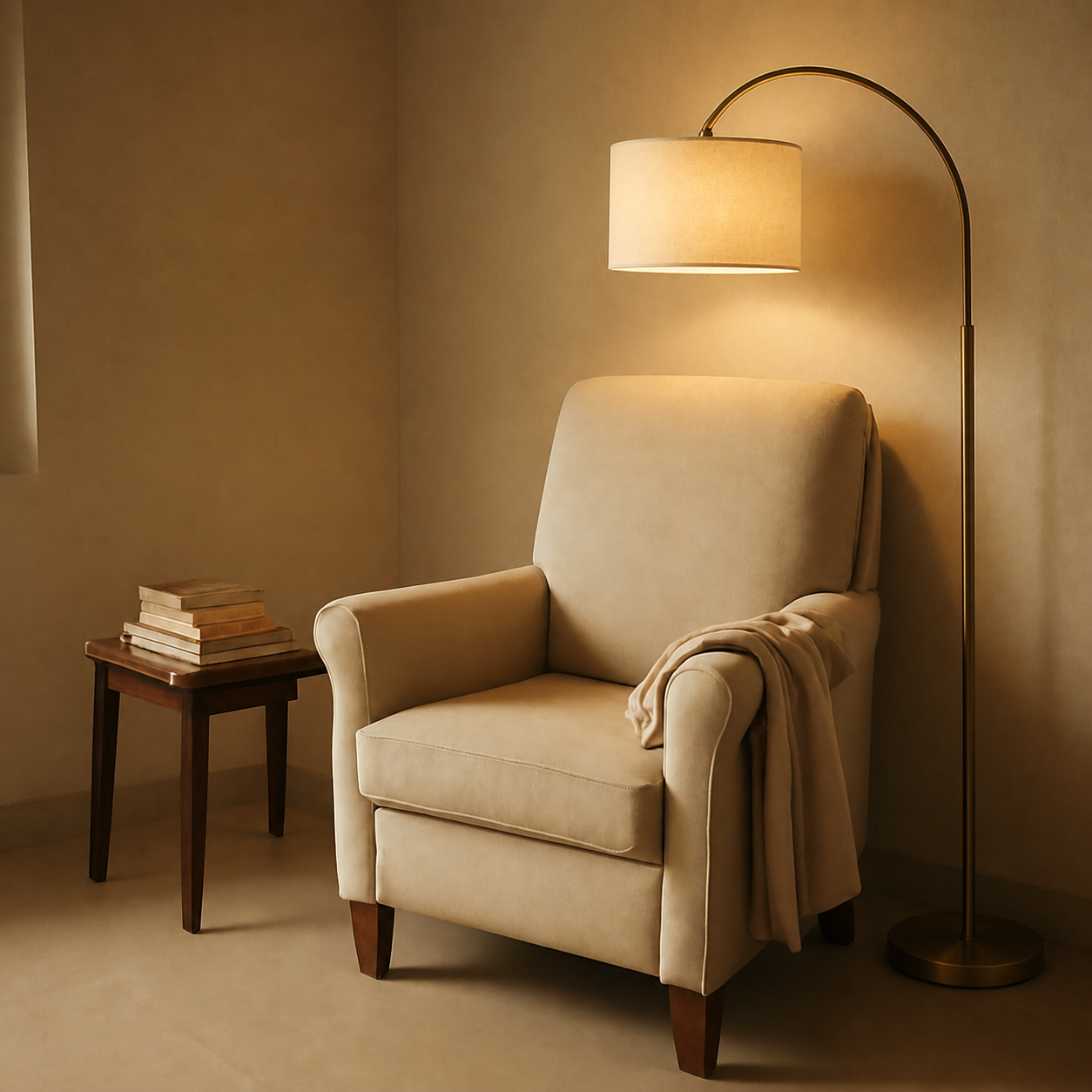
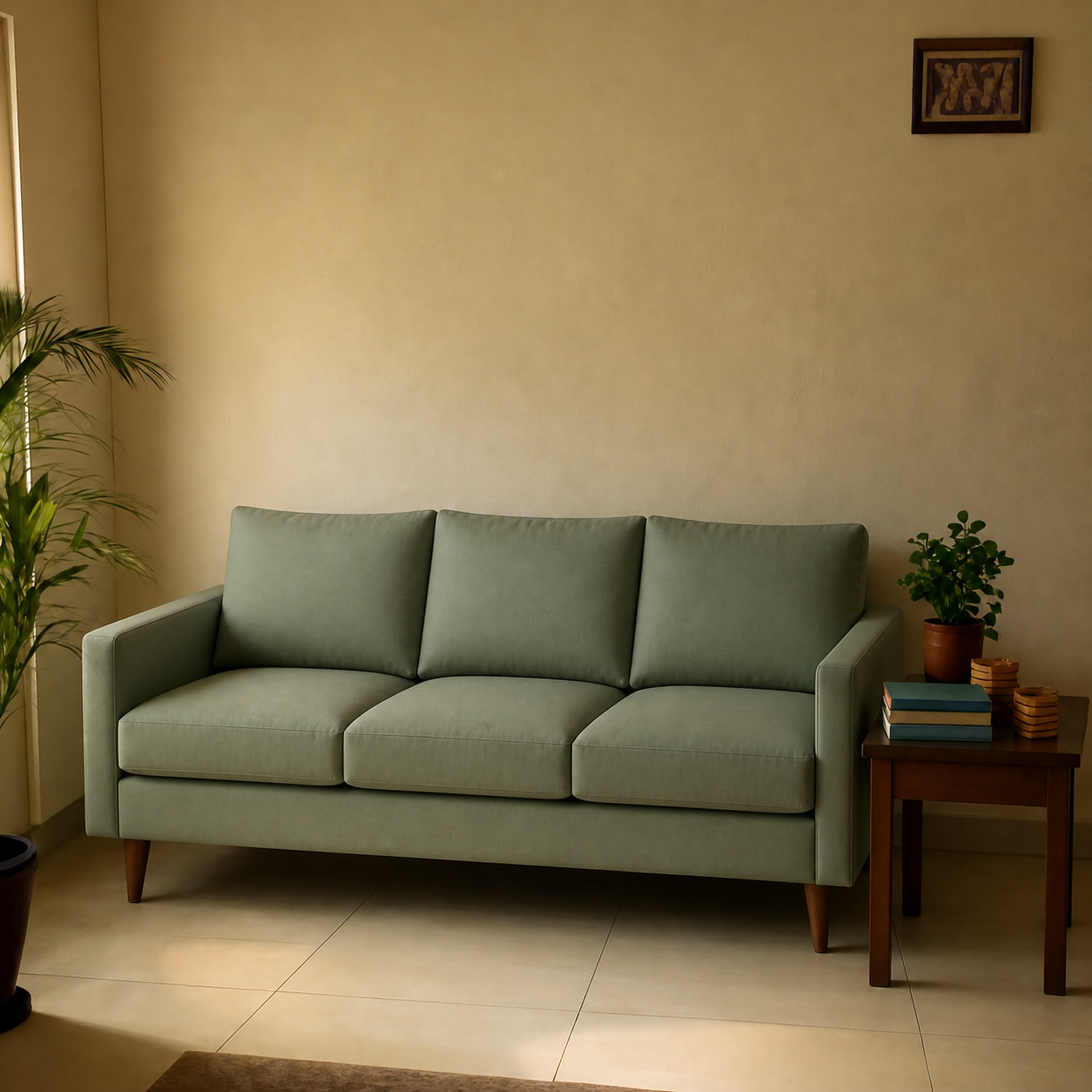
Each preview below is real — generated by PlopIt from a room photo and a product image. Tap to see the full before/after.
What a plant preview catches
- Catches the tiny-plant-in-the-big-corner mistake every renter has made
- Pot color and planter style shown against your real wall and floor
- Compare a fiddle leaf fig, a monstera, and an olive tree in the same corner
- Light direction is preserved — the plant casts a shadow that matches the room
How to preview yours
- 1Take a photo of the room or surface you want the product in. Phone cameras are fine — good light helps the result.
- 2Paste an Amazon, IKEA, Wayfair, or Pepperfry link — or upload the product image directly.
- 3PlopIt renders a photoreal preview in about 20 seconds. Drag the slider to compare before and after.
Free · no signup