Preview a desk in your home office
Desks fail in two ways online — width that doesn't match the wall it's against, and a wood tone that fights the rest of the room. PlopIt drops the exact desk into your home office photo so both checks happen before the box arrives.
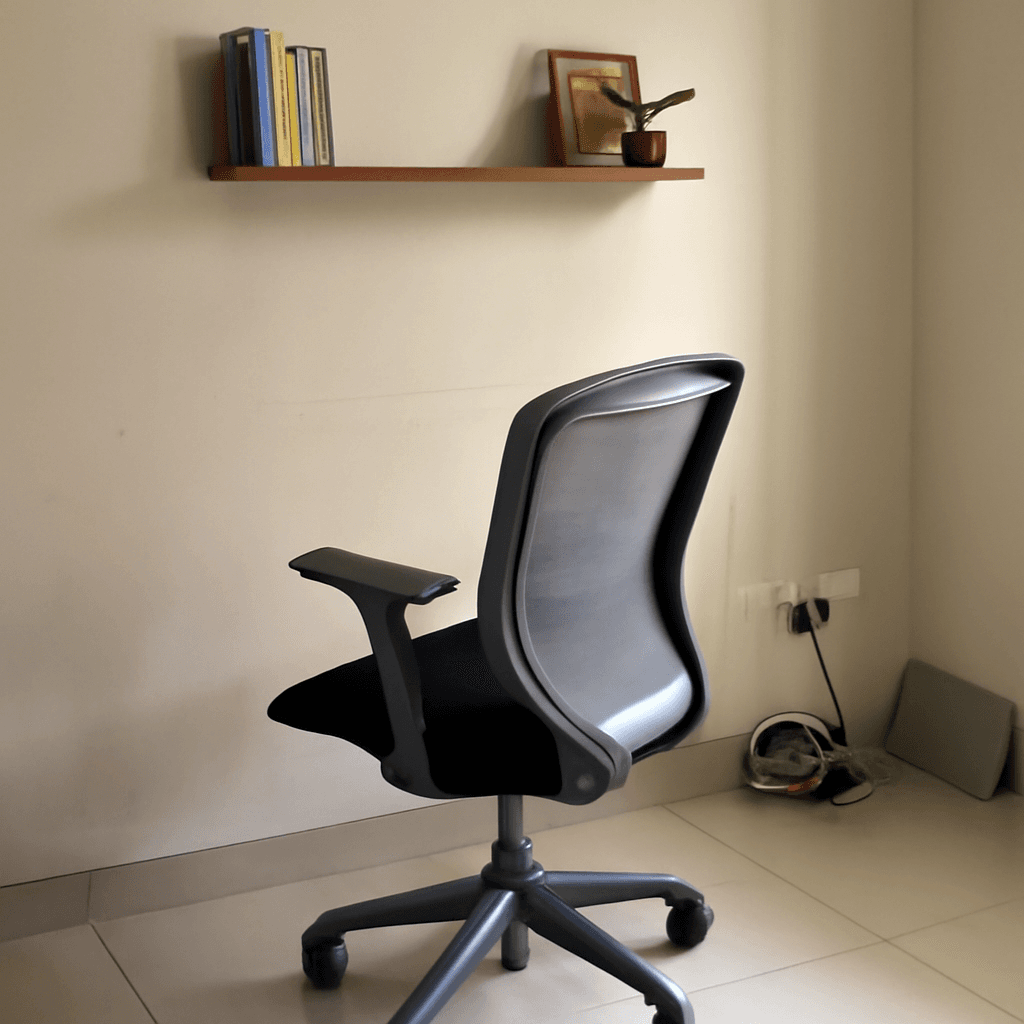
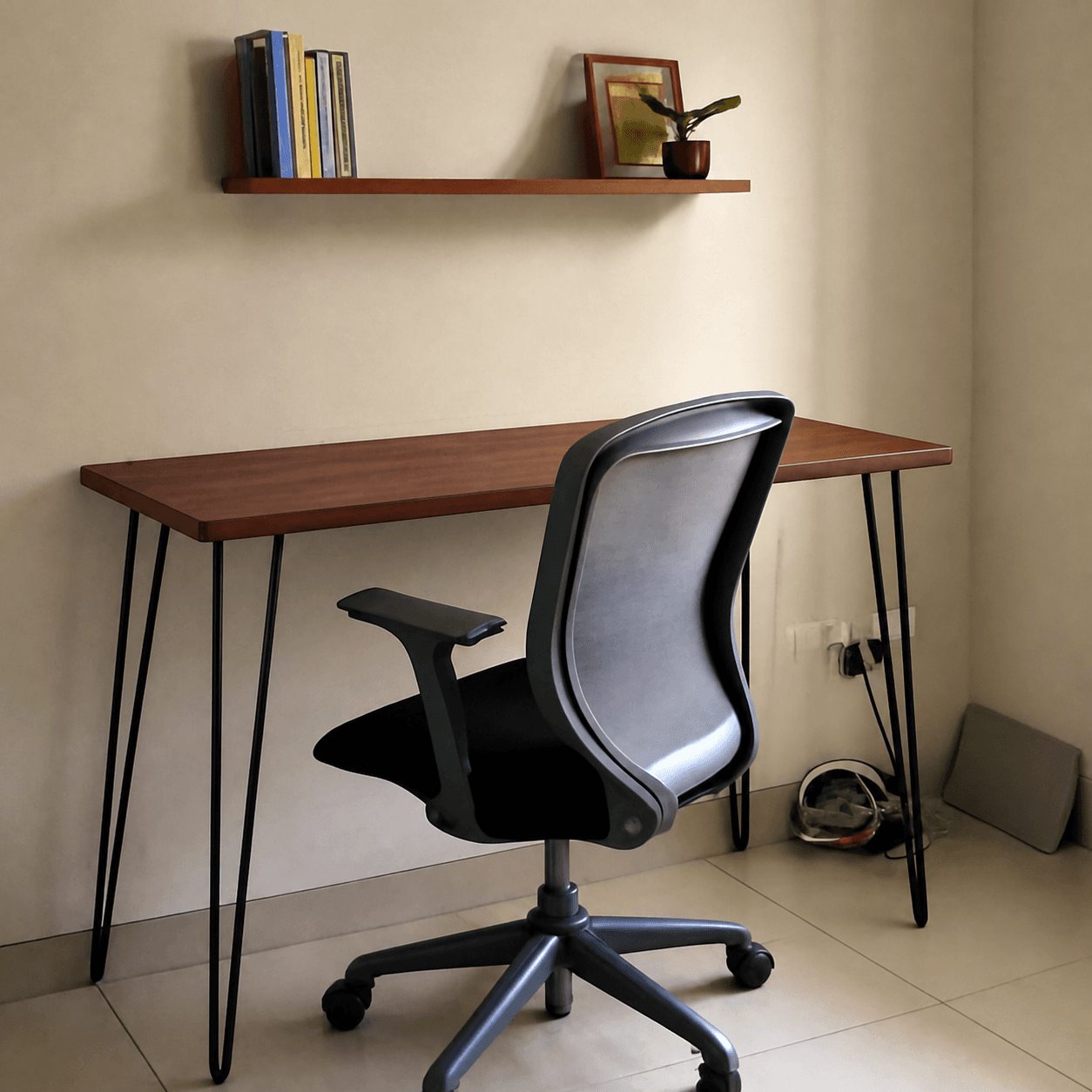
What this preview is solving
- Width and depth against your actual wall
- Walnut vs. oak vs. white reads differently in your light
- Try L-shape vs. straight before committing
How to try this with your own room
- 1Snap a photo of your space — phone camera is fine. Good light helps.
- 2Paste an Amazon link or upload the product image you're considering.
- 3PlopIt drops the product into your room at the right scale and lighting.
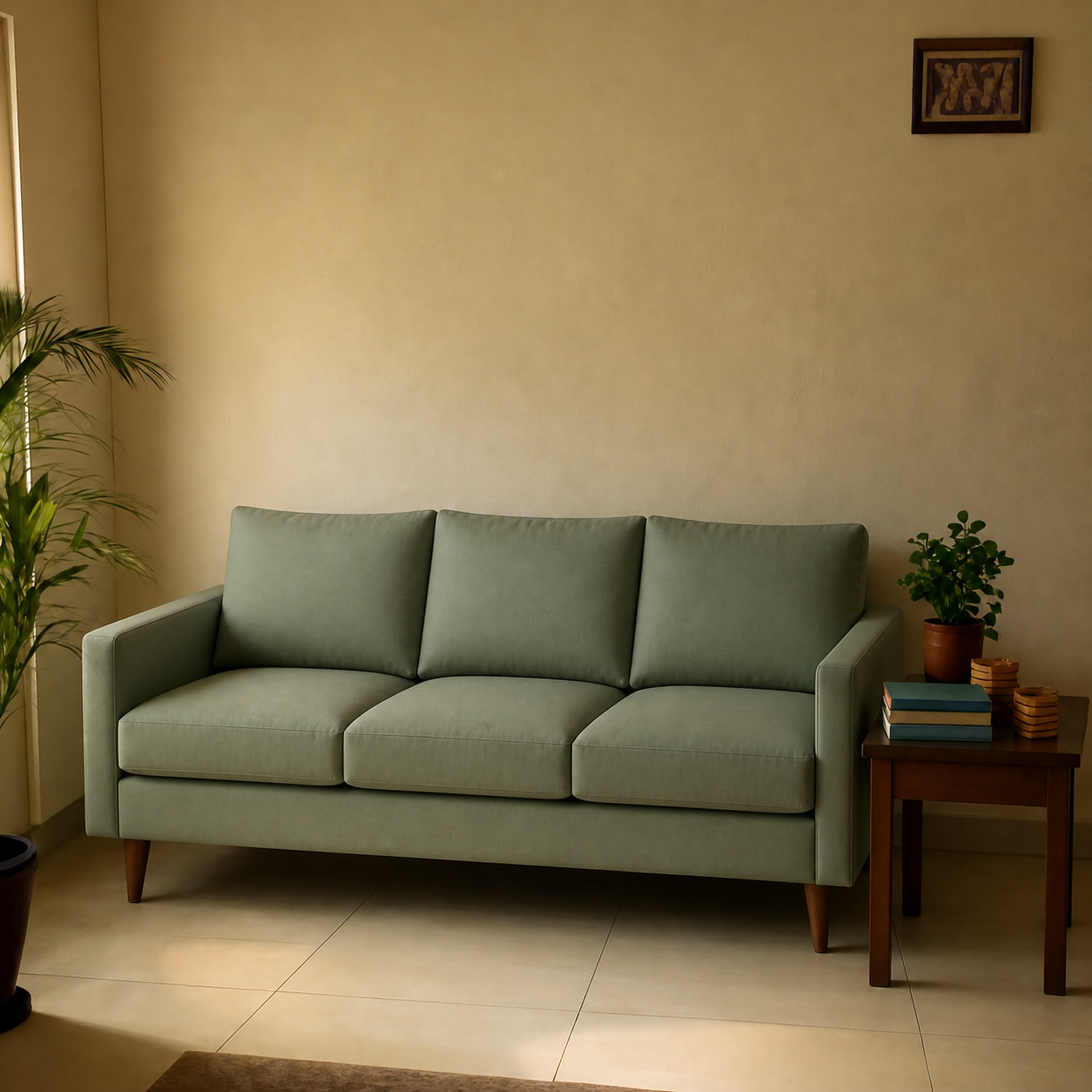
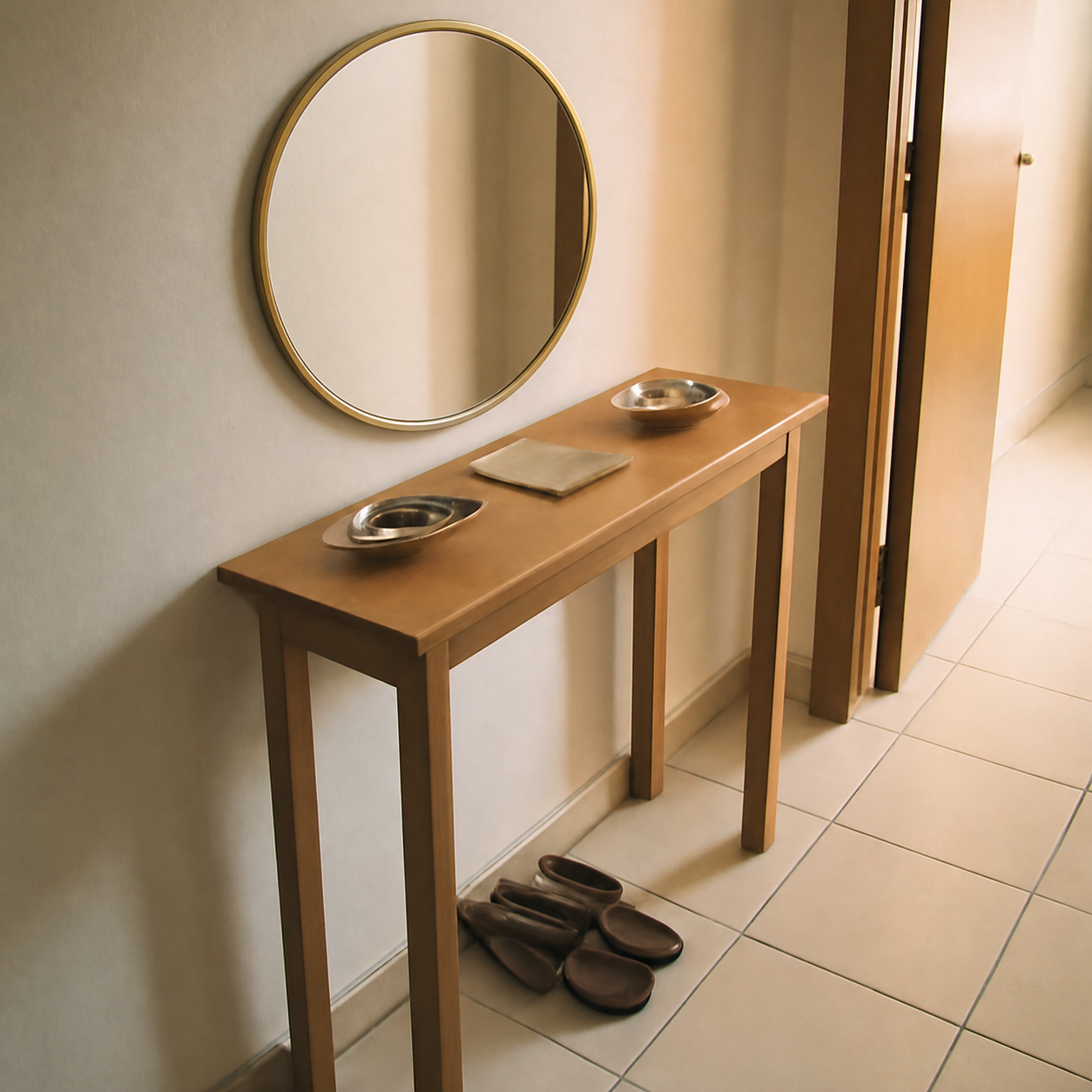
Other demos to explore
Frequently asked questions
What size desk do I need for a home office?
A 48-inch wide desk fits a laptop plus a monitor; 60 inches gives room for dual monitors and a notebook; 72 inches is L-shape territory or a full setup with peripherals. Depth of 24-30 inches is the practical range — anything shallower than 24 puts the monitor too close to your face. Measure your wall first, then size down.
L-shaped desk vs. straight desk — which is better?
L-shaped desks give more usable surface and a natural secondary zone for paperwork or a second monitor, but they commit a corner of the room. Straight desks are more flexible to reposition and feel less heavy in smaller rooms. If your office doubles as a guest room or another function, a straight desk is usually the more livable pick.
Should I get a standing desk or a regular desk?
Standing desks are worth it if you'll actually use the standing function — most people who buy them end up leaving them at sitting height. If you've used one at an office and missed it, get one. If you're just curious, a standing desk converter that sits on top of a regular desk is a cheaper way to test before committing.
Can I see how a desk will look in my home office before buying?
Yes — upload a photo of the office wall and the desk's product image or Amazon link to PlopIt. The preview shows wood tone, width, and how it sits relative to your wall and surrounding furniture. Particularly useful for catching the "this walnut is more orange than I thought" mismatch.