Desk visualizer — see a desk in your home office
Width against the wall, wood tone in your light — both judged in advance.
Desks fail online in two ways. The first is width: a 55-inch top that looked roomy in the listing can swallow a wall under a window, or fall a hand-span short of an alcove that needed a 60. The second is finish: walnut, oak, and the various "oak-effect" laminates all photograph nearly the same in studio light, and look obviously different in a real home office. PlopIt previews the exact desk — from any Amazon, IKEA, Pepperfry, or Wayfair link — against your actual wall, so width and finish are both judged before the box arrives. L-shapes, straight desks, and standing-height options all preserve correct perspective.
Examples
Each preview below is real — generated by PlopIt from a room photo and a product image. Tap to see the full before/after.
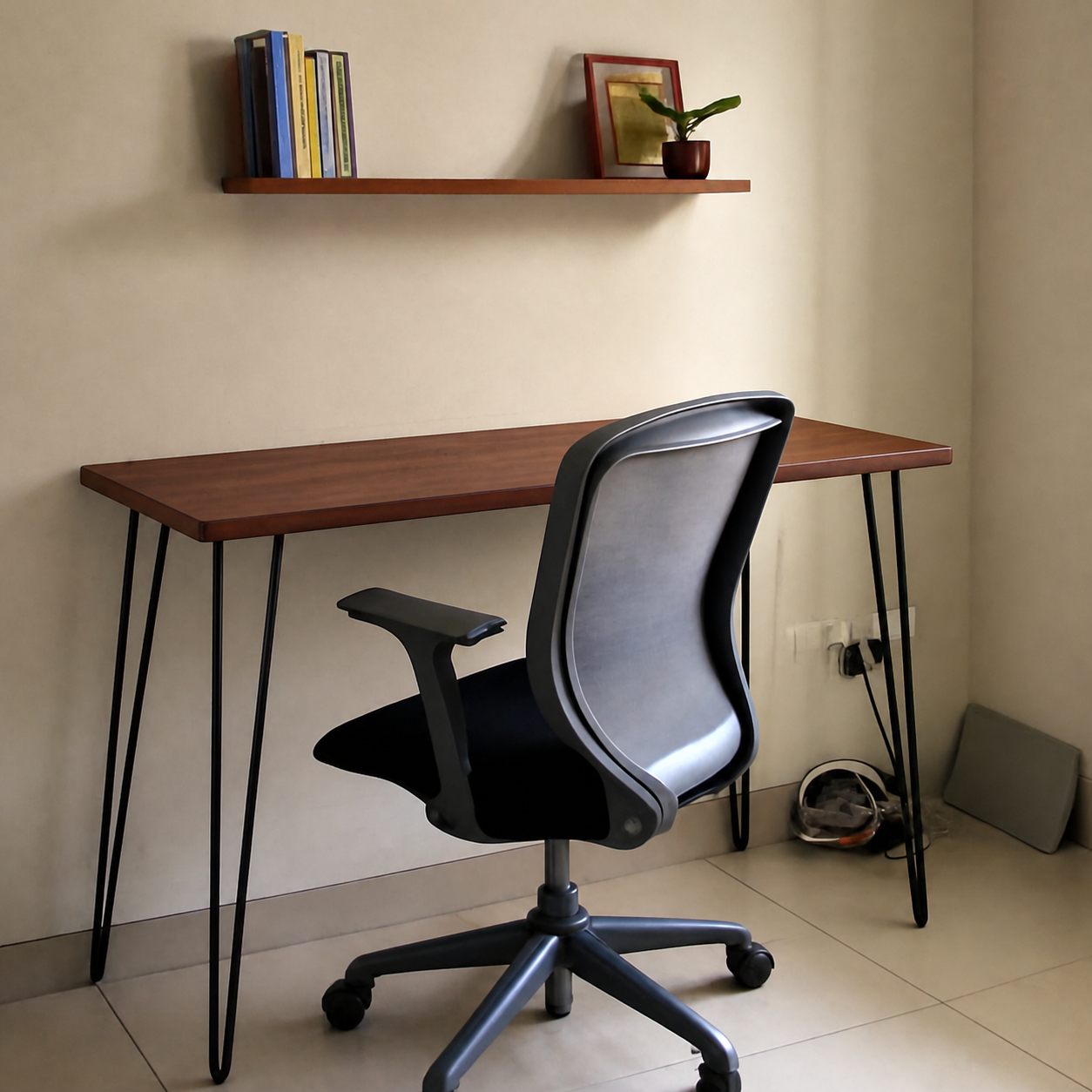
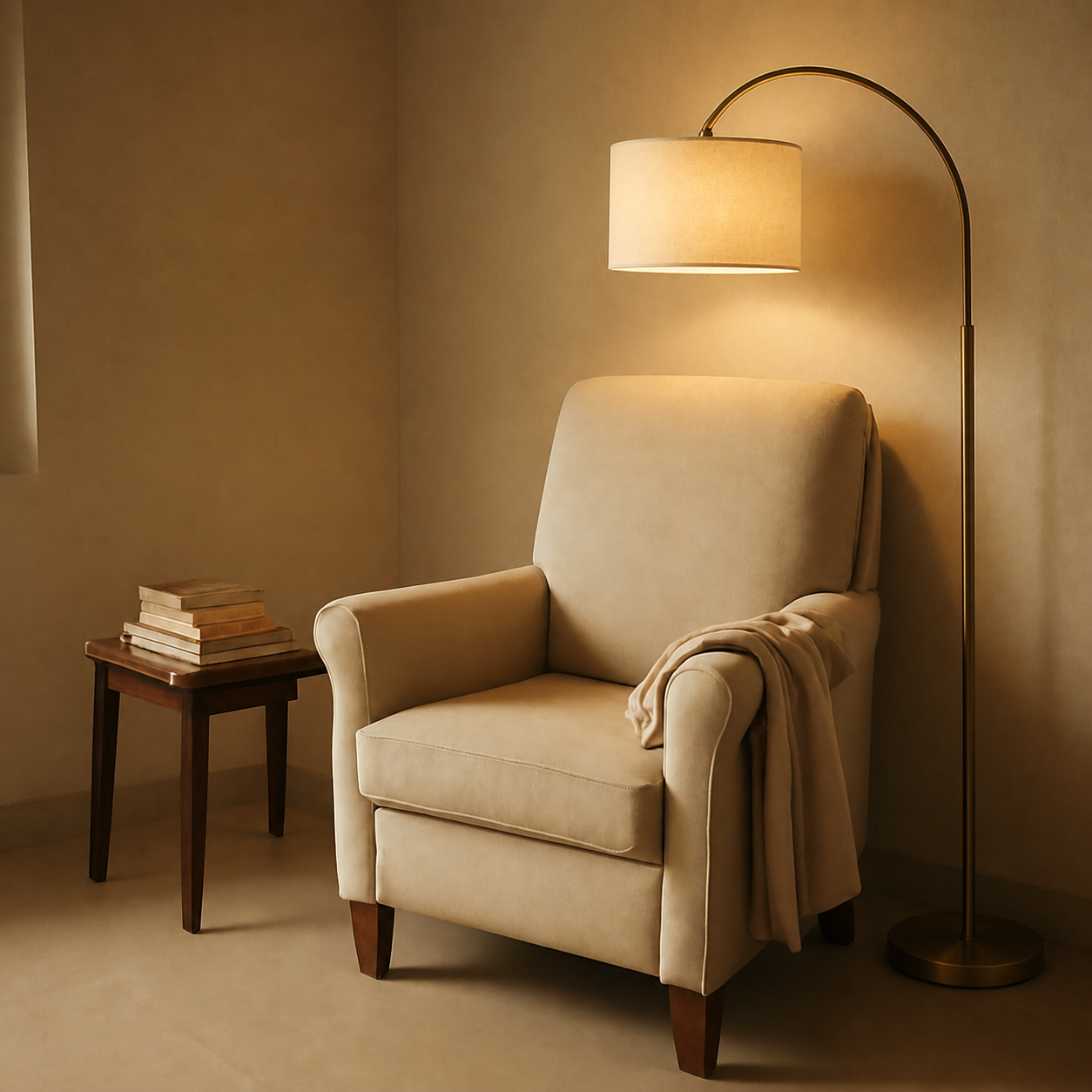

What a desk preview catches
- Width and depth judged against your actual wall, not freestanding in a void
- Walnut vs. oak vs. white reads differently under your monitor's bias light
- Compare an L-shape to a straight desk without measuring twice
- Standing desks — the leg base shows up against the floor you actually have
How to preview yours
- 1Take a photo of the room or surface you want the product in. Phone cameras are fine — good light helps the result.
- 2Paste an Amazon, IKEA, Wayfair, or Pepperfry link — or upload the product image directly.
- 3PlopIt renders a photoreal preview in about 20 seconds. Drag the slider to compare before and after.
Free · no signup