Phone case preview — see it on your phone first
Matte vs. glossy, deep navy vs. forest — judged on the phone you actually own.
Phone cases are the highest-volume, lowest-stakes return online, which is exactly why they're worth previewing — the return economics are bad for everyone. Studio shots of phone cases are lit to flatter the case, not to show how it'll look on your phone in your hand. "Matte forest green" can ship as anything from sage to nearly black, and even faithfully-photographed cases look different against a black phone vs. a titanium one. PlopIt drops the exact case onto a photo of your real phone, so the color, finish, and design are honest before checkout. It's a 20-second preview that pays back the first time it stops you from buying a case you'd have returned.
Examples
Each preview below is real — generated by PlopIt from a room photo and a product image. Tap to see the full before/after.
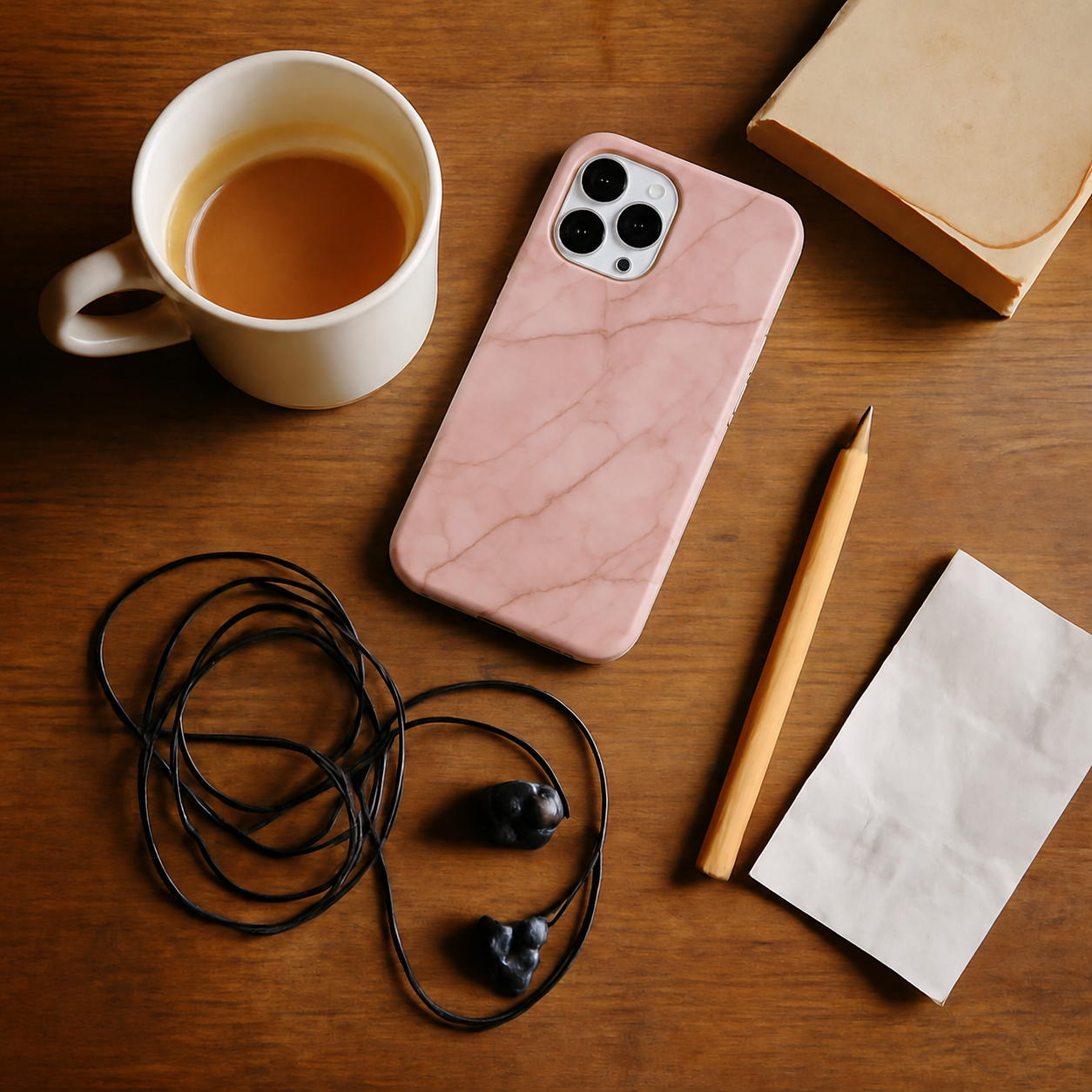

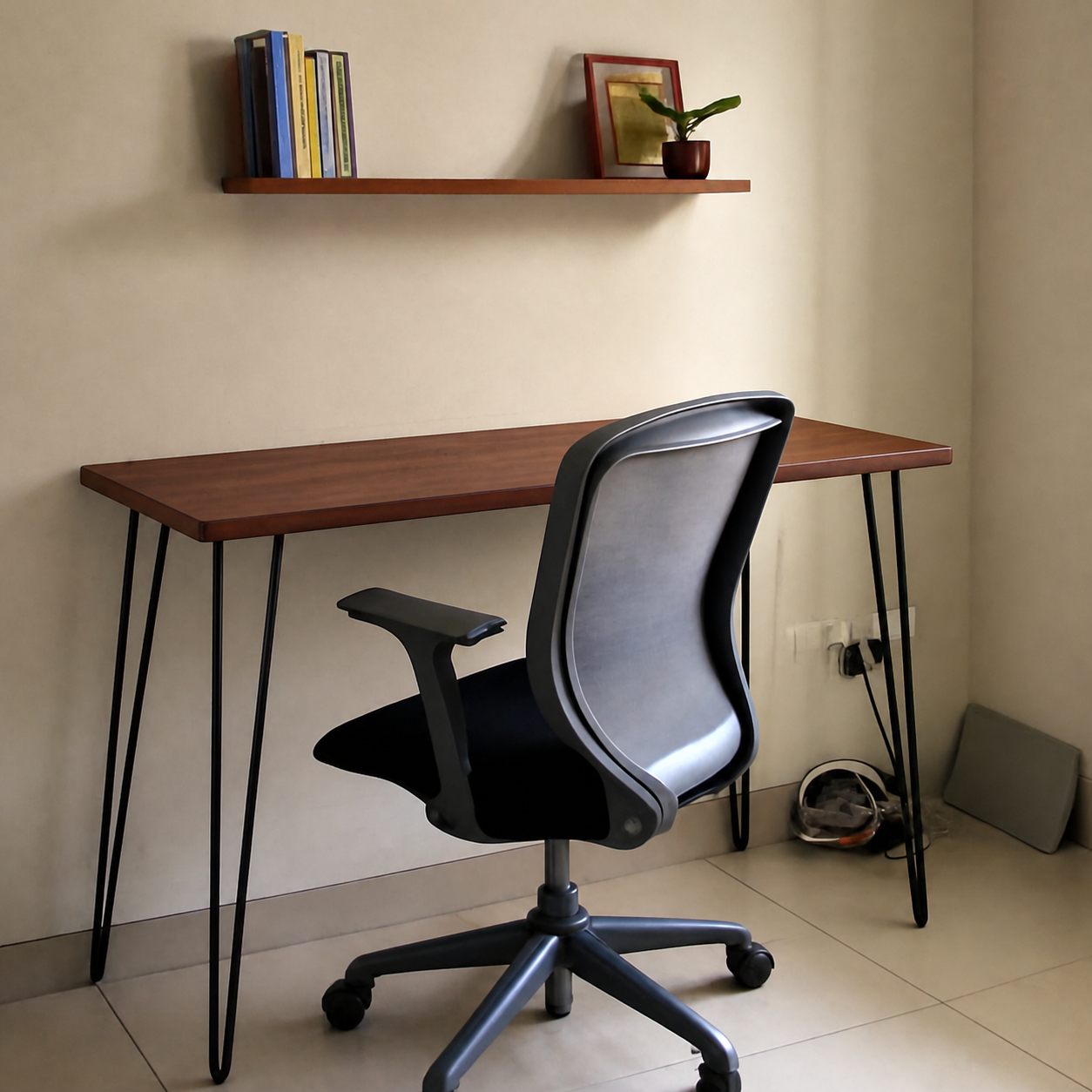
What a phone case preview catches
- Catches the "this looked different online" problem before checkout
- Matte vs. glossy reads differently in real light — the preview shows the finish
- Color drift — "forest green" is rarely the forest green you imagined
- Compare a few designs side by side against the phone you actually own
How to preview yours
- 1Take a photo of the room or surface you want the product in. Phone cameras are fine — good light helps the result.
- 2Paste an Amazon, IKEA, Wayfair, or Pepperfry link — or upload the product image directly.
- 3PlopIt renders a photoreal preview in about 20 seconds. Drag the slider to compare before and after.
Free · no signup