Diwali decoration preview — see the full setup first
Lights, torans, diyas — see the whole festive setup before you bulk-order.
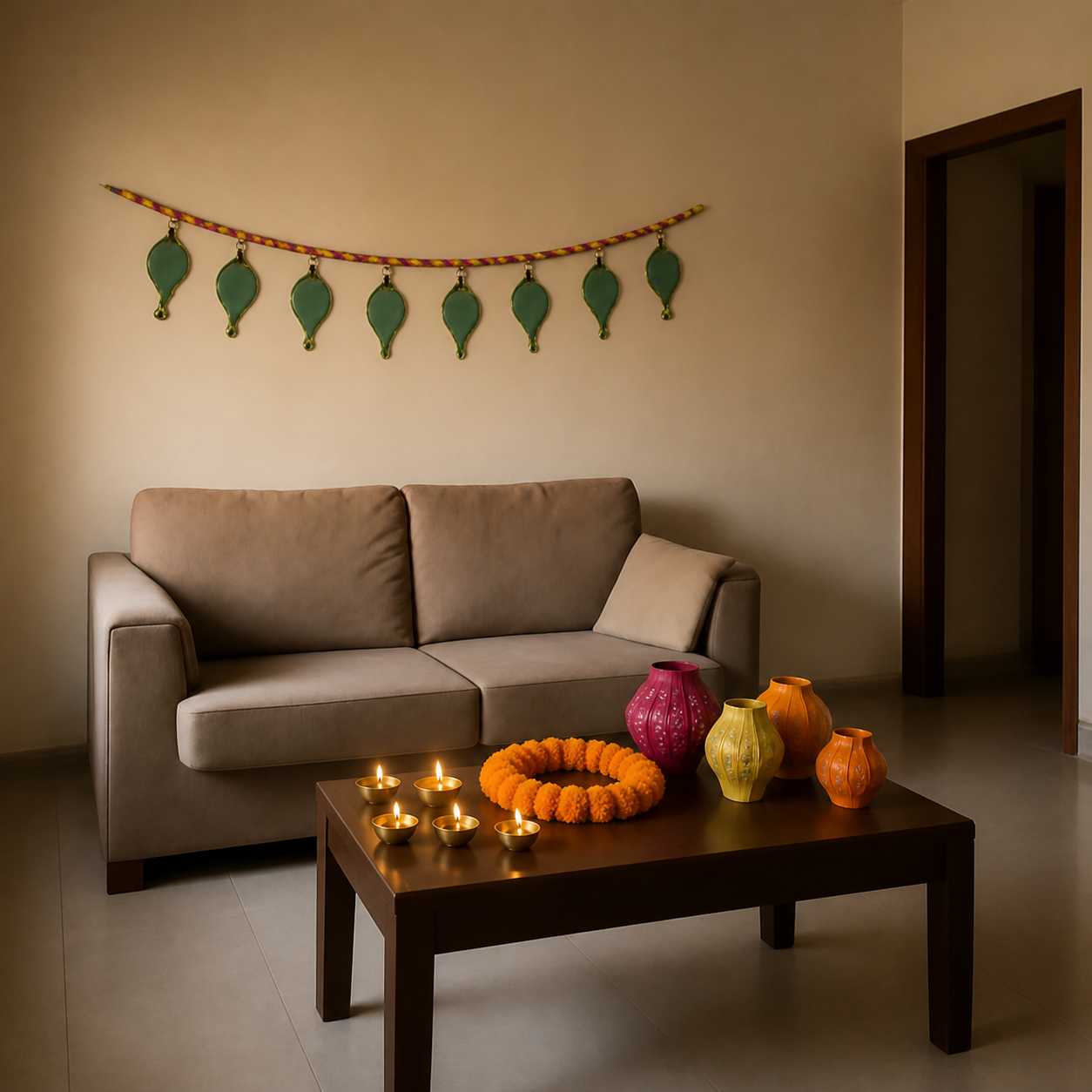
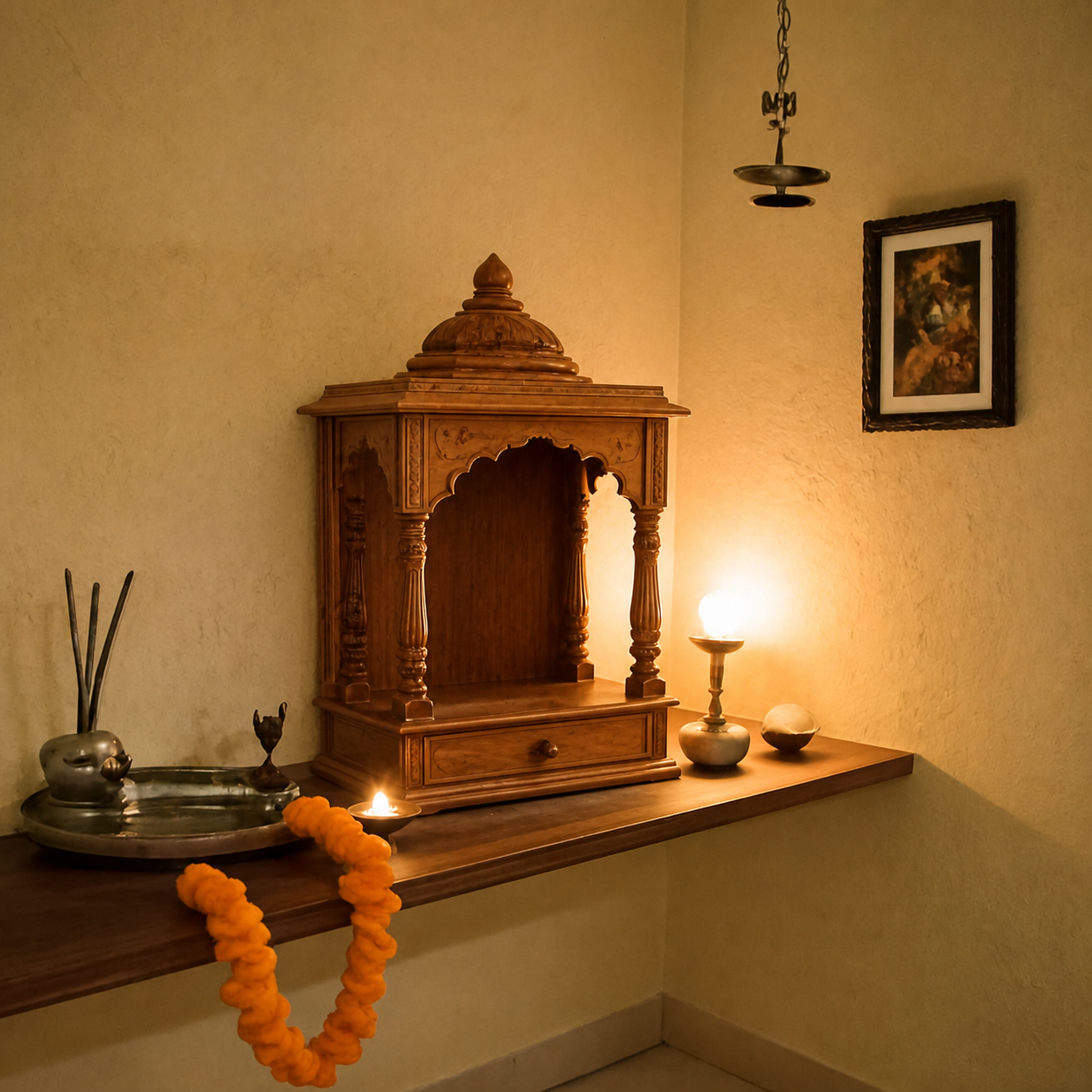
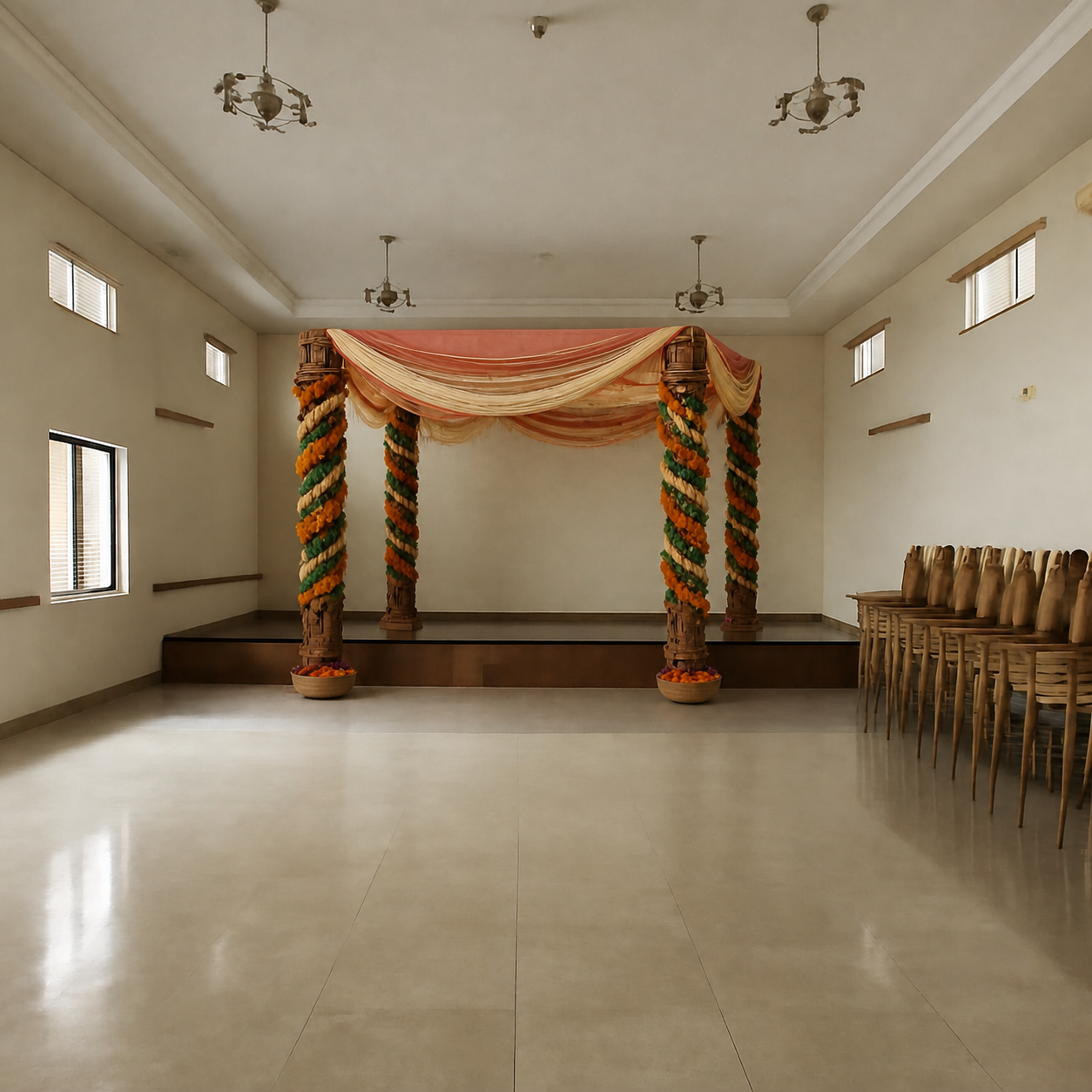
Diwali shopping is a stacking problem. The lights come from one Amazon.in seller, the toran from another, the diyas from a third, the rangoli stencils from a fourth — and the first time the whole setup is in one room is the day everything arrives. By then it's either too much, too sparse, or stylistically all over the map. PlopIt previews the full Diwali setup against your real living room or pooja corner, so you can plan around your actual wall colors, mandir placement, and seating instead of guessing from individual product photos. It's especially useful for joint families splitting the order across multiple Amazon carts — share the preview before anyone checks out.
Examples
Each preview below is real — generated by PlopIt from a room photo and a product image. Tap to see the full before/after.
Why a Diwali preview pays for itself
- See the full festive layering — lights, torans, diyas — against your real room
- Catches over-buying (the third string of fairy lights nobody puts up)
- Works with Amazon.in bundled product listings — paste the link, preview the set
- Share the preview with family before everyone places their own carts
How to preview yours
- 1Take a photo of the room or surface you want the product in. Phone cameras are fine — good light helps the result.
- 2Paste an Amazon, IKEA, Wayfair, or Pepperfry link — or upload the product image directly.
- 3PlopIt renders a photoreal preview in about 20 seconds. Drag the slider to compare before and after.
Free · no signup