Wedding decor preview — mandap, stage, and backdrops
Pressure-test the look against your real venue, not a vendor mood-board.
Wedding decor decisions are usually made from a vendor's portfolio — photos of mandaps and stages built for other people's venues, lit by other people's lighting rigs. By the time the same design is reproduced in your function hall, the proportions can read completely differently. PlopIt drops a reference mandap, stage, or backdrop into a photo of your actual venue, so the family conversation moves from "I think it'll look great" to "here's exactly how it'll look." That matters most for the contentious decisions — palette, scale of the mandap, whether a particular backdrop crowds the entry — where having a visual to point at saves a week of phone calls.
Examples
Each preview below is real — generated by PlopIt from a room photo and a product image. Tap to see the full before/after.
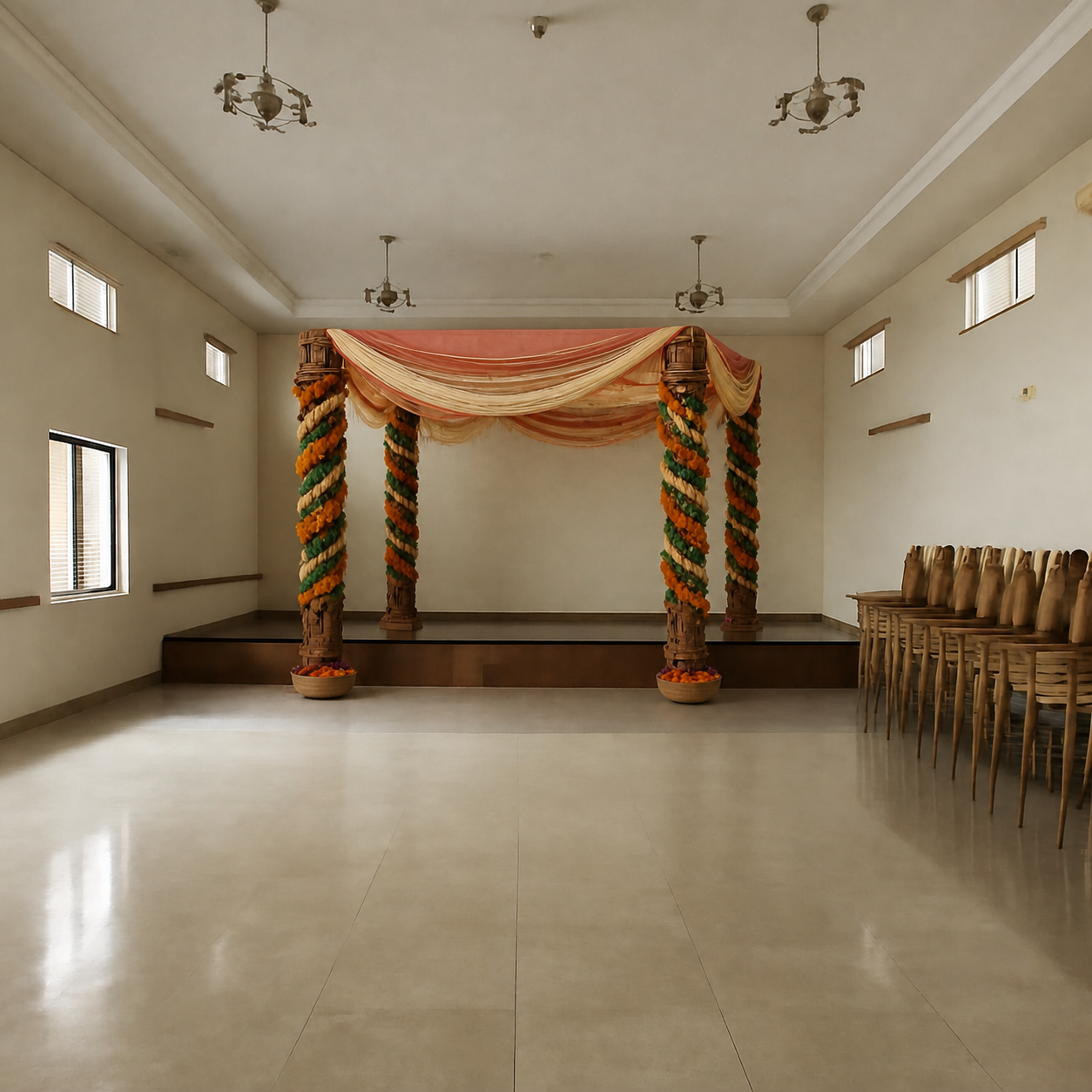
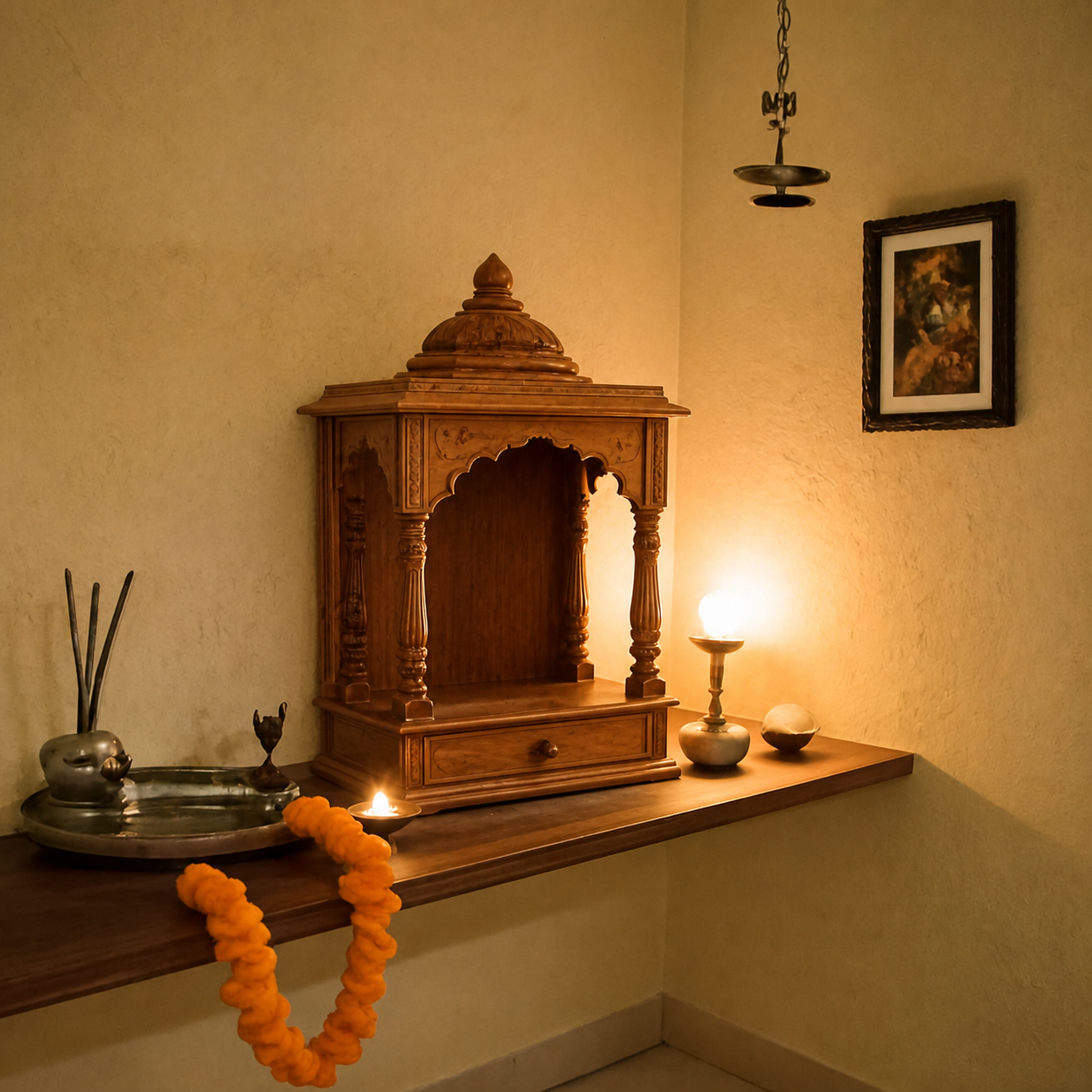
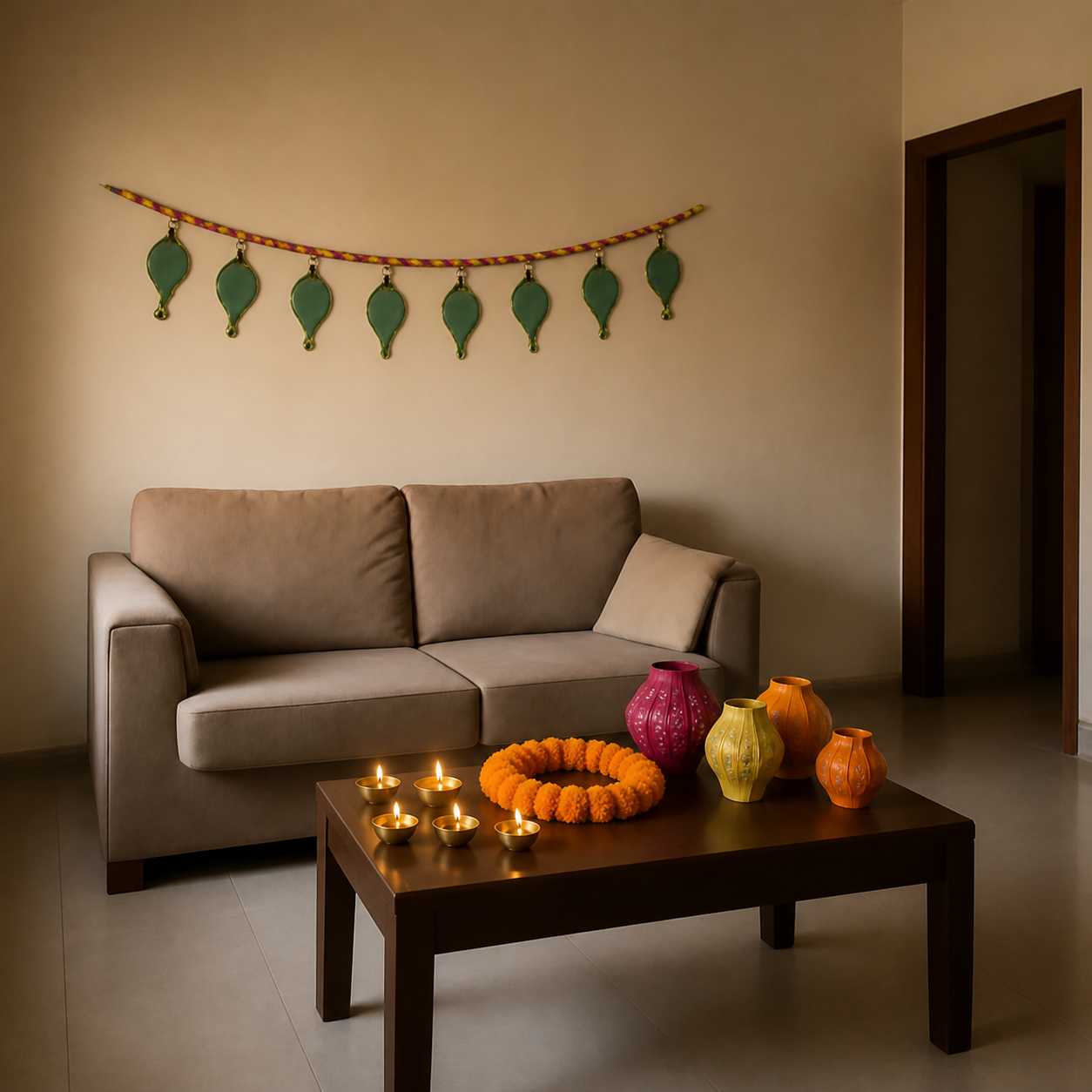
What a wedding decor preview is good for
- Pressure-test the decor against your actual venue, not a vendor portfolio
- Compare two color palettes for the same mandap design without paying twice
- Catches scale issues — a mandap built for a hotel ballroom in a smaller hall
- Share the preview with family before the deposit is paid
How to preview yours
- 1Take a photo of the room or surface you want the product in. Phone cameras are fine — good light helps the result.
- 2Paste an Amazon, IKEA, Wayfair, or Pepperfry link — or upload the product image directly.
- 3PlopIt renders a photoreal preview in about 20 seconds. Drag the slider to compare before and after.
Free · no signup