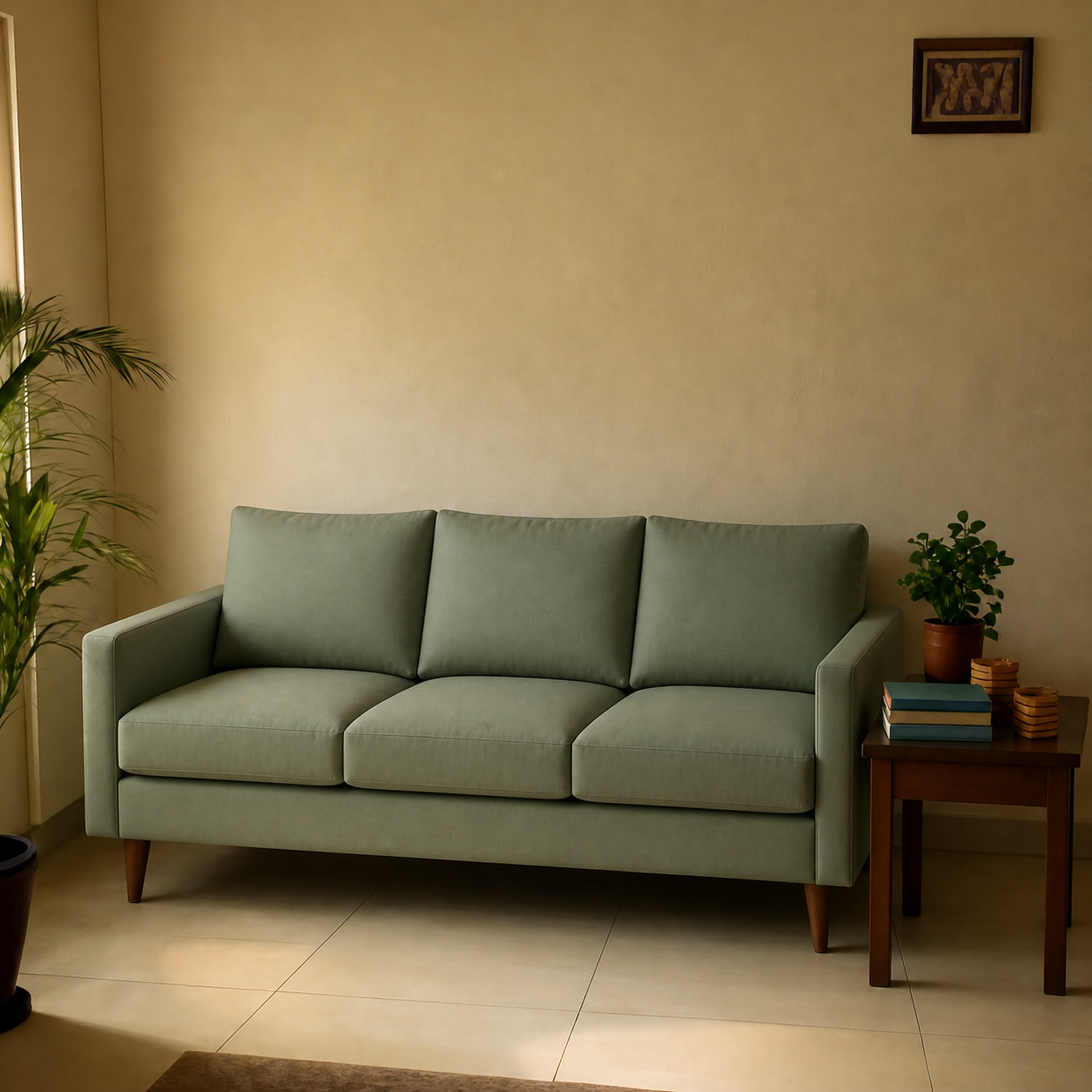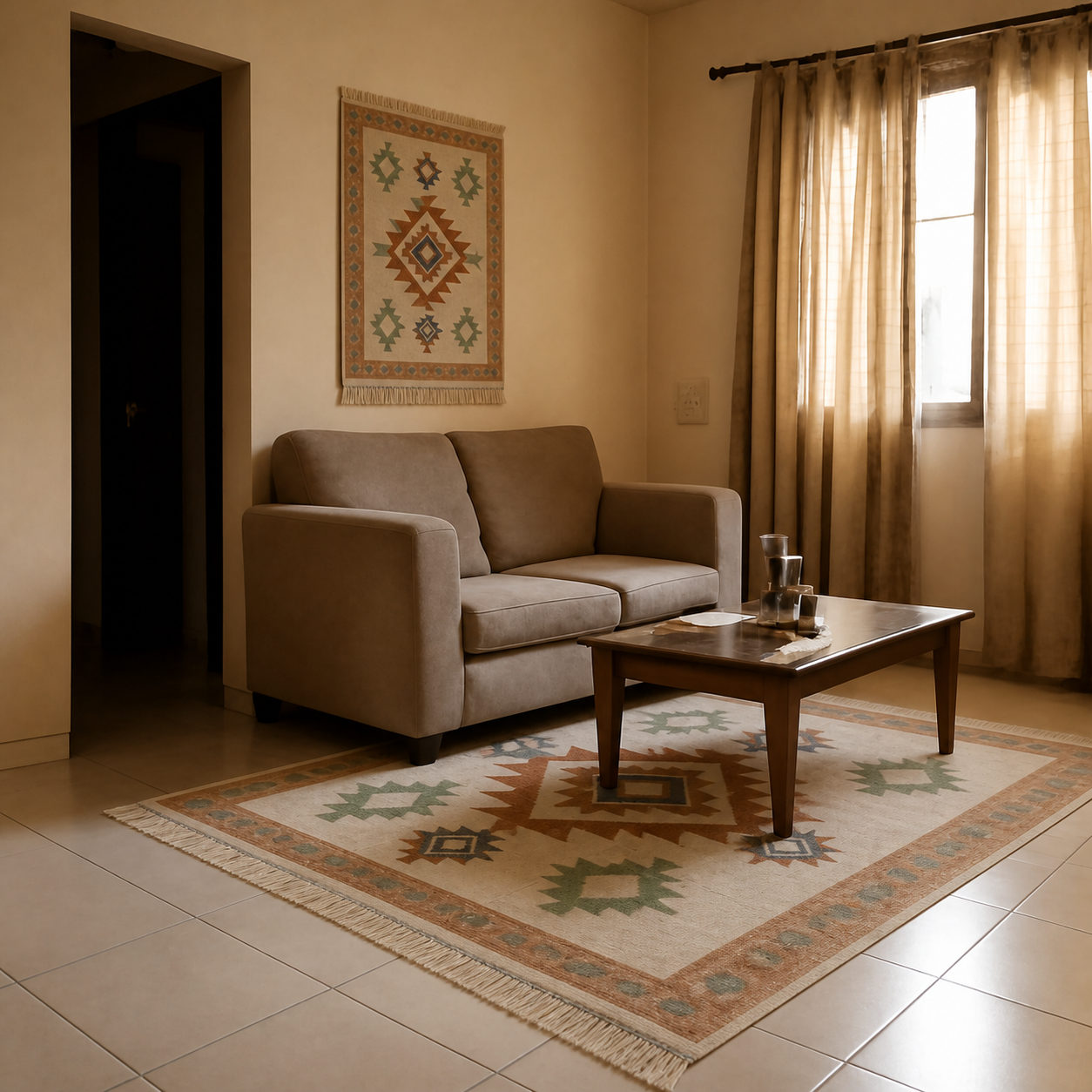
The best free AI room visualizers in 2026 fall into three categories: photo-composition tools that drop real products into a photo of your actual room, AR apps that overlay furniture through your phone camera, and 3D room planners that build a model from your floor plan. Each solves a different problem — the right one depends on whether you're shopping for a specific product or designing a room from scratch. Below is an honest comparison of the options worth your time.
What “AI room visualizer” actually means
The phrase covers tools that look very different from each other. To compare them fairly, sort them by what they actually do:
| Type | What it does | Best for |
|---|---|---|
| Photo composition | Places a real product into a photo of your room | Pre-purchase fit check |
| AR overlay | Shows a 3D product through your phone camera | In-store-feel preview |
| 3D planner | Builds a model from your floor plan | Full-room design |
| Style transfer | Restyles your room photo into a new aesthetic | Inspiration, not specific purchases |
The tools worth trying
1. PlopIt — for previewing a specific product
PlopIt does one thing: paste an Amazon (or any retailer) product link, upload a photo of your room, and it composes the exact product into the scene at the correct scale, lighting, and perspective. Free, no signup. Best when you have a specific product in mind and want to check whether it actually fits the room — both physically and visually — before ordering.
Limitations: it produces a still image, not a 3D model, so you can't walk around the product. Also doesn't replace a tape measure for stairwell clearance.
2. IKEA Kreativ — for IKEA shoppers
IKEA's in-house tool scans your room with your phone and lets you drag IKEA's catalogue into the captured space. Free with an IKEA account. Strong if you're shopping IKEA-only — limited if you want to mix retailers, since it's closed to their catalogue.
3. Houzz — for inspiration plus AR
Houzz has the best AR view in the business and an enormous product catalogue. The AR works well for vetted Houzz Shop items but limited for products elsewhere. Free; supports both iOS and Android.
4. DecorMatters — for room-design play
Phone-first room-design app with a large community. Mix of AI styling and manual layouts. Fun for inspiration; less precise for previewing a specific product than a photo-composition tool.
5. Planner 5D / Roomstyler — for floor planning
Both let you draw your room dimensions and drop generic 3D furniture in. Good if you're designing a renovation; overkill if you just want to know whether a specific sofa fits.
6. Apple Room Plan / Polycam — for accurate measurements
Not visualizers but worth a mention. iOS apps that use LiDAR to scan a room and produce dimensional plans. Pair one of these with a visualizer for the most reliable fit check.
Which one should you use?
The honest answer depends on what you're actually trying to do:
- You have a specific product in mind → a photo-composition tool gives you the most realistic answer the fastest.
- You're shopping IKEA → IKEA Kreativ; their catalogue integration is unmatched there.
- You're designing a full room → a 3D planner (Planner 5D, Roomstyler) gives you control over layout but produces stylized previews, not photorealistic ones.
- You want inspiration, not a purchase → style-transfer tools work; just don't expect them to map to specific products you can buy.
What “free” actually means in this space
Most tools listed are free for casual use, with paid upgrades for heavier workflows (higher-res exports, unlimited renders, professional features). For typical pre-purchase use — try a few previews to decide on a sofa — the free tier of any of the above is more than enough.
See the side-by-side breakdowns on the comparison pages: PlopIt vs DecorMatters, vs Modsy, vs IKEA Kreativ, and vs Roomstyler.