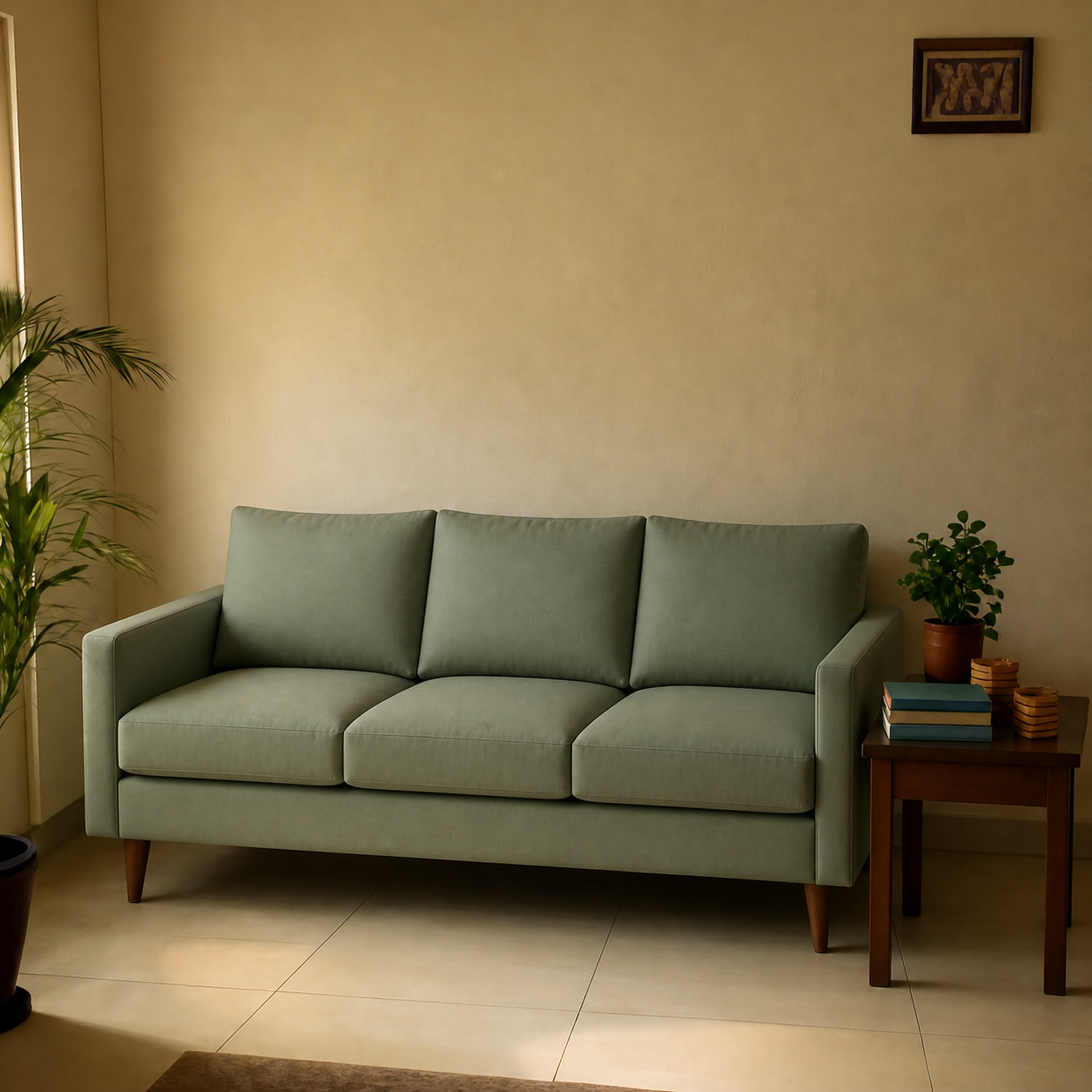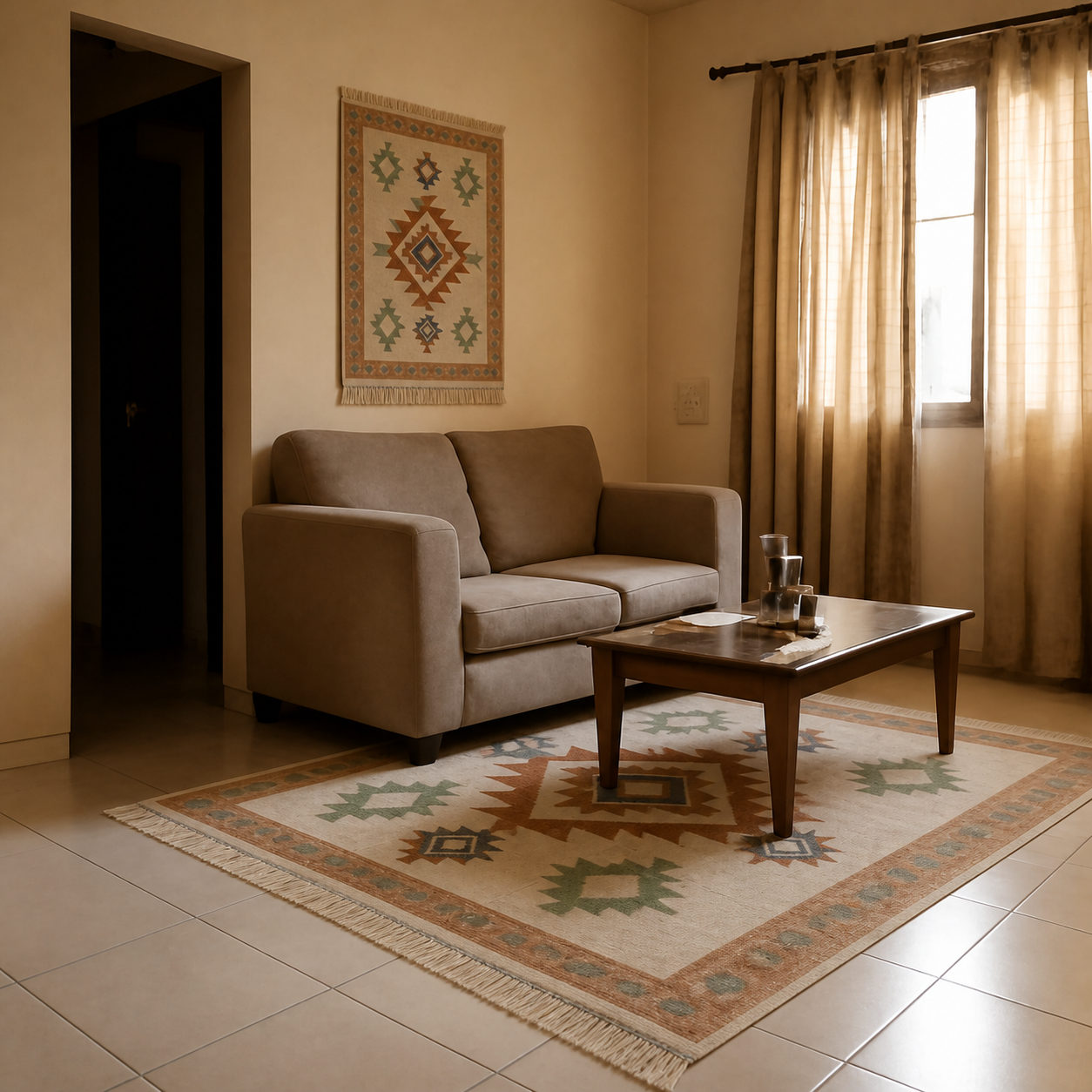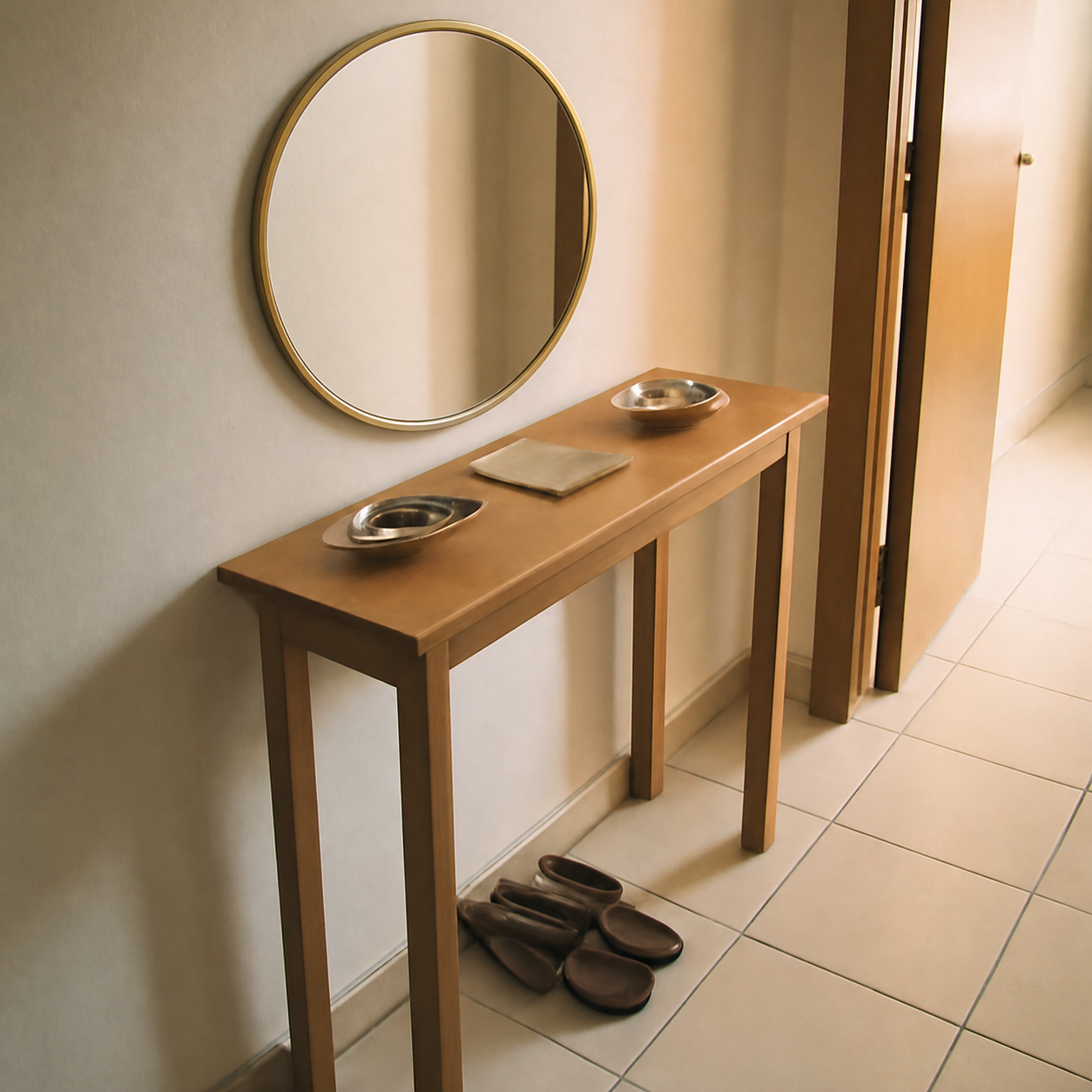
To visualize an Amazon furniture product in your own room, copy the Amazon product URL, take a clear photo of the room where the product will go, and paste both into a room visualizer that supports product URLs. The tool reads the product image from the listing and composes it into your room photo at the right scale, lighting, and perspective. The whole process takes under a minute and works for sofas, rugs, beds, lamps, art, and most home decor.
Step 1 — Find the product on Amazon
Open the Amazon listing for the item you're considering. Make sure you're on the correct variant — the right colour, fabric, and size — because the visualizer uses whatever product image is currently shown.
Copy the full URL from your browser's address bar. The short share URLs (amzn.in / amzn.to / a.co) work too. You don't need to clean up the affiliate tags or referral parameters — the visualizer ignores them.
Tip
Variant matters. The visualizer reads the main product image. If you want to preview the dark-grey sofa instead of the light beige, click the dark-grey swatch on the listing first, then copy the URL.
Step 2 — Take a good photo of your room
Phone camera is fine. The room photo is what the preview is composed into, so the better the photo, the more realistic the result. A few quick rules:
- Stand back. Show the wall or floor area where the product will go, plus context — adjacent furniture, windows, or doorways. A close-up of bare wall doesn't give the tool enough to work with.
- Daylight beats lamps. Natural light during the day produces the most realistic composite. Avoid harsh single-lamp shots.
- Hold the phone level. Tilted shots produce tilted previews. A square-on photo of the wall/floor gives the cleanest result.
- Move clutter. If a basket is sitting where the new sofa will go, move it before shooting. The tool can't intelligently “clean” the photo for you.
Step 3 — Paste into PlopIt
Open PlopIt and follow the prompt: upload the room photo, then paste the Amazon URL into the product field. The tool extracts the product image automatically and composes the scene. First-time previews usually finish in 15-30 seconds.
No account, no card, free to use. The result is a single photorealistic image you can save, share, or compare against another preview.
Step 4 — Compare a few options
The real superpower of previewing online is being able to compare side by side without spending a rupee or a dollar. If you're choosing between three sofas, generate a preview for each into the same room photo and put them next to each other. The shortlist usually collapses to one obvious winner immediately.
It also catches the option that looked best on Amazon but disappears against your wall colour — and the option that looked underwhelming on the listing but anchors the room.
Common mistakes to avoid
- Cropped room photos. Showing only the wall with no floor or surrounding context gives the tool less to work with. Wider angle, more realistic result.
- Wrong product variant. If the Amazon listing shows the white version by default, that's what gets previewed. Click your desired colour on the listing first.
- Out-of-stock products. Some Amazon listings show a placeholder when the variant is out of stock. Confirm the product image is the right one before pasting.
- Trusting one preview blindly. Previews catch the obvious scale and colour mismatches. They're not a substitute for measuring stairwell clearance or reading delivery reviews.
Works for almost anything, not just sofas
The same flow works for any product where the Amazon listing has a decent main image: rugs, mirrors, art, lamps, side tables, beds, plants, even smaller items like a phone case or pet collar. See the examples at the demos gallery — every one was generated by pasting a real product link into a real room photo.