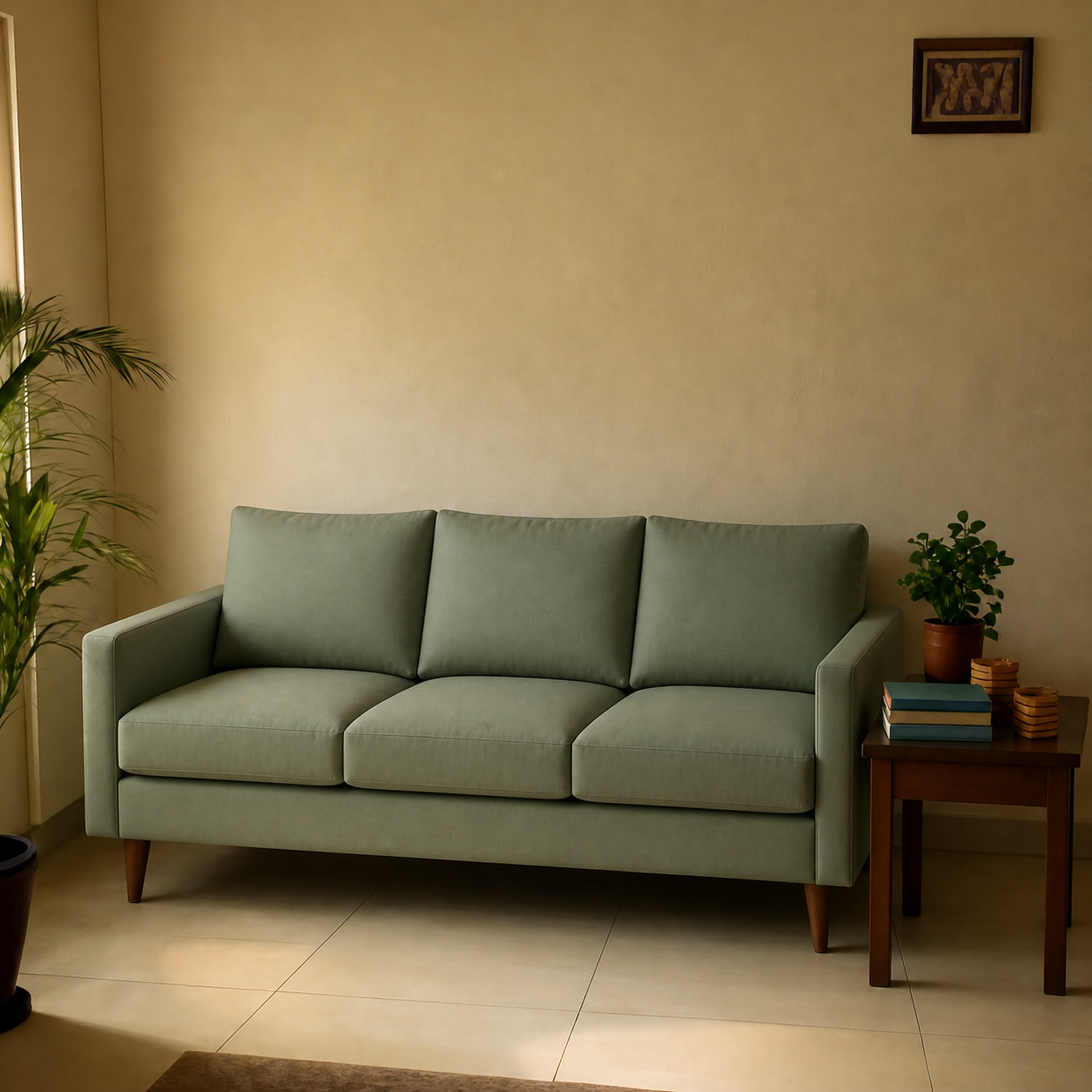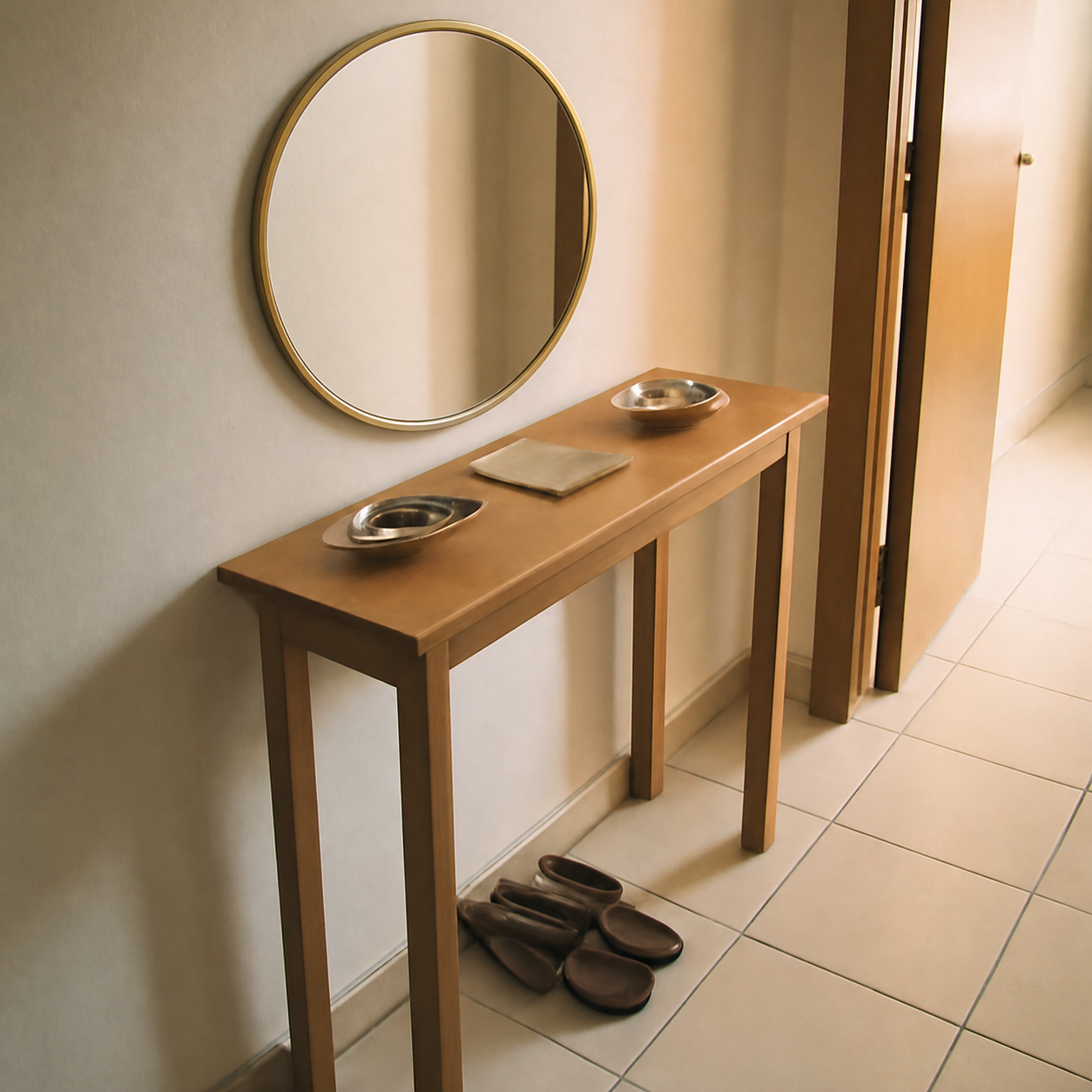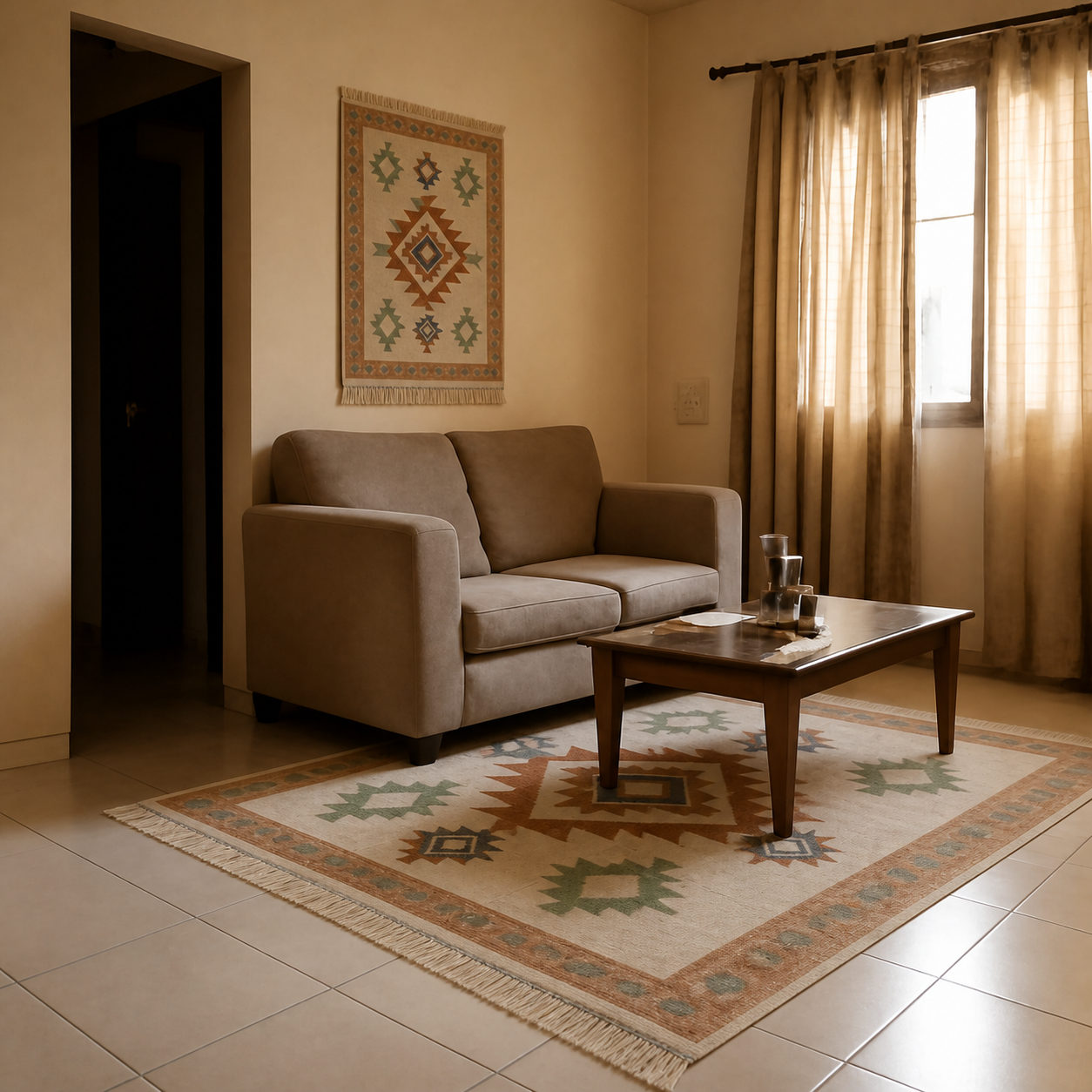
Yes — you can see how furniture will look in your room before buying it online, and the technology has gotten dramatically better in the last two years. The three main approaches are AI photo composition (drops the real product into a photo of your room), AR overlays (use your phone camera to place a 3D model), and old-school tape outlining. Each catches a different kind of mistake. Use them in combination and you can avoid almost every “it didn't fit” return.
The three approaches, compared
| Approach | Catches | Misses | Effort |
|---|---|---|---|
| AI photo composition | Scale, colour, lighting | Physical doorway clearance | ~30 seconds |
| AR phone overlay | Footprint, traffic flow | Catalogue limits per app | ~2 minutes |
| Tape outlining | Real-world walking around it | Colour, visual scale | ~10 minutes |
AI photo composition — the fastest answer
Tools like PlopIt take a photo of your room and a product image (or a product URL) and compose the two into a single photorealistic preview. You see the actual fabric reading against your wall colour, the actual scale against your other furniture, and the actual lighting your room produces — none of which the product listing can show you.
The strength of this approach is colour and scale. The weakness is that it produces a still image — you can't walk around it. For the physical “does it fit through my door” question, see the tape-outline approach below.
AR overlays — the best for footprint sense
IKEA Place, Houzz, and Amazon AR View use your phone's camera to overlay a 3D model of a product into your live view. You can walk around it, see how it sits relative to your real furniture, and check whether the path past it is clear.
The limitation: each AR app only shows products from its own catalogue. If you want to preview a Pepperfry sofa using IKEA Place, you can't. AR is great when you're shopping inside one retailer's catalogue and useless across retailers.
Tape outlining — the oldest trick, still useful
Take painters' tape and outline the exact footprint of the product on your floor. Walk around it, pretend to sit on it, see if you can still get from the kitchen to the front door without tripping. This catches the traffic-flow problems neither AI nor AR will flag, because they don't simulate you walking through your own house.
Pair this with one of the digital tools above and you cover the full spectrum: tape outline for floor space, photo preview for visual fit.
What none of these solve
Two things stay manual: doorway and stairwell clearance for delivery (measure with a tape; check stairwell turn diagonals) and fabric feel (no digital tool replaces touching the upholstery). For the rest — scale, colour, layout, fit — the digital tools have caught up.
See the difference in real before/after previews on the demos gallery — every one shows the same room with and without a real product composed in.