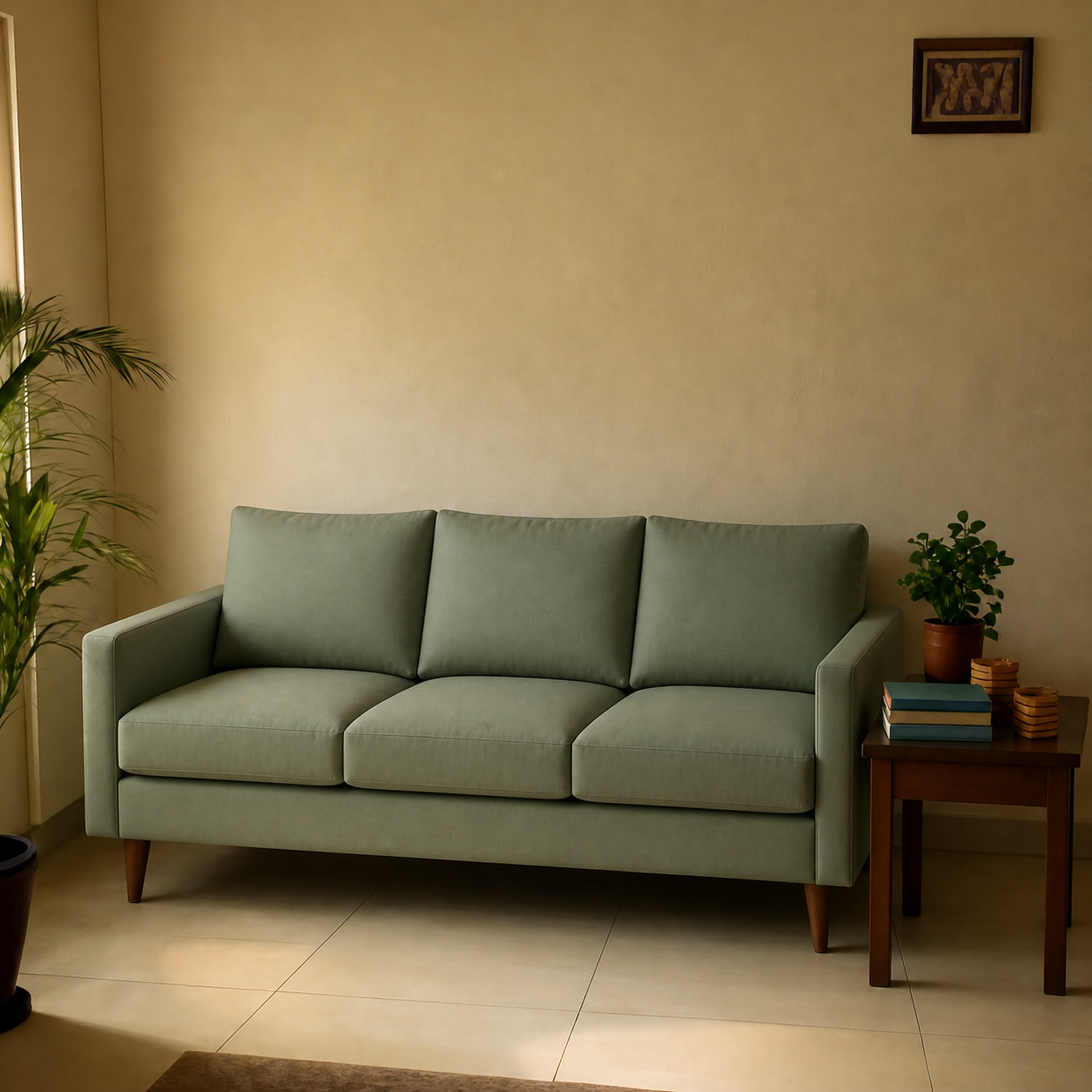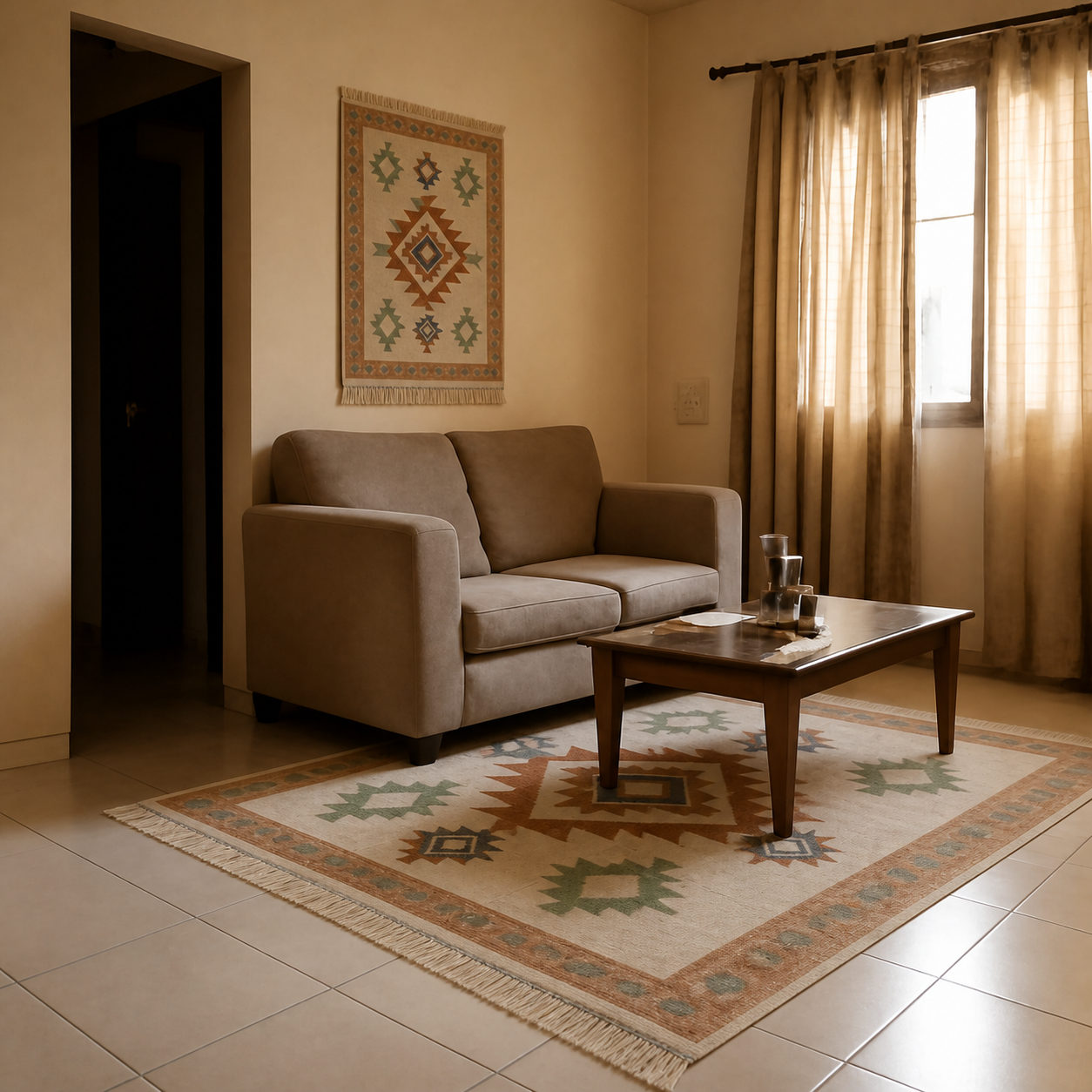
Yes — there are several free apps and tools that let you preview furniture in your space before buying. The best free option depends on what you mean by “app”: a browser-based tool needs no install and works on any device; a phone app uses your camera for AR overlays. Both are free for everyday use. Below is a no-nonsense list of the ones that actually work in 2026 — and which to skip.
Browser tools (no install)
These work on any device — phone, laptop, tablet — without downloading anything. Best when you want to preview a specific product from a retailer's site.
- PlopIt— paste any retailer's product URL (Amazon, Wayfair, IKEA, Pepperfry, anywhere) plus a photo of your room. Generates a photorealistic preview at correct scale and lighting. Free, no signup. Try it.
- Planner 5D (web) — drag-and-drop room planning with generic 3D furniture. Free tier covers most uses. Good for full-room layout, less precise for specific products.
- Roomstyler 3D — browser 3D room designer with a large product catalogue. Free.
Phone apps (AR overlay)
AR apps use your phone camera to overlay 3D models of products into your live view. You can walk around them and judge footprint. Limited to whatever catalogue the app supports.
- IKEA Place / IKEA Kreativ — IKEA-only AR placement. Excellent if you shop IKEA, useless otherwise. Free with an IKEA account.
- Houzz — vetted Houzz Shop catalogue with strong AR. Free.
- Amazon (View in Your Room) — AR overlay is built into Amazon's app for products that support it. Not all furniture qualifies.
- DecorMatters — mobile room-design app with AR and a community feed. Fun for inspiration, less precise for a specific product.
Browser vs app — which one is right for you?
| If you want to… | Use |
|---|---|
| Preview a specific product from any retailer | Browser photo-composition tool (PlopIt) |
| Shop only within IKEA | IKEA Place app |
| Test footprint by walking around it | AR app (IKEA Place, Houzz) |
| Plan a full room layout | 3D planner (Planner 5D, Roomstyler) |
| Skip the app install entirely | Any browser-based tool |
What “free” usually means here
Almost every tool on this list is free for everyday use. Paid tiers typically add higher-resolution exports, unlimited renders, and professional features that matter for designers but not for previewing a sofa before ordering. For a typical pre-purchase use — try a few previews to decide on one — the free tier of any of these is more than enough.
Which to skip
- Generic AI-image generators (Midjourney, image-prompt tools). They produce stylized rooms that look impressive but cannot be tied to a specific product you can actually buy.
- Free trials that lock you behind a paywall. Several “room visualizers” in app stores demand payment after the first render. The list above is genuinely free at the volume a normal shopper needs.
- Apps requiring a 3D scan of your room. Useful for full renovations, overkill for previewing a sofa. Stick to photo or AR until your project needs more.
For the most common use case — “I'm considering this specific sofa from Amazon, will it work in my living room?” — a browser photo-composition tool is the fastest path. Try it on any product link and a phone photo of your room.