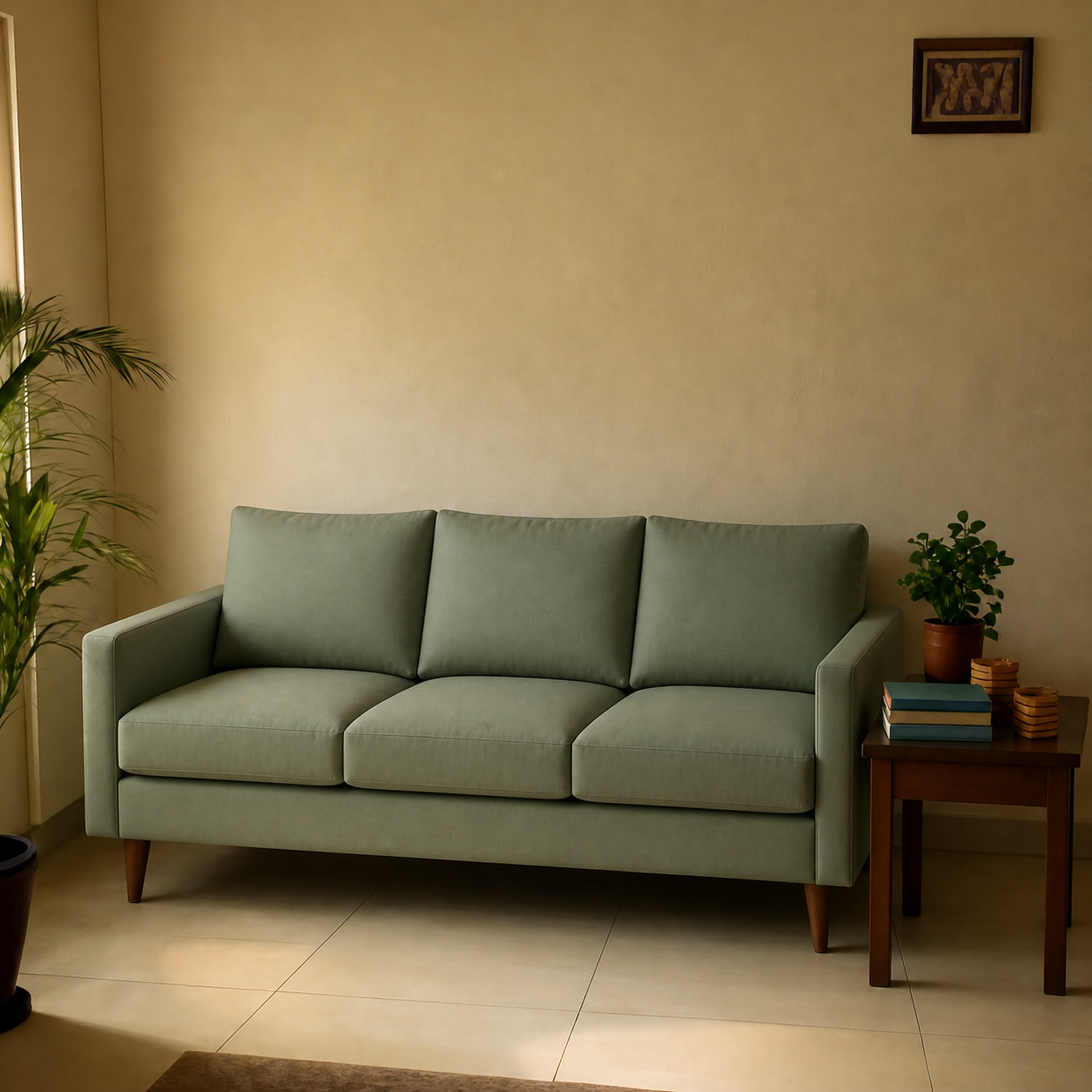
To visualize how a TV will look on your wall before buying, you need three numbers: the wall width, the viewing distance (from the sofa to the wall), and the seated eye level. A 55-inch TV needs roughly seven feet of seating distance for comfortable viewing; a 65-inch needs nine feet. Mount the centre of the screen at seated eye level — typically 42 inches (107 cm) from the floor — not at the height you'd hang a painting. Below is how to get this right before you commit.
Step 1 — Pick the right TV size for your room
The most common mistake is going too small. TV size is measured diagonally, but viewing comfort is governed by distance. SMPTE and THX both recommend the screen fill roughly 30-40° of your field of view. In practical terms:
| TV size | Ideal viewing distance | Minimum room |
|---|---|---|
| 43" | 5.5' / 1.7m | Small bedroom |
| 55" | 7' / 2.1m | Standard living room |
| 65" | 8.5' / 2.6m | Standard living room |
| 75" | 10' / 3.0m | Larger living room |
| 85" | 11.5' / 3.5m | Open living / theatre |
Measure the distance from where you actually sit to where the TV will hang, then size up — not down — within the range. People rarely return TVs for being too large; they often regret buying too small.
Step 2 — Get the mounting height right
The centre of the TV screen should be at your seated eye level — not standing eye level. For most sofa heights, this puts the centre of the screen at roughly 42 inches (107 cm) from the floor. Higher than that and you'll get neck strain.
The “mount it above the fireplace” instinct is widespread and almost always wrong. A TV that high forces an upward viewing angle that gets uncomfortable after 20 minutes. If the fireplace is the only wall, use a tilting mount and accept the compromise.
Step 3 — Plan for cable management
A flush-mounted TV with cables dangling down the wall ruins the clean look. Two options:
- In-wall cable kit: a recessed power outlet behind the TV plus a low-voltage box near the floor for HDMI/power. The cleanest result. Requires a small drywall cut.
- Paintable cable cover: a plastic raceway that runs cables down the wall. Less elegant but doesn't require cutting drywall — useful for rentals.
Step 4 — Preview before drilling
Drilling four mount holes into a wall is the kind of decision that's cheap to second-guess and expensive to redo. Before you commit:
- Cut a piece of cardboard or paper to the exact size of the TV and tape it to the wall at the planned height. Sit on the sofa for fifteen minutes and watch how it feels.
- Or — preview the exact TV in a photo of your room. PlopIt mounts the TV onto your real wall at the right scale and shows you what the room actually looks like with it in place.
- Confirm the wall can take the mount. Concrete walls take any TV. Drywall needs studs or heavy-duty toggle bolts; check the TV's weight against the rating.
Common TV-wall mistakes
- Mounting too high. The biggest mistake by a wide margin. If you have to tilt your head up to watch, the mount is too high — drop it.
- Buying for the wall, not the room. A 75-inch TV looks proportional on a 16-foot wall and dominates a 12-foot wall. Match the TV to the seating distance, not the wall width.
- Ignoring window reflections. A TV opposite a large window will reflect glare during the day. Either choose a wall perpendicular to the window or accept curtains during peak sunlight.
- Skipping the tilt mount. If the only good wall puts the TV slightly high, a tilting mount is a $30 fix that saves your neck.