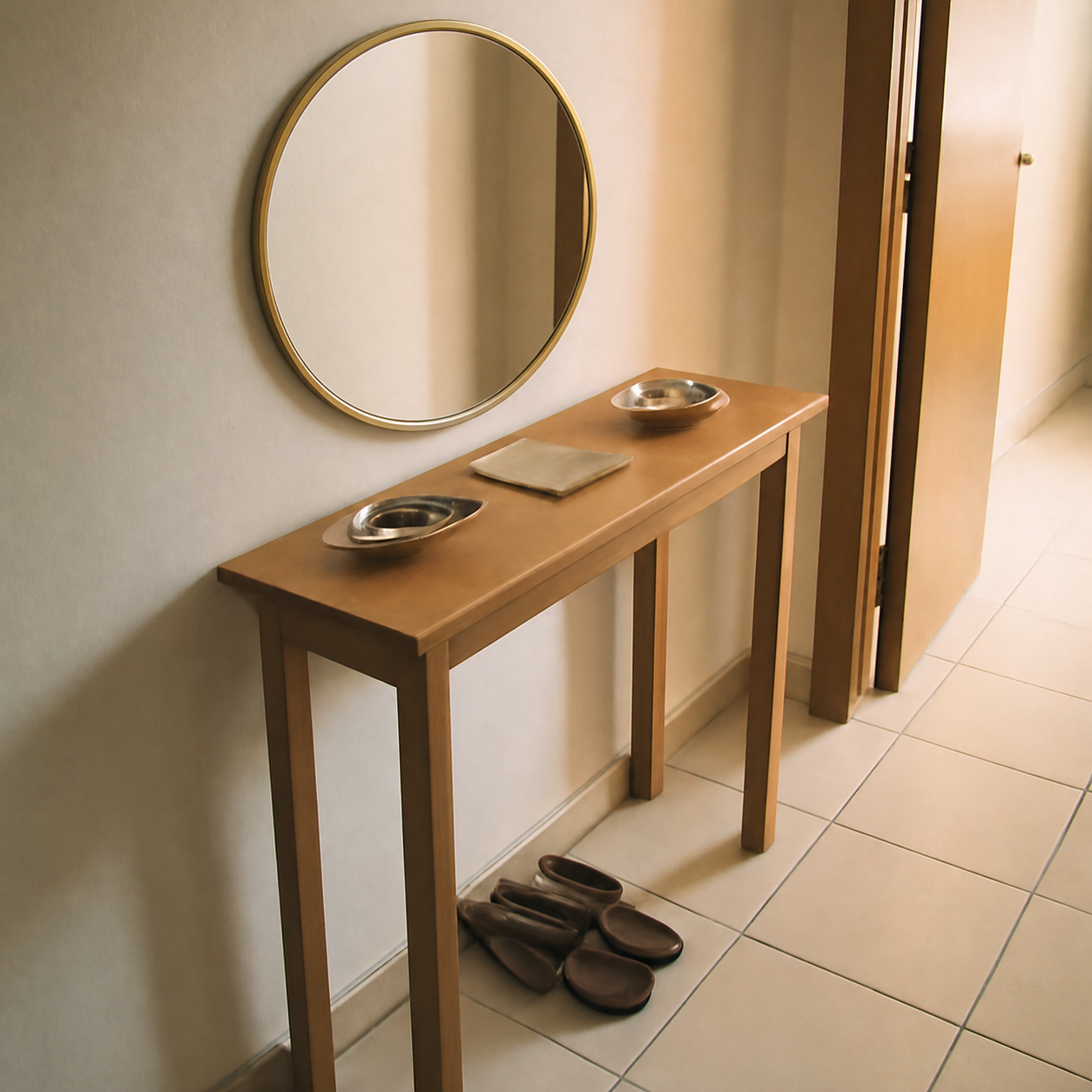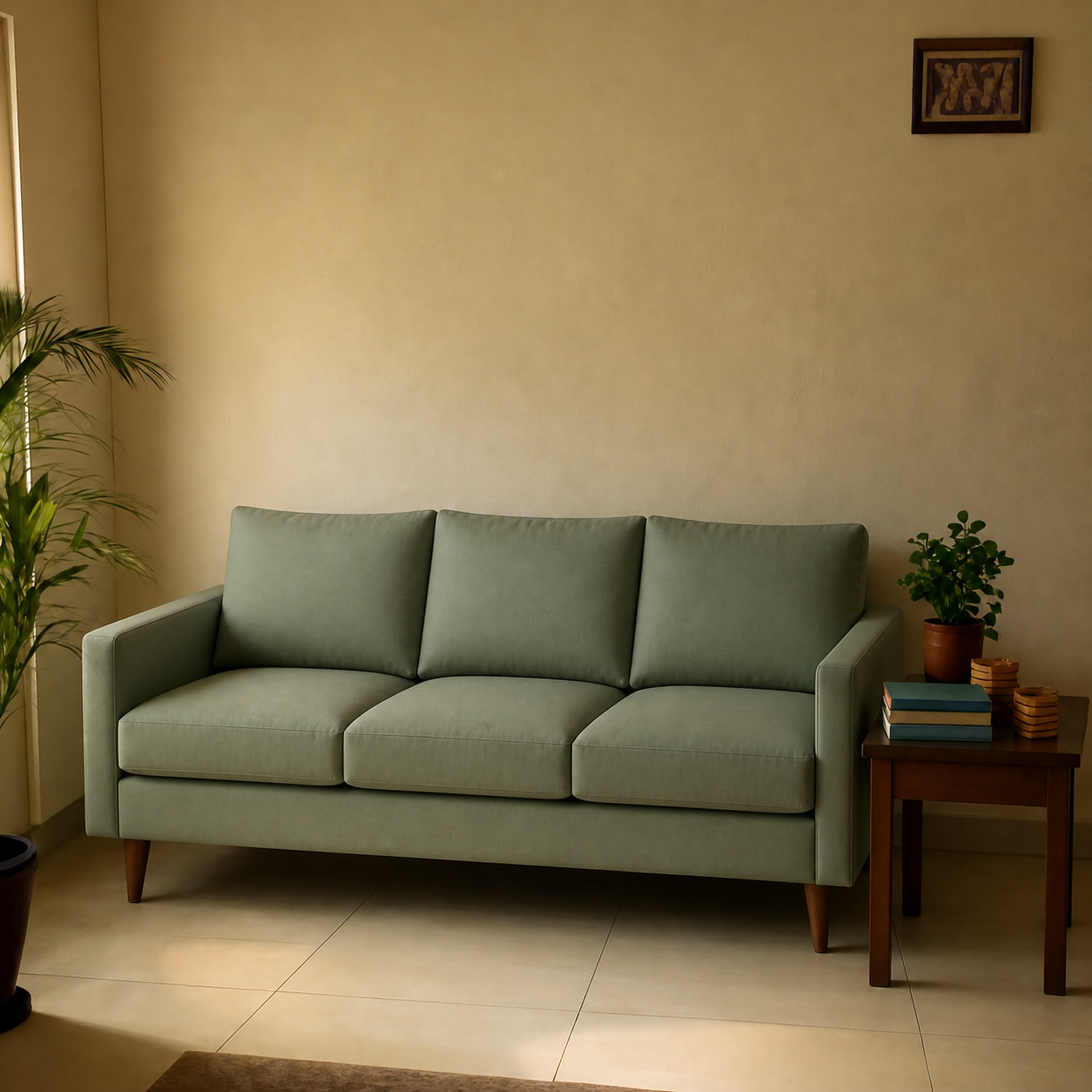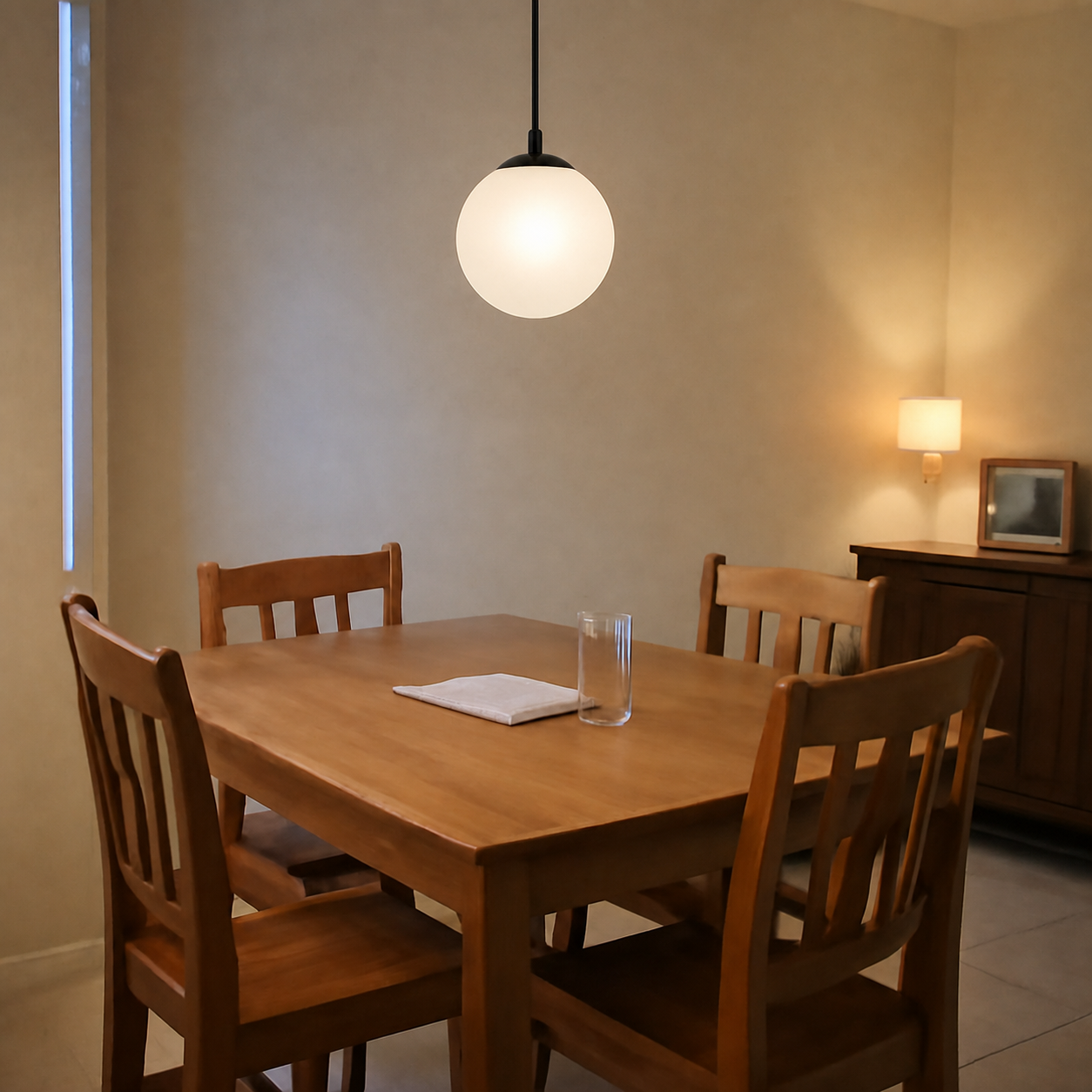
Yes — there are AI tools that place a real product into a photo of your real room, not just generate a new room from a prompt. The distinction is everything. Generative tools draw imaginary rooms with imaginary sofas; composition tools take your actual room photo and your actual product image and merge them at correct scale, lighting, and perspective. The second category is what shoppers actually need before they hit buy.
Generation vs composition — what's the difference?
Most online “AI room” tools fall into one of two categories. People use the terms interchangeably, but they answer very different questions.
| Type | Input | Output | Useful for buying? |
|---|---|---|---|
| AI generation | Text prompt | A new room, new furniture | No — imaginary |
| Style transfer | Your room + style preset | Your room, restyled | For inspiration only |
| Object insertion | Your room + 3D model | Product overlaid in AR | Only with 3D model |
| Photo composition | Your room + real product image | Single photorealistic image | Yes — this is the one |
The composition row is the only one that answers “will this exact product look right in this exact room?” The first three are useful for different things, but they don't reduce return rates because they don't show you the real product in your real room.
Why composition is what shoppers actually want
The decision a shopper is trying to make before checkout is narrow: does this product, in this colour, at this scale, look right against what's already in my room?A prompt-generated render can't answer that because it doesn't know what the room looks like. An AR overlay can't answer it because most products don't have a 3D model — and the ones that do are usually rendered with idealized textures.
Composition can answer it because both halves of the equation are real: the room photo is yours, the product image is the one the seller ships. The AI's job is the merge — sizing the product to match the room's perspective, casting shadows in the direction of the actual light, blending edges so the seam doesn't show.
What does “photorealistic composition” require?
Five things have to be right for the output to feel real, not Photoshopped:
- Scale. An 84-inch sofa should look like an 84-inch sofa next to a doorway, not a couch shrunk to fit.
- Perspective. The product's vanishing lines must match the room's. A camera pointed slightly down means the product should be foreshortened the same way.
- Lighting. The product's side toward the window should be brighter; the side away from it should be in shadow.
- Shadow cast. The product needs to cast a shadow onto the floor or wall in the same direction as everything else in the room.
- Colour reading. Studio whites are different from your room's warm bulbs — the product needs to take on the room's colour temperature.
Miss any one of these and the brain notices instantly, even if it can't articulate why. Tools that nail all five feel like a real photo; tools that miss two or more feel like a sticker.
Key takeaway
The product image and the room photo are both real. The only synthetic thing in a good composition is the merge.
Why most AI room tools don't do real composition
Until recently, AI image models were trained to generate end-to-end — start from noise, produce a finished image. They were good at making rooms but bad at preserving the exact product you fed them. Fabric patterns would drift, colours would shift, proportions would change.
Newer image models support what's sometimes called “edit with reference” — given a target image and a product image, the model preserves the product's details while modifying only the target. That's what makes faithful composition possible. Older tools that haven't adopted this approach still hallucinate products that look like what you wanted, not exactly what you ordered.
How to test whether a tool actually composes
- 1Pick a product with a distinctive pattern — a printed rug, a striped sofa, a patterned cushion.
- 2Upload it to the tool along with a photo of your room.
- 3Compare the pattern in the output to the original product image side by side.
- 4If the pattern is close but slightly different — the tool regenerated. If it's pixel-faithful to the original — it composed.
This is the same test laid out in are AI room previews realistic, and it's the single best way to separate composition tools from glorified prompt engines.
What kinds of products work in composition tools?
Composition works best when the product image is clear, isolated on a clean background, and large enough to read texture. Common use cases that work consistently:
- Sofas, sectionals, accent chairs — see sofa visualizer.
- Rugs — pattern integrity is the easiest pass/fail test (see rug visualizer).
- Mirrors, framed art, wall hangings — the reflection inside the mirror is a giveaway of how good the compositor is.
- Lamps and pendants — see the pendant lamp dining demo.
- Curtains, plants, decor objects, even mandirs and ritual displays.
Where composition tools still fall short
- Tiny products on busy rooms. A small bowl in a wide room shot becomes too small for the model to render faithfully. Crop closer to the placement zone.
- Mirror-on-mirror. Adding a mirror into a room with another mirror creates recursive reflections that any tool will struggle with.
- Strong coloured lighting. Rooms lit by a red lamp or neon strip can produce previews where the colour balance feels off. Daylight gives the cleanest results.
For a deeper breakdown of where AI composition is and isn't accurate, see how accurate are AI visualizers for scale and lighting.
Try it once before you order anything
The cheapest way to settle the “does it look right” question is to actually compose the product into your room and see. Open a sample composition, then upload a photo of your own space and either a product image or a product URL. The output comes back in under a minute and is free to try.