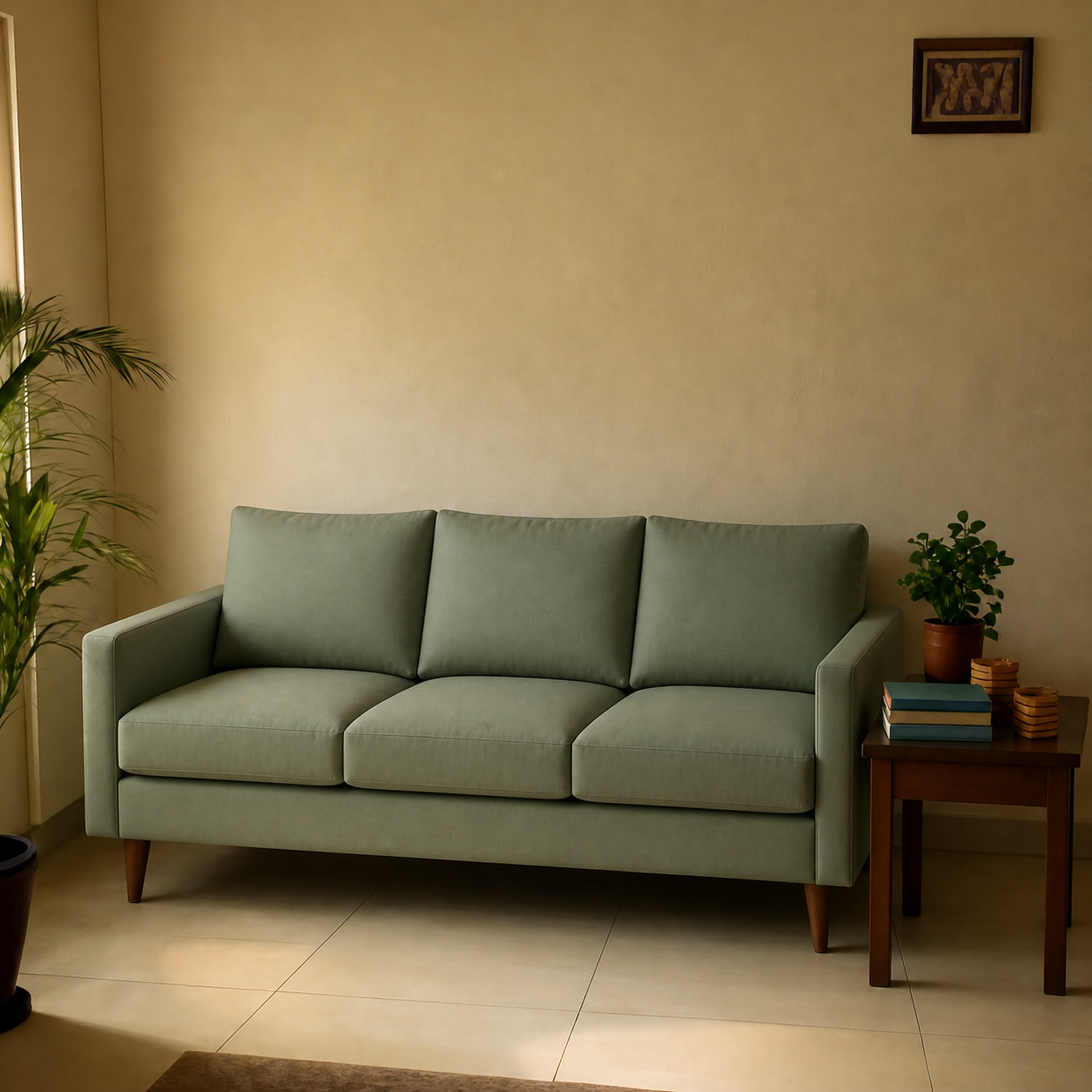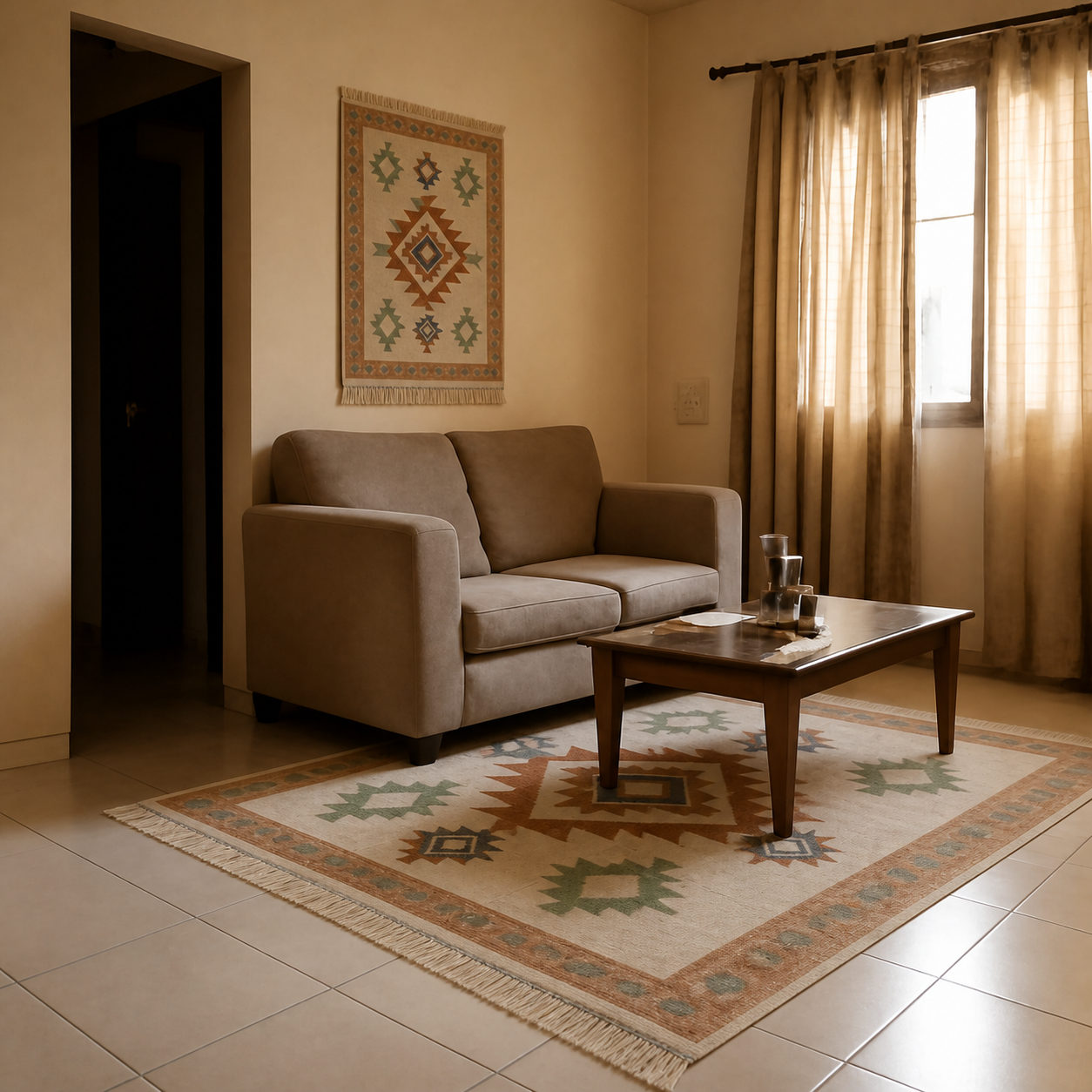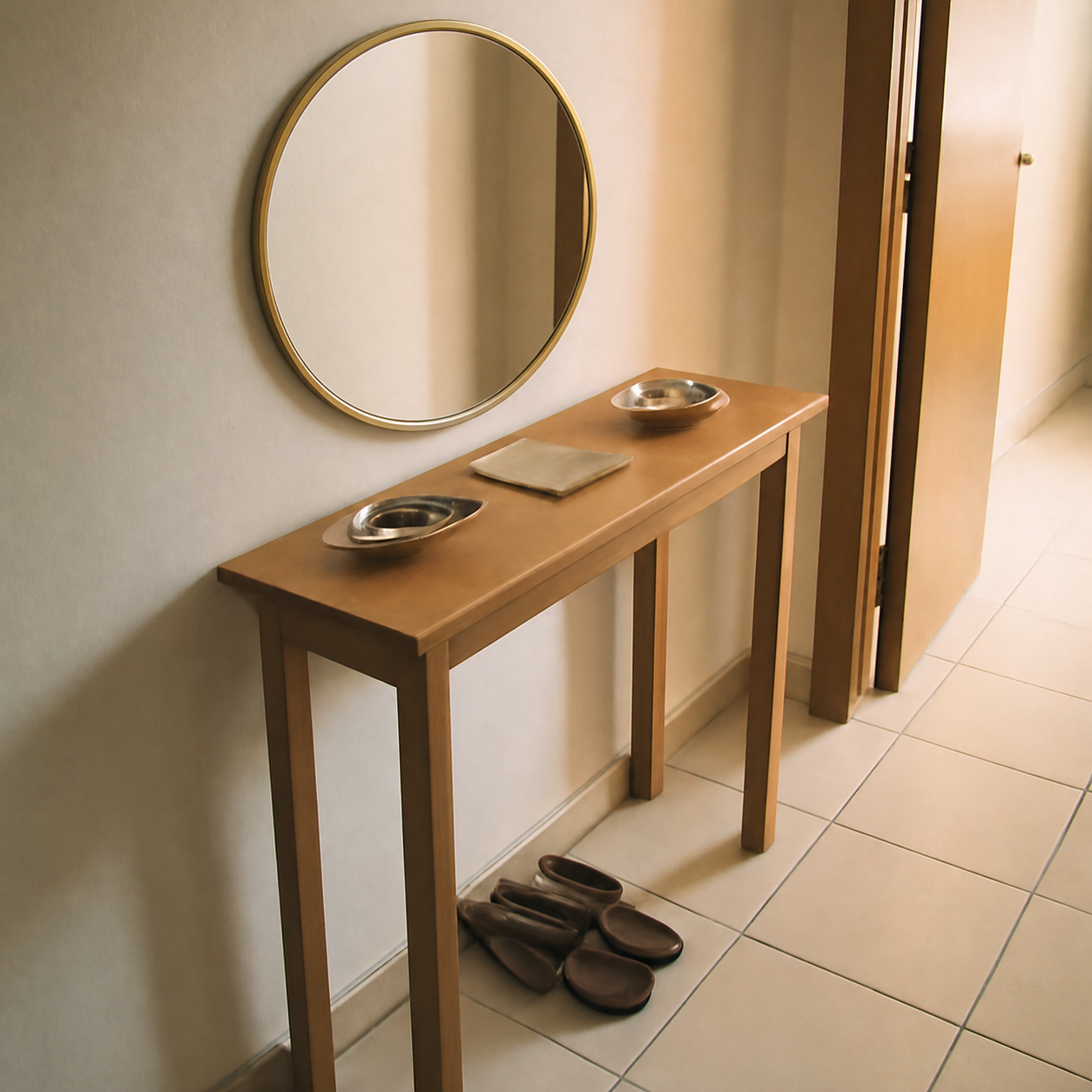
Yes — you can paste an Amazon link into a room visualizer and see the exact product composed into a photo of your own space before you order it. The catch: the visualizer has to fetch the product image from the listing and place it into your room at correct scale, lighting, and perspective. Done right, it's the cheapest way to avoid the slow, expensive cycle of ordering a sofa or rug from Amazon, hating it on arrival, and dealing with the return.
Why does visualizing an Amazon product matter?
Amazon's product photography is built to sell, not to show you how the piece will look in your home. Studio backdrops, oversized models, and bright fill lights flatten everything that matters for the in-room decision: the colour against your wall, the scale against your existing furniture, the way a rug breaks against your coffee table.
Returns on home goods bought online run far higher than for any other category — and on big-ticket furniture, the customer often eats the shipping cost both ways. The fix isn't buying less from Amazon. It's adding a thirty-second check before checkout.
What does “visualizing” an Amazon product actually mean?
It means three different things depending on the tool you use, and only one of them is useful for a purchase decision.
| Approach | What you get | Useful for buying? |
|---|---|---|
| AR phone apps | 3D model overlaid through camera | Only if the brand has a 3D model |
| Generative renders | A new room drawn from a prompt | No — wrong product, wrong room |
| Photo composition | The real product placed into your photo | Yes — this is the only one |
| Photoshop manually | Whatever your skill produces | Yes, but slow |
Photo composition is the one that actually answers the question “will this Amazon sofa look right in my living room?” Everything else is either a tech demo or an artistic impression.
Why Amazon URLs are a special case
Most online product pages let any visualizer fetch the product image directly. Amazon is harder. Amazon aggressively blocks automated traffic, and consumer-facing tools that try to scrape the image themselves either fail or load a low-resolution thumbnail.
Visualizers that handle Amazon properly route the request through an extraction layer that can read the full product gallery — main image, alternate angles, and variant swatches — and pass the cleanest version forward to the composition step. From your end, you just paste the URL. The plumbing happens behind the scenes.
Key takeaway
If a tool says “paste any Amazon link” but only accepts uploaded images, it doesn't handle Amazon. Test with a real link before you trust it.
What kinds of Amazon products work best in a visualizer?
Some categories show dramatic before/afters; some are basically invisible in the preview. The pattern is consistent across home decor:
- High impact: sofas, rugs, beds, dining tables, large mirrors, floor lamps, curtains, large wall art. These are the “does it fit, does it match” decisions.
- Medium impact: pendant lamps, accent chairs, side tables, plants in planters, console tables.
- Lower impact: very small objects (small picture frames, candles) — useful for placement, but not the items that drive expensive returns.
For a working example, see how a real Amazon sofa is composed into a real living room photo in the sofa living room demo, or how a 6×9 rug breaks against a coffee table in the rug living room demo.
How to visualize an Amazon product in your room — the steps
- 1Take a clear daylight photo of the room and the wall the product will sit against. Stand back enough to capture the floor and at least 6 inches above where the product will go.
- 2Copy the Amazon product URL — desktop links, mobile share links, and short
amzn.to/amzn.inredirects all work. - 3Paste the URL into the visualizer and upload the room photo. Wait for the composed preview.
- 4Check three things: the product matches the Amazon image, the scale looks right against existing furniture, and the shadows fall on the correct side of the piece.
- 5If anything looks off, swap room angles or pick a different listing variant before ordering.
The end-to-end flow takes under a minute. The full step-by-step with screenshots lives in how to visualize Amazon furniture in your room.
What this actually saves you
The two numbers that matter for furniture bought online:
- Return shipping for a sofa or large rug runs $150–$400 on most US carriers. In India, large-item reverse pickup is often refused outright on third-party listings.
- Restocking fees of 15–20% on furniture are standard, and Amazon's third-party sellers set their own policies — many bake them into the refund total.
A wrong $600 sofa can cost $300 to send back. The visualizer step is free. The math is not subtle. The deeper breakdown lives in why furniture returns are expensive.
When the visualizer alone isn't enough
- Hand-feel matters. For sofas, mattresses, leather, and wool rugs, order a fabric swatch where the seller offers one. The preview tells you how it looks; only the swatch tells you how it feels.
- Delivery clearance. The preview can't tell you whether the sofa fits through your stairwell turn. See how to tell if a sofa will fit for the diagonals worth measuring.
- Colour-sensitive buys. Paint, wallpaper, and certain wood finishes shift under different lights. A preview is a strong starting point; a sample is the finish line.
Try it on a real listing
Open Amazon, find a sofa, rug, mirror, or lamp you're considering, and paste the link into a visualizer that supports Amazon URLs. The tool fetches the product image, you upload a photo of the room, and the composed preview comes back in seconds. It's free, no signup required, and works with listings from any Amazon locale.
As an Amazon Associate we earn from qualifying purchases.