DecorMatters is a phone-first room-design app with a social feed, gamified challenges, and a mix of manual layouts and AI styling. It is fun and addictive for inspiration, but it is not the most precise tool when you want to know whether a specific sofa from Amazon will actually look right in your living room. Below is an honest comparison of DecorMatters against the four kinds of tools people compare it to: photo-composition AI, AR catalogue apps, 3D room planners, and full-service designer apps.
What DecorMatters actually does
DecorMatters is a mobile app (iOS and Android) built around three loops: a community feed where users post their room designs, a catalogue of shoppable home products, and an editor that lets you place 2D product cutouts onto a photo of your room or a blank canvas. There is also an AI “design assistant” that generates room concepts from a prompt and a few rendering credits per day on the free tier.
The core experience is collage-style: you tap a sofa from the catalogue, resize it on your room photo with your fingers, and save the result. It is closer to a creative Pinterest-meets-Polyvore than a measurement-grade visualizer.
DecorMatters strengths and weaknesses
- Strength — community: a large feed of finished rooms is genuinely useful when you do not know what style you like yet.
- Strength — playful: challenges and badges keep casual users engaged. Good for people who want to learn design by doing.
- Weakness — flat compositing: products are pasted as 2D cutouts, so perspective, lighting, and shadow rarely match the room. You can tell it is a collage.
- Weakness — catalogue lock-in: you mostly work with DecorMatters' product list. Pasting a specific Amazon link is awkward.
- Weakness — paywalled credits: the most powerful AI features sit behind DecorMatters Pro (around $7-$10/month depending on plan).
DecorMatters vs photo-composition AI
A photo-composition tool like PlopIt does one thing: takes a product (paste any retailer URL or upload a photo) and composes it into your room photo at the correct scale, lighting, and perspective. No catalogue lock-in, no collage feel. The trade-off is no community, no design feed, and no full-room prompt generation — it is a focused fit-check tool.
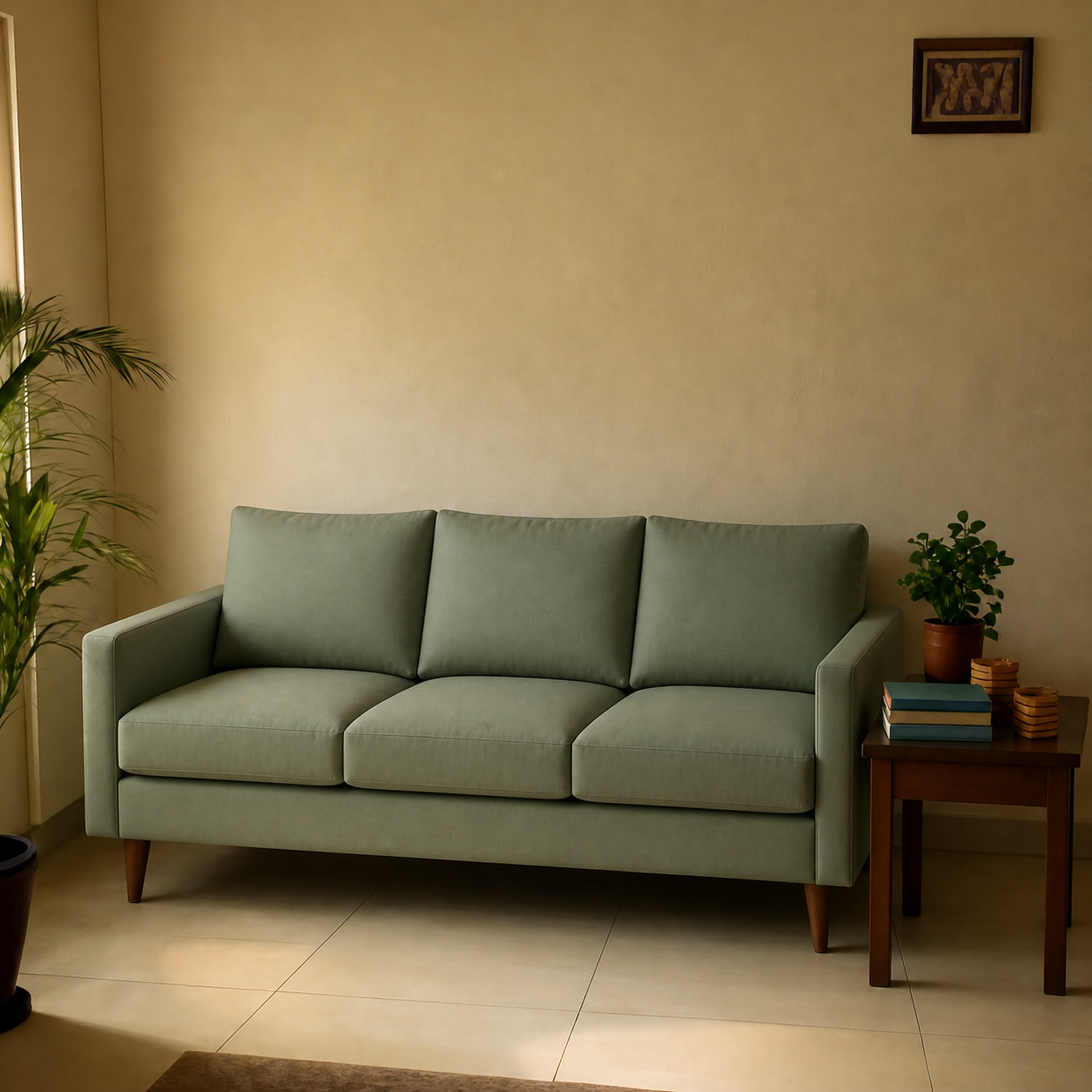
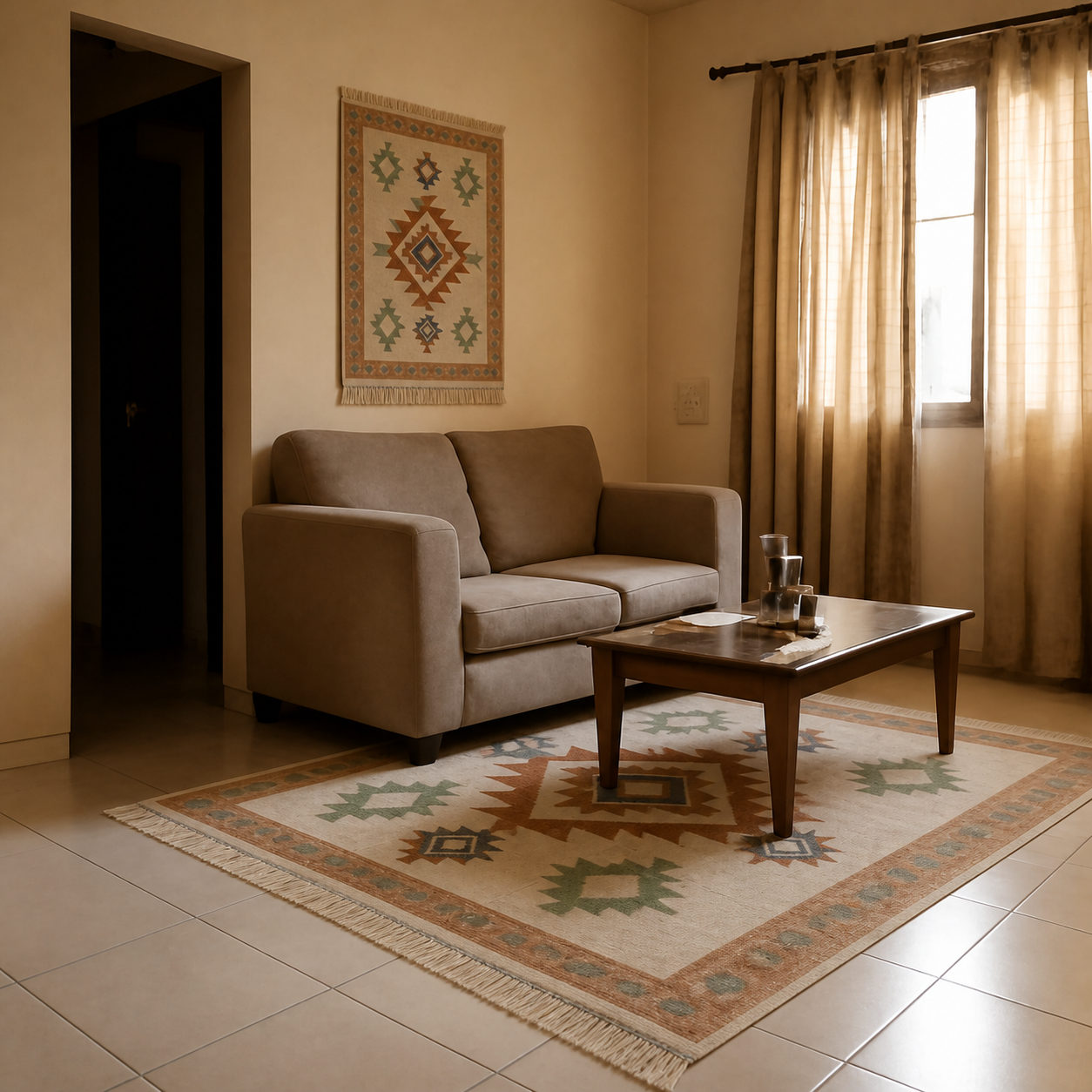
See it on the sofa in a living room demo or the rug demo, and the side-by-side breakdown on PlopIt vs DecorMatters.
DecorMatters vs AR apps (IKEA Place, Houzz View)
AR apps let you walk around a 3D product through your phone camera. IKEA Place is the cleanest implementation; Houzz View has the largest catalogue. DecorMatters has some AR features but they are not the headline.
AR wins when you need to feel a piece in space — checking whether a sectional leaves enough walking room around the coffee table. DecorMatters wins when you want a saved, shareable image of a room concept rather than a live overlay.
DecorMatters vs 3D room planners (Planner 5D, Roomstyler)
Planner 5D and Roomstyler build a model of your room from measurements you enter and let you drag in generic 3D furniture. They are far more precise than DecorMatters for layout, but they do not produce photorealistic renders of your actual room — they show a stylized 3D scene with placeholder furniture.
Use a 3D planner when you are designing a renovation; use DecorMatters when you want to riff on a single room photo for styling ideas.
Side-by-side comparison
| Tool | Strength | Cost | Realism |
|---|---|---|---|
| DecorMatters | Community, design play | Free + Pro $7-10/mo | Collage feel |
| PlopIt | Specific-product fit check | Free | Photorealistic |
| IKEA Place | IKEA catalogue AR | Free | 3D overlay |
| Houzz View | Big catalogue + AR | Free | 3D overlay |
| Planner 5D | Floor planning | Free tier | Stylized 3D |
Which one should you use?
- You want to riff on style and ideas → DecorMatters. The feed and editor are designed for play.
- You have a specific product link to evaluate → a photo-composition tool, e.g. previewing sofas in your living room or rugs in your space.
- You want to walk around a piece → an AR app from the retailer you are shopping with.
- You are renovating → a 3D planner. DecorMatters and photo-composition tools are both single-room, not whole-home.
Honest limits of both
DecorMatters cannot tell you whether an 84-inch sofa will leave room for the coffee table — its scale is finger-driven. A photo-composition tool gets the scale right when the product dimensions are known, but produces a still image, not a 3D model you can rotate. Neither replaces a tape measure for stairwell or doorway clearance — see how to tell if a sofa will fit for the measurement side, and best free AI room visualizers in 2026 for the broader landscape. For a Modsy-shaped use case (designer plus 3D plus product picks), see the Modsy alternatives roundup.
The realistic workflow
Most shoppers end up using two tools, not one. Browse DecorMatters or Pinterest until a style clicks. Then pick the actual products you are considering and run them through a photo-composition tool to confirm scale and colour in your real room. The combo costs nothing and catches both kinds of mistake — wrong taste and wrong fit — before the box arrives.