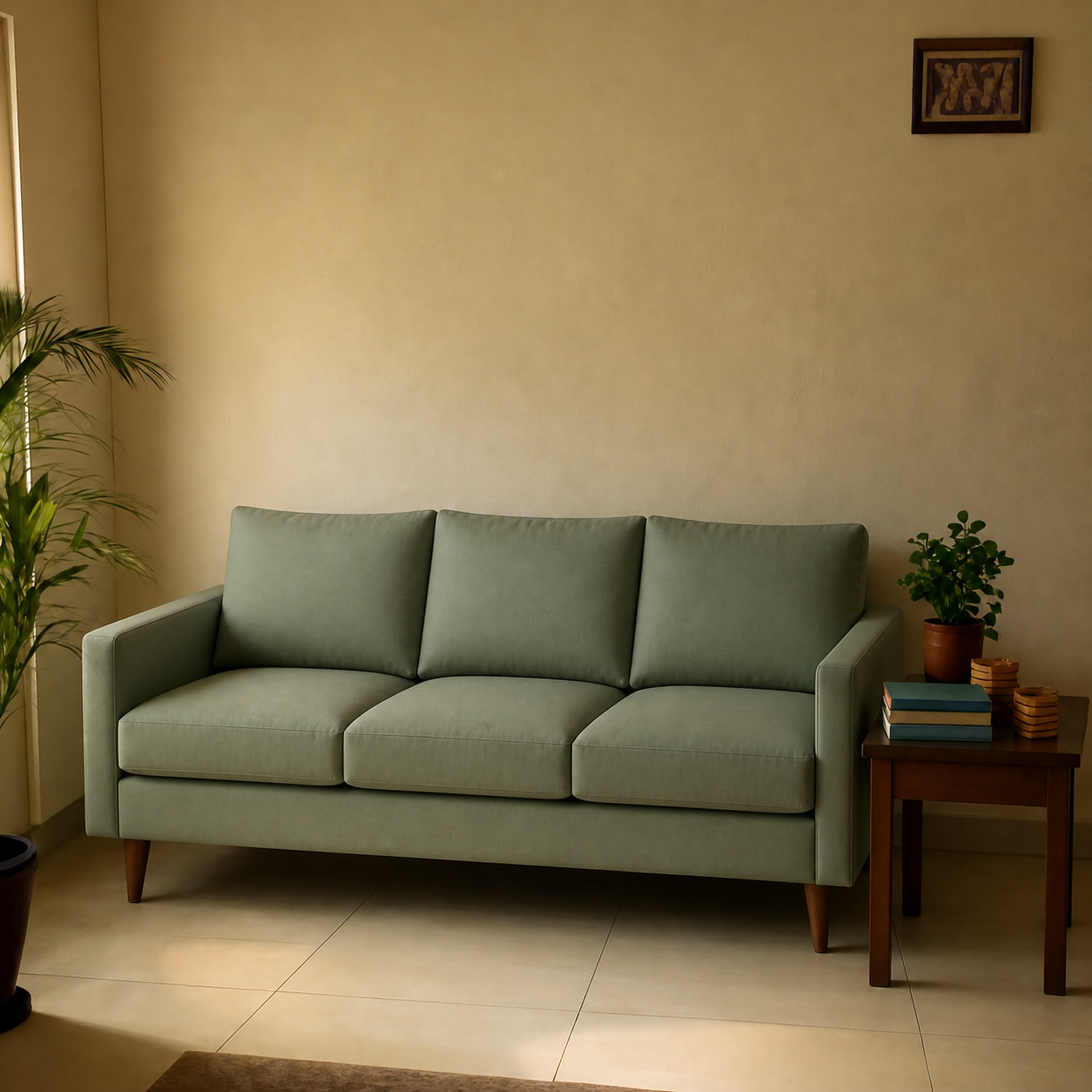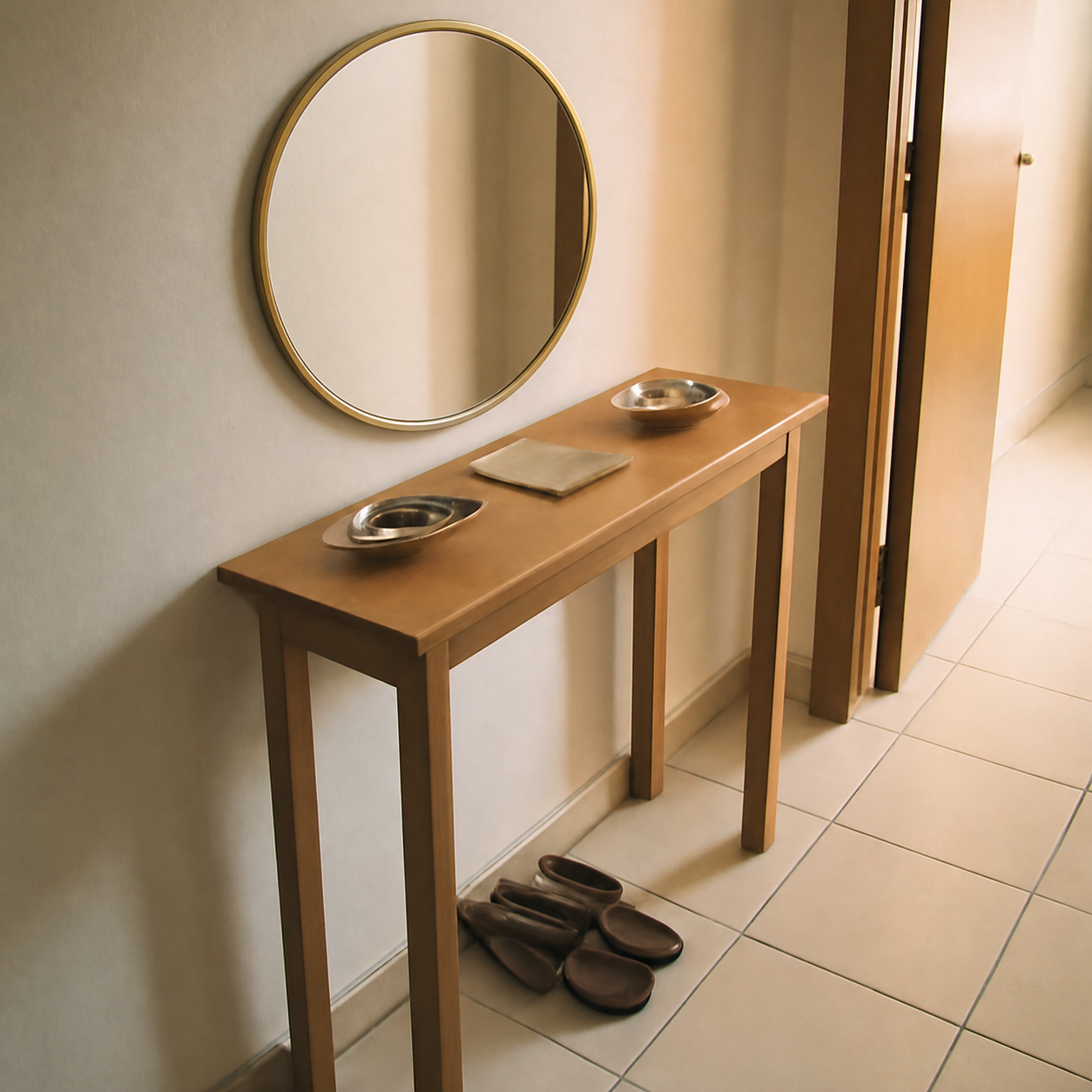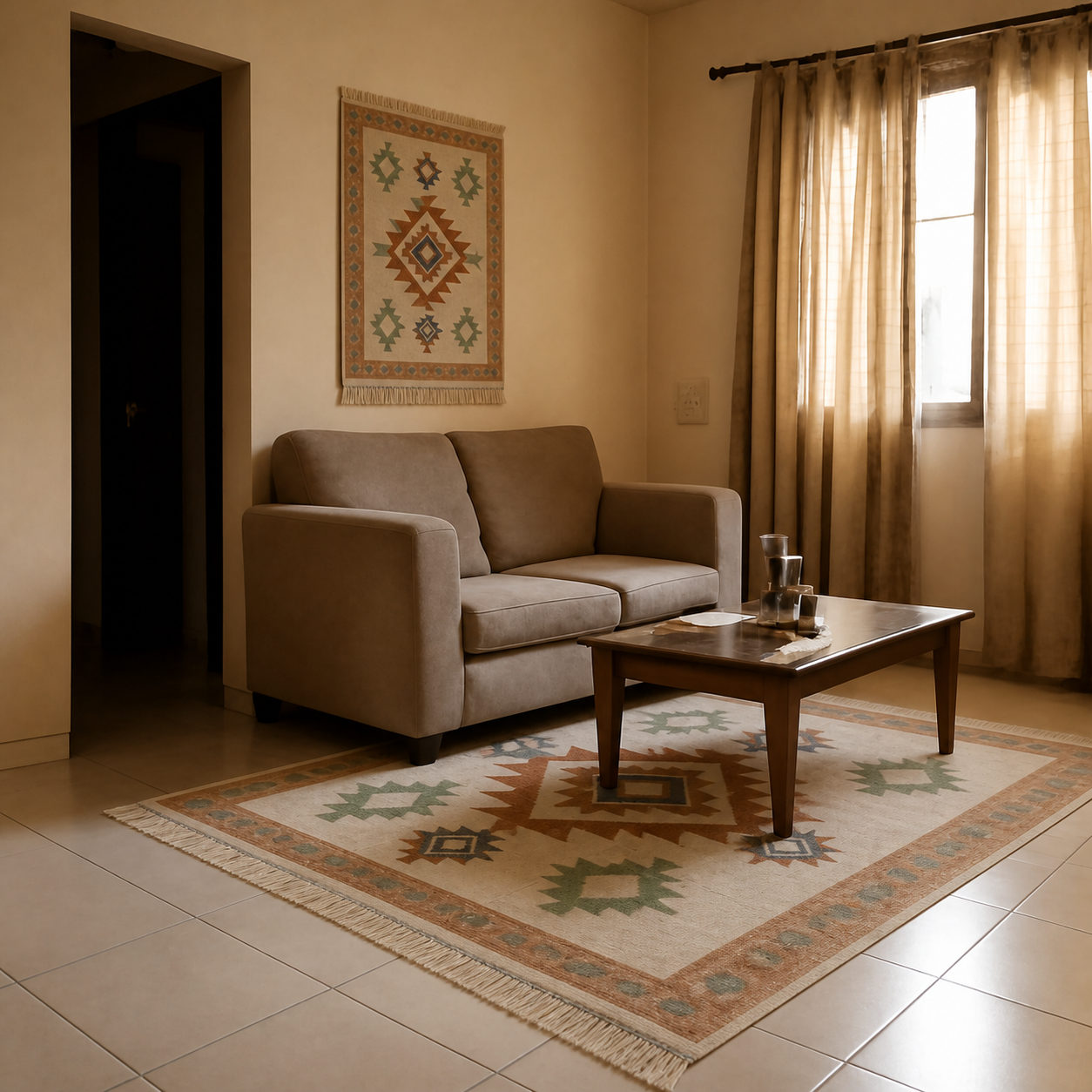
Not really. A general-purpose chatbot can describe how a product might look in your room, suggest styling alternatives, and even draw a new room from scratch — but it can't take your specific product image, place it into your specific room photo, and preserve correct scale, lighting, and perspective. That narrow job needs a dedicated composition tool. The chatbot is useful for advice; the composition tool is what you use before you click buy.
What general chatbots can and can't do
Modern chatbots have image generation built in, which makes it feel like they should be able to do this. But generating an image from a prompt is a different problem from compositing one image into another. The first is open-ended creation; the second is constrained editing with two pieces of source truth that must be preserved.
| Task | General chatbot | Composition tool |
|---|---|---|
| Describe how a sofa might look in your room | Yes — text only | Yes — visually |
| Draw a generic living room with a teal sofa | Yes | Not its job |
| Place your real sofa into your real room photo | Approximately, with drift | Yes — faithfully |
| Preserve fabric pattern, exact colour, exact proportions | Inconsistent | Yes — pixel-faithful |
| Match shadow direction to your window light | Sometimes | Yes — modelled |
The pattern is consistent: general chatbots are competent at describing and inventing; dedicated tools are competent at composing. Use both, but use them for what they're good at.
Why is faithful composition hard for a chatbot?
Three structural reasons:
- Two source images, one constraint. A composition task has to hold both inputs steady — the room photo's geometry and the product image's exact look — while modifying only the overlap. General models are tuned to generate, not to preserve.
- Pattern drift. When a general model regenerates a striped or printed product, the stripes or print drift. The output looks “close” but the buyer wants exact. Drift means the preview is lying.
- No room geometry model. To place a sofa correctly, the AI has to understand the camera's vanishing lines, the floor plane, and the wall plane. Composition tools build this into the pipeline; general chatbots solve it implicitly and inconsistently.
Key takeaway
Generation tools invent. Composition tools edit two real photos together. Buyers need the second one.
What can a chatbot do for room and product decisions?
Plenty, when you frame the question correctly:
- Style and palette advice. Given a room photo and a sofa colour, it can tell you what curtains, rugs, or art might pair well.
- Dimension reasoning. Paste the room dimensions and a product's listed size, and a chatbot will walk through the fit math.
- Brand alternatives. “I like this West Elm sofa — what's a cheaper lookalike?” is a question chatbots answer well.
- Mood boards in prose. A written list of what would coordinate, ranked by impact, is a useful pre-step before you start visualizing.
The realistic workflow: chatbot + composition tool
- 1Ask a chatbot for a shortlist. “What style of rug works with a beige sofa and dark wood floor?” gives you concrete categories — distressed Persian, geometric Berber, jute neutral.
- 2Find 3–4 actual products on Amazon or your retailer of choice that match the shortlist.
- 3Paste each product link or image into a dedicated composition tool. Get four side-by-side previews in your actual room.
- 4Pick the one that wins both the “does this fit my room” and “does this match my style” tests.
- 5Order. Tape out the footprint. Compare the delivered piece against the preview.
Why this matters — the return cost
Furniture return rates online are dramatically higher than for clothing or electronics. Most of those returns come down to “it didn't look right in my room” — a visual check, not a tape-measure problem. A chatbot can talk you through what mightlook right, but it can't resolve the question without showing you the product in your space.
See the breakdown of what those returns actually cost in why furniture returns are expensive and the volume in how often people return furniture online.
What about asking the chatbot to do it anyway?
You can paste a product image and a room photo into most chatbots and ask “please put this sofa into this room.” The output usually has one or more of these problems:
- The sofa's fabric pattern drifts — the stripes are now slightly different, or the texture is generic.
- The room gets regenerated. Your wall paint, your floor, your existing furniture all shift to versions the model invented.
- The scale is off — the sofa might be 25% too small or large for the wall.
- Shadows go the wrong direction, or there are no shadows at all.
Any one of these is enough to make the preview useless as a buying decision. All four together is the default failure mode.
How a dedicated tool differs
Composition tools constrain the AI's job: don't regenerate the room, don't regenerate the product, only compose them together. The pipeline holds product identity (texture, colour, proportions) and room identity (walls, floor, existing furniture, light direction) fixed.
For a side-by-side that shows what faithful composition looks like, open the sofa living room demo or the entryway mirror demo. The original room photo and the original product image are both visible, so you can verify the merge is faithful.
Quick checklist when picking a tool
- Does it preserve the product's pattern pixel-for-pixel?
- Does it keep your room intact — same walls, same floor, same furniture in the background?
- Do shadows fall on the correct side of the product?
- Can it accept a URL (Amazon, IKEA, retailer site) rather than only an uploaded image?
If a tool checks all four, it's doing real composition. If it only checks one or two, it's closer to a chatbot in a nicer wrapper. More on this gut-check in are AI room previews realistic.