IKEA Place is an AR app that overlays IKEA's 3D catalogue through your phone camera so you can walk around a piece in your actual room. General AI room visualizers do something different: they compose a still photo of a product into a photo of your space at correct scale, lighting, and perspective. IKEA Place wins for IKEA-only shoppers who want to feel a piece in 3D; general AI visualizers win when you are buying across retailers or want a photorealistic preview you can save and compare.
What IKEA Place actually does
IKEA Place uses ARKit and ARCore to drop true-scale 3D models of IKEA products into your live camera view. You point your phone at the floor, the app maps the room, and you tap a sofa to plant it there. You can walk around it, switch covers, and check whether a bookcase clears a low ceiling. The library is IKEA-only and currently covers a few thousand of their products — most large furniture is in, accessories vary.
IKEA has since rolled out a fuller experience called IKEA Kreativ that pairs a room scan with planning tools, but IKEA Place remains the lightweight option for “will this couch fit here?” on mobile.
What general AI room visualizers do differently
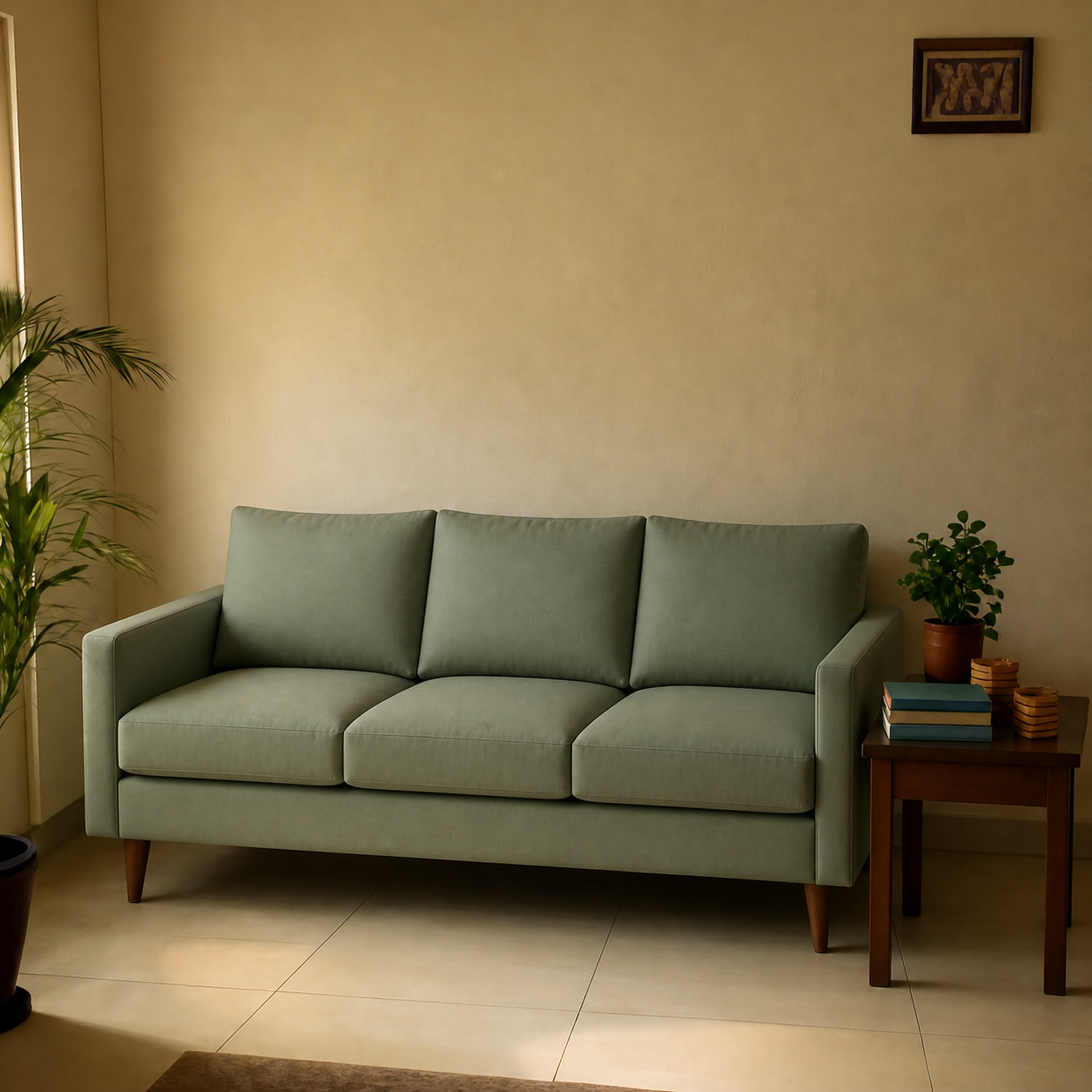
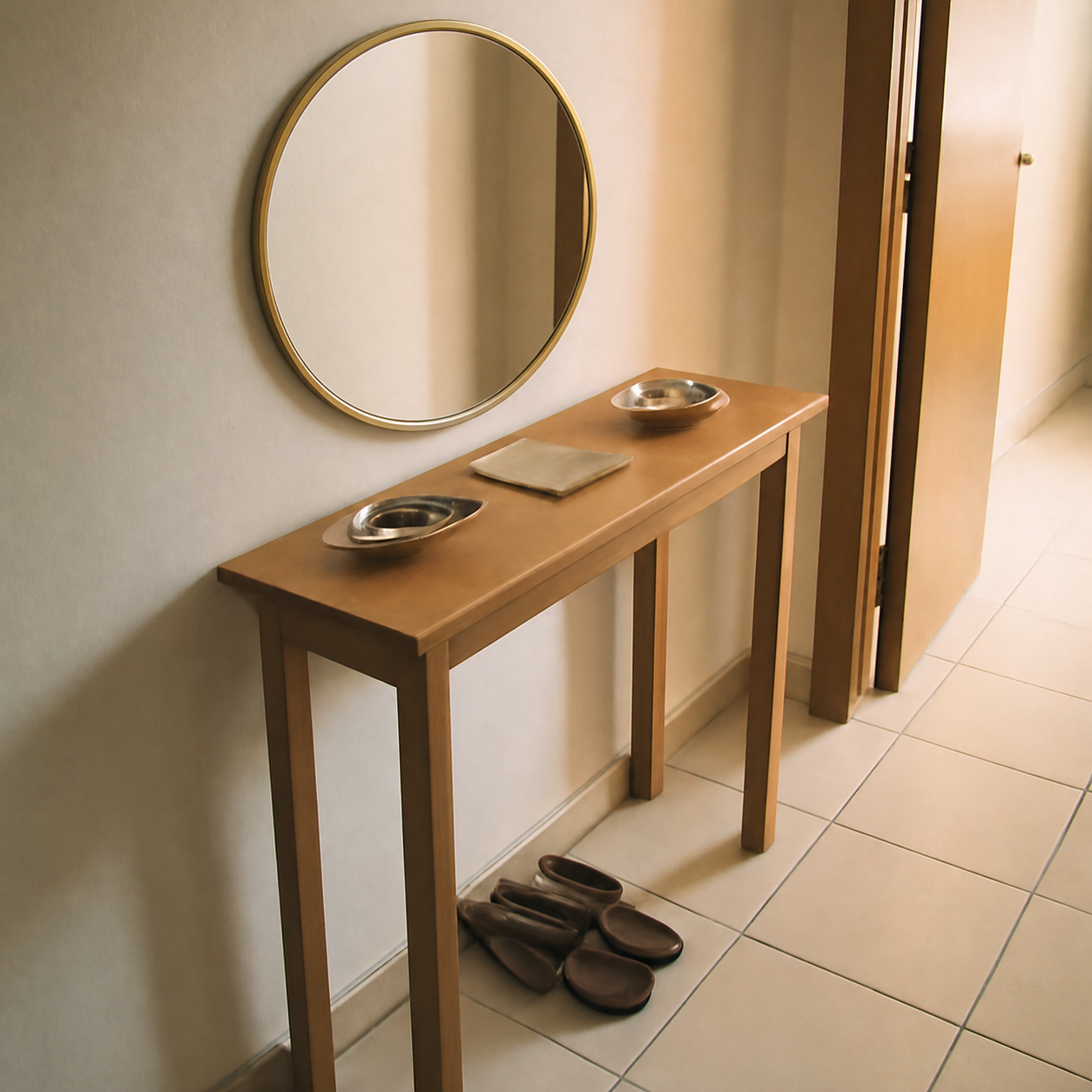
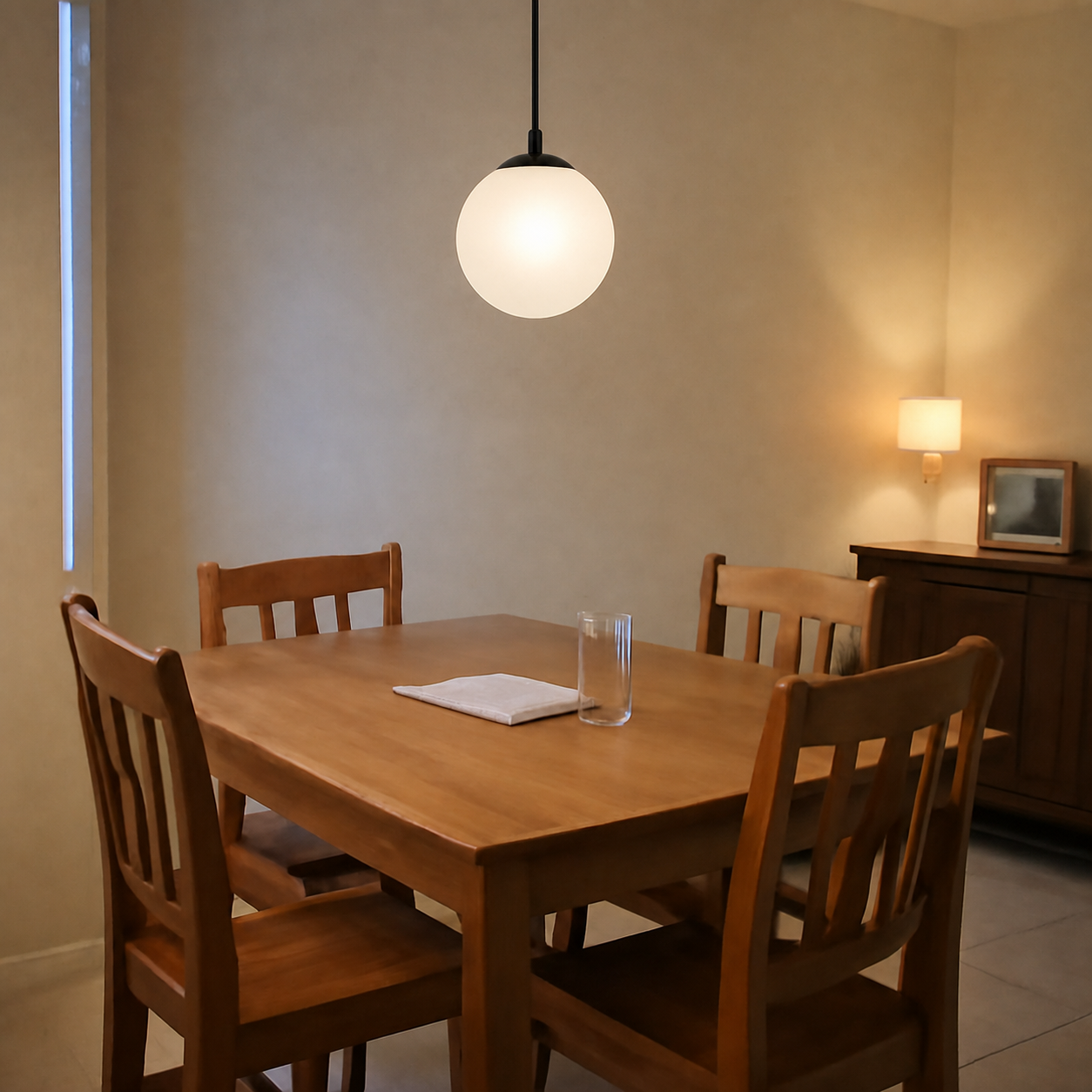
General-purpose AI visualizers like PlopIt take two inputs — a photo of your room and a product (any retailer link or an image) — and produce a single photorealistic image of that product placed into the room. There is no 3D walkaround. In exchange you get cross-retailer support: Amazon, Wayfair, an Etsy shop, a local store with a product page, all work the same.
See the living-room sofa demo for an example, or the mirror demo for a smaller product.
Side-by-side comparison
| Feature | IKEA Place | General AI visualizer |
|---|---|---|
| Retailers | IKEA only | Any URL or image |
| Output | Live 3D AR overlay | Photorealistic still |
| Walk around | Yes | No |
| Shareable image | Screenshot | Native PNG export |
| Setup | App install + LiDAR helps | Web, any phone |
| Cost | Free | Free |
| Best for | IKEA-only shoppers | Cross-retailer fit checks |
When IKEA Place is the right tool
- You are shopping IKEA-only. The catalogue integration is unmatched there — every product has a tuned 3D model, accurate dimensions, finish previews.
- You need to feel a piece in 3D. Walking around a sectional to check turnaround room is something a still image cannot do.
- You want a quick yes/no. Plant it, look, take it away — the AR loop is fast.
When general AI visualizers win
- You are not buying IKEA. Amazon listings, Wayfair, Pottery Barn, an Etsy seller — none of these have AR models on IKEA Place. A photo-composition tool handles them all.
- You want photorealism, not 3D. For checking whether a navy velvet sofa reads the right shade against your floor at golden hour, a photo composite beats a 3D render.
- You want to A/B options. Generating five sofa candidates and viewing them side by side is a still-image workflow, not an AR one.
- You want to share or compare on desktop. AR sessions live and die on your phone; a PNG you save can be sent to a partner, dropped in a Pinterest board, or pulled up on a laptop.
IKEA Place's honest limits
AR overlays are sensitive to light. In a dim living room or a cluttered floor, the plane-tracking drifts and the sofa walks off into the wall. The 3D models are accurate to dimensions but their material rendering is stylized — a leather couch looks plasticky next to your real leather chair. And the catalogue lock is real: if you are comparing IKEA against another retailer side by side, IKEA Place cannot help with the other half of the comparison.
AI visualizer limits to be honest about
A photo-composition tool produces a single image. You cannot rotate it, you cannot pace around it, and it does not replace a tape measure for doorway and stairwell clearance — see how to tell if a sofa will fit for the physical-fit checklist that no visualizer replaces. It is also as accurate as the dimensions and angle you give it; see how accurate AI visualizers are for scale and lighting for the details.
Combining the two
The two tools are complements, not substitutes. Use IKEA Place early to feel pieces in the room and short-list. Then, if you are also considering non-IKEA candidates — a Wayfair sectional or a sofa from a local maker — run those through a general AI visualizer so every option ends up as a comparable still image. For the broader landscape see best free AI room visualizers in 2026 and the side-by-side on PlopIt vs IKEA Kreativ.
The short version
IKEA Place is the best IKEA-shopping tool ever shipped. As soon as the question becomes “does this specific non-IKEA product work in my room?”, you need a different tool. A photo composite of the actual product in your actual room is the cheapest insurance against a return.