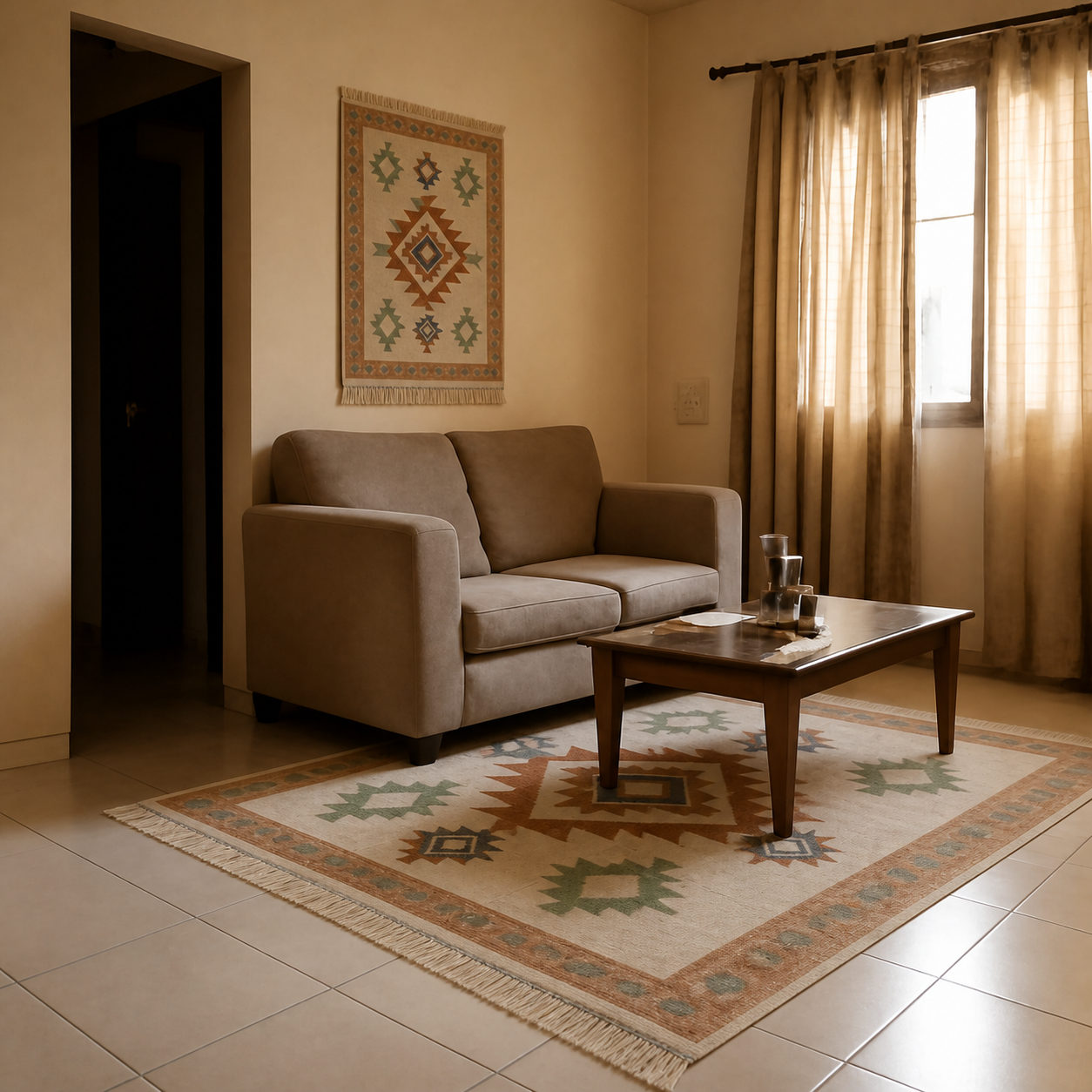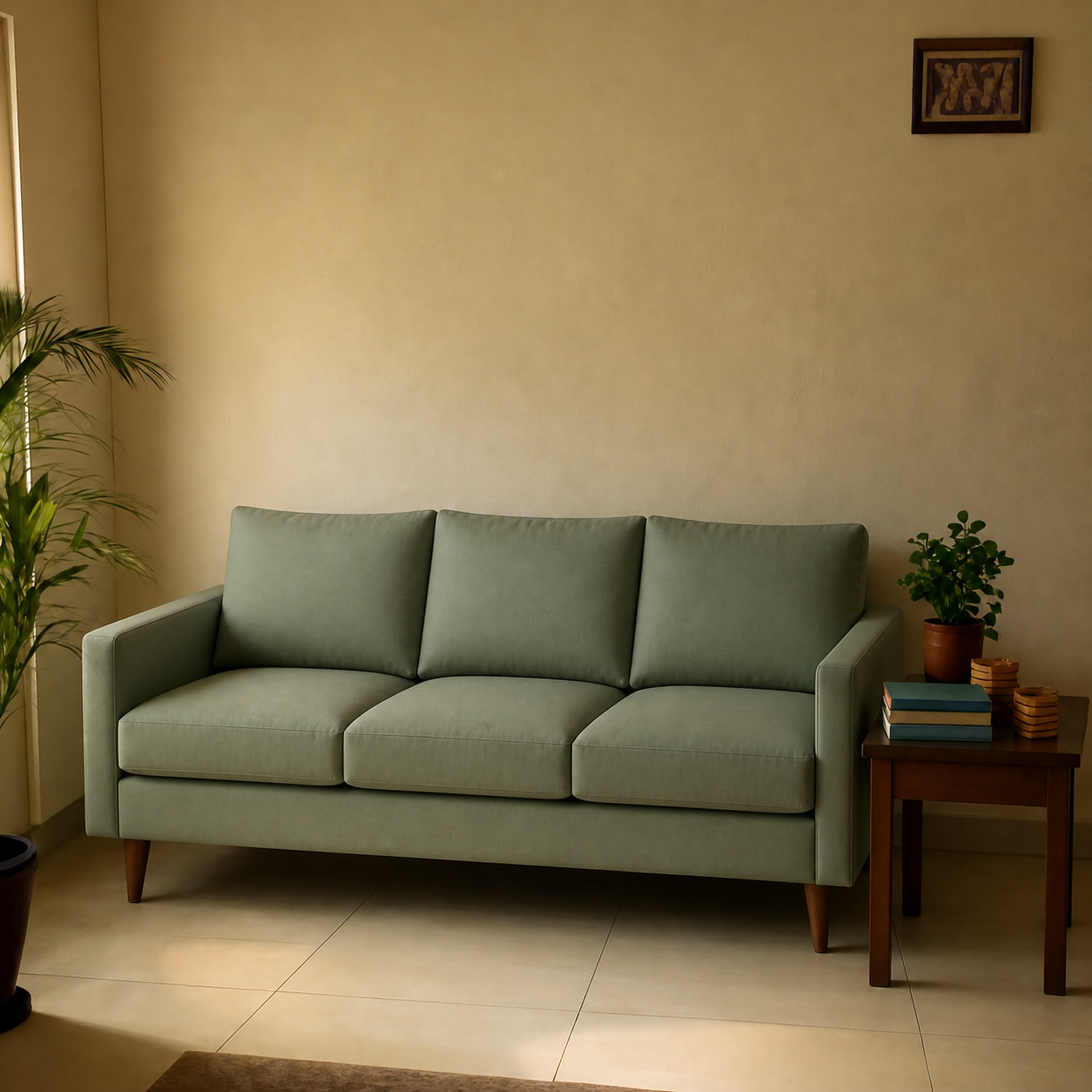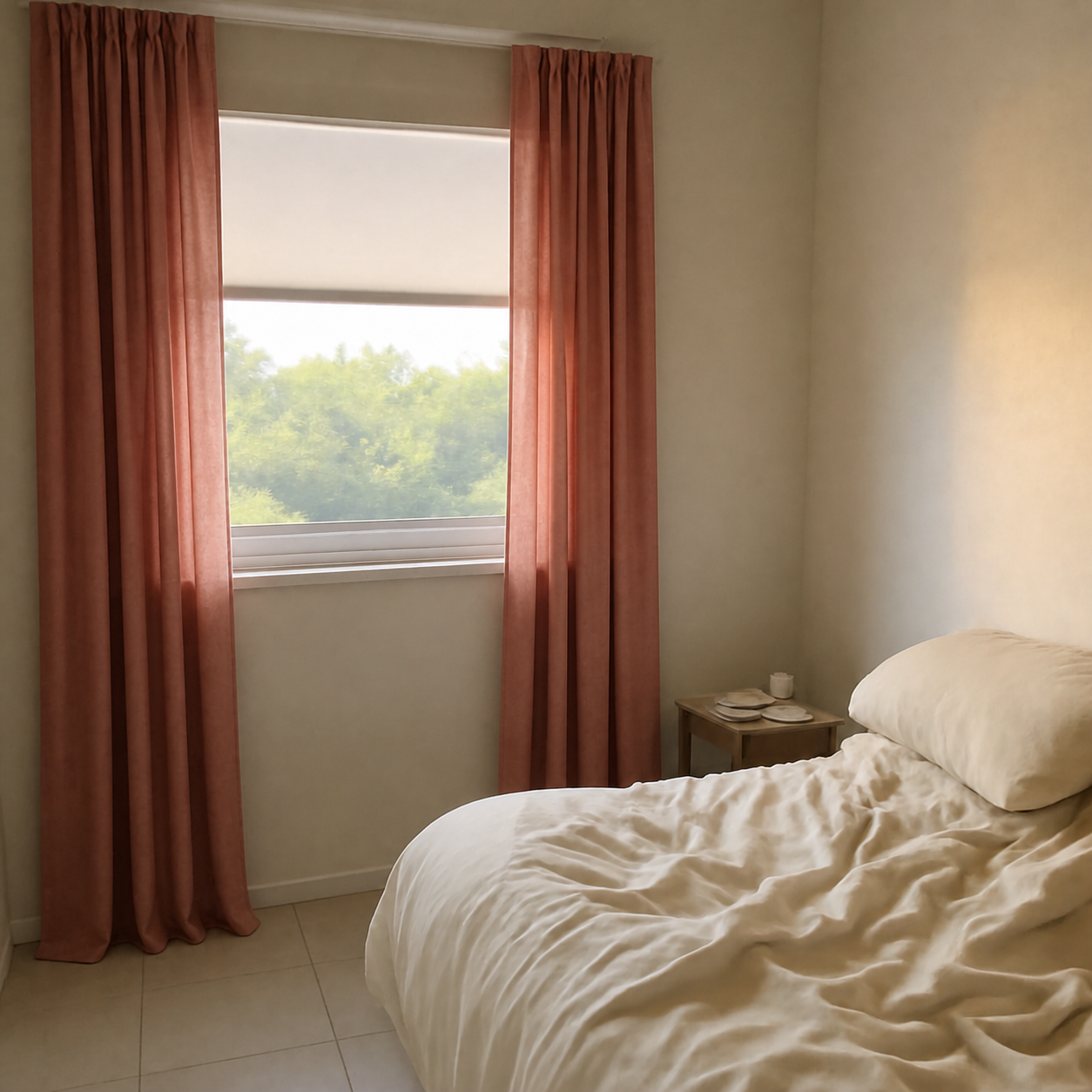
Pinterest mood boards and AI room previews answer two different questions. Pinterest is best for “what style do I like?” — a wide, low-commitment survey of looks, palettes, and arrangements. AI room previews answer “does this specific product actually work in my room?” — a narrow, high-commitment check before purchase. They complement each other; using only one is what causes most online furniture regret.
What a Pinterest mood board is good at
Pinterest is a visual search engine for taste. Save a hundred rugs across two evenings and a pattern emerges — you prefer flatweaves over shag, ivory over grey, geometric over floral. A well-built board reveals consistent preferences faster than introspection ever does. It is also free, social, and trivial to share with a partner or a designer.
Strengths in one line: breadth, taste discovery, mood-setting, shareable, requires zero effort.
What a mood board cannot do
- Show your room.Every image is someone else's living room. You cannot tell from a Pinterest pin whether a sofa works against your floor and walls.
- Show scale. A 6-foot sofa in a wide-angle Pinterest photo looks the same size as an 8-foot sofa in a tight shot. The pin gives you no information about how big the piece actually is.
- Tie back to a real product. Most pins lead to dead links, drop-shipping aggregators, or inspiration-only photos with no source.
- Survive your lighting. A board curated under daylight will mislead you about how colours read in your apartment at 7 pm with two warm bulbs.
What an AI room preview is good at
A photo-composition tool like PlopIt takes the exact product you are about to buy (Amazon URL, Wayfair link, or an image) and composes it into a photo of your actual room. You see the real piece against your real walls, at the right scale, with your real lighting reflected onto it. The question it answers is narrow: “will this look right here?” — but it answers it before the box arrives.
Try it on the living-room sofa demo or the rug demo.
Side-by-side comparison
| Question | AI room preview | |
|---|---|---|
| What style do I like? | Yes — built for it | No |
| Will this exact sofa fit? | No | Yes |
| Colour against my walls? | Guess | Composited in |
| Discover new options | Best in class | Not the use case |
| Share with a partner | Native | Export as image |
| Cost | Free | Free |
The two-step workflow that actually works
- Mood-board first. Spend one or two evenings on Pinterest. Pin freely — anything that catches your eye for the category you are shopping. After 50-100 pins, the pattern in your taste appears.
- Translate to candidates. Pick 3-5 actual products that match the pattern. Reverse-image search the pins or browse the matching category — for example sofas, rugs, or curtains.
- Composite them in. Run each candidate through an AI room preview against the same photo of your room. The one that looks right wins.
The first step prevents you from buying something well-executed that you do not actually like. The third step prevents you from buying something you like in the abstract that does not work in your space.
Pinterest pitfalls to watch for
Two patterns derail Pinterest-only shoppers:
- Aspirational scale. Many pinned rooms are 30+ square metres with cathedral ceilings. Pinning them is fine; recreating them in a 60 sq m apartment is not, and the board will quietly bias you toward oversized furniture.
- The mismatched palette. A board can be consistent in style but inconsistent in tone — warm wood floors in one pin, cool concrete in the next. Your actual floor is one of those, and pieces chosen for the wrong one read off.
AI preview pitfalls to watch for
Photo-composition tools are honest about what they can do, but they have limits. They are only as accurate as the room photo you give them — see how accurate AI visualizers are for scale and lighting — and they do not replace a tape measure for doorway and stairwell clearance, covered in how to tell if a sofa will fit. They also do not replace taste — if your mood board is wrong, every preview will look fine and you will still hate the room.
When you only have time for one
If you have already decided on a specific product and just want to confirm it works, skip Pinterest and go straight to a preview. If you have a budget and a category but no clear style, start on Pinterest. The mistake is using either to do the other's job — pinning your way to a purchase decision, or running 30 random AI previews hoping a style emerges. They are different jobs.
For broader context see the best free AI room visualizers in 2026 and can I see furniture in my room before buying.