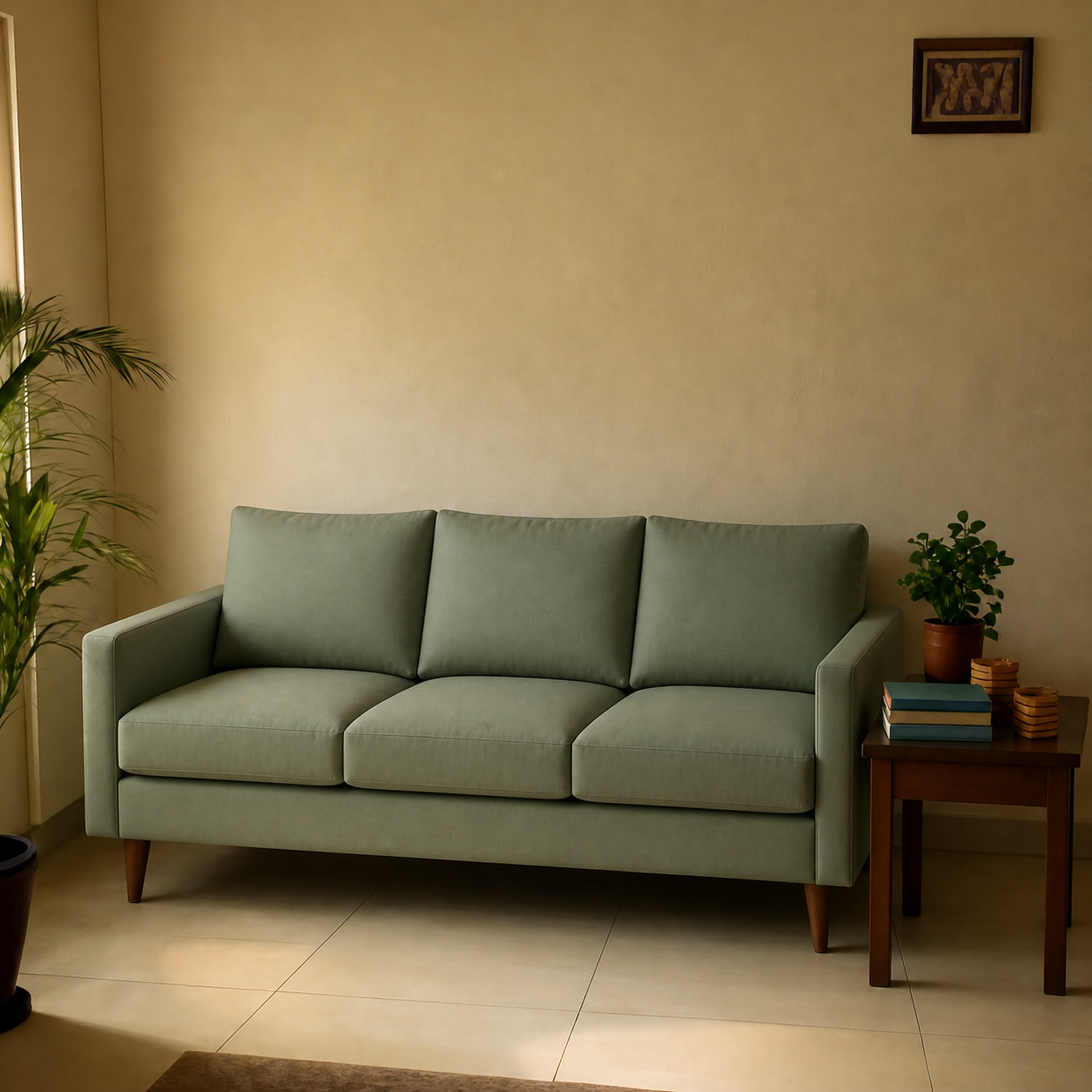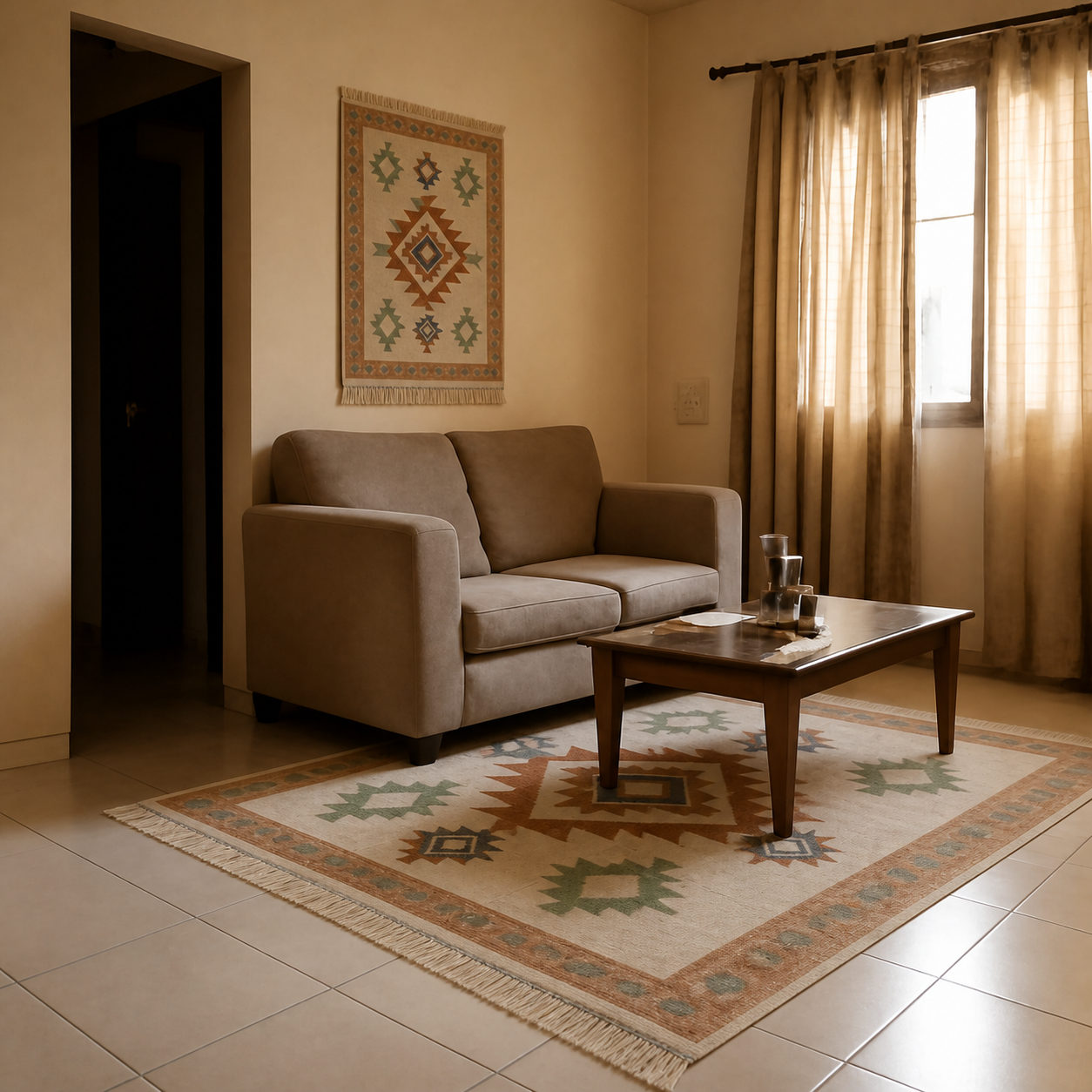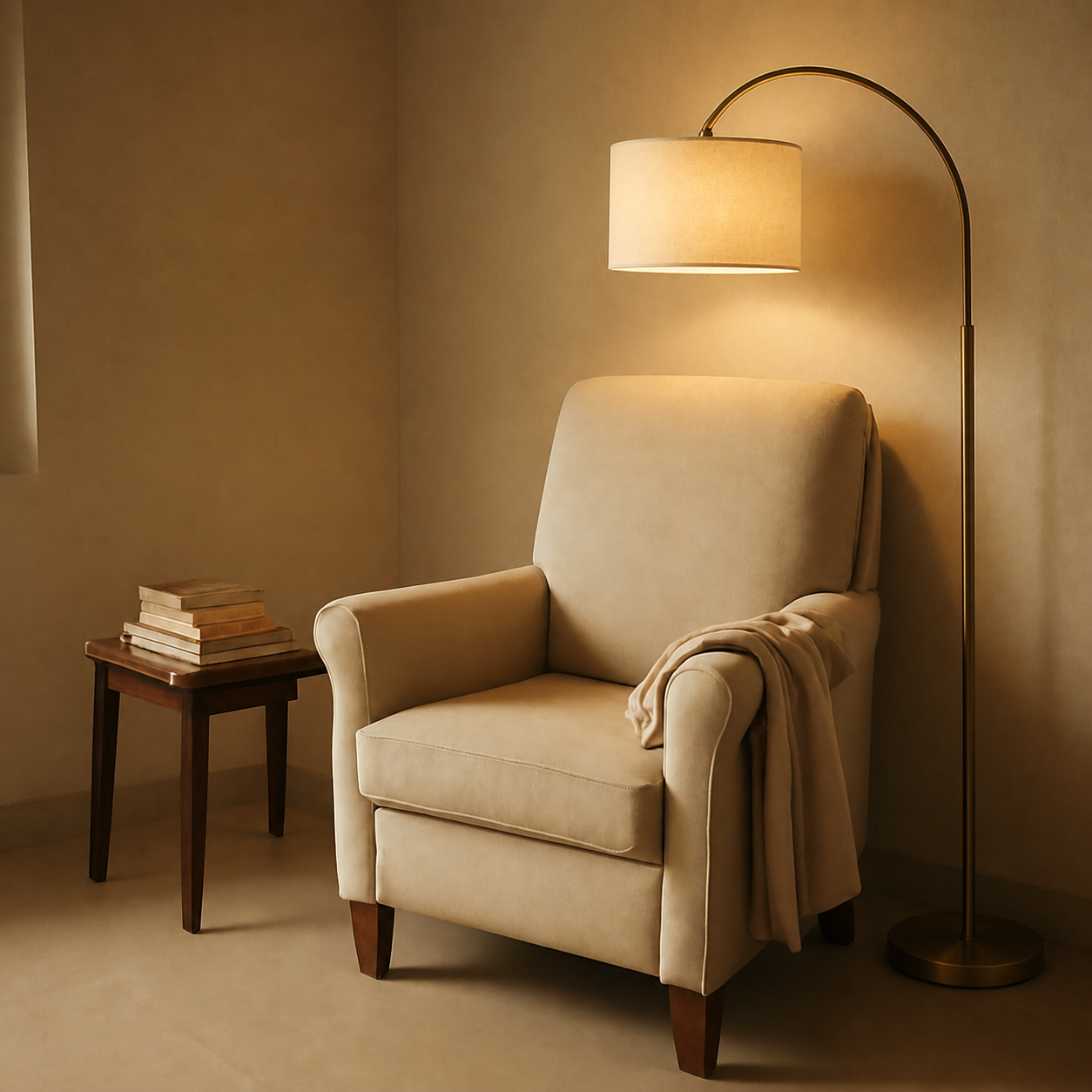
Buying a sofa from one retailer, a rug from another, a console from a third, and a lamp from a local store is the modern reality — and the most common reason rooms end up looking unintentional. The fix is a shared moodboard, a single dimensions doc, and previewing every candidate piece in the same photo of your actual room before clicking buy on any of them. Treat the project like a small renovation: one master timeline, one specs sheet, one decision rubric for each category. The retailer at the bottom of each line item is almost irrelevant if the upstream coordination is done.
Why cross-retailer rooms go wrong
Three failure modes show up over and over:
- Style drift. Each piece looks good on its own retailer's site against that retailer's styled background. Together they don't share a palette, wood tone, or scale.
- Dimension creep. Each piece is “close enough” on its own, but together the sofa is 4 inches too long for the wall, the coffee table sits 22 inches in front of it instead of 18, and the rug is one size too small.
- Delivery chaos. Sofa from Wayfair in 6 weeks, console from Amazon in 2 days, rug from IKEA the same weekend you fly out, lamp arriving while you're still waiting on the sofa to schedule pickup of a wrong-size attempt.
The good news: each of these is solvable upstream with a 30-minute setup. None of it requires a designer.
Step 1 — Build one moodboard before opening any retailer
The single most useful pre-shopping step. A moodboard locks in the palette and the mood before retailer-specific styling starts pulling you in different directions. What it needs:
- Three reference room photos you genuinely want yours to look like — Pinterest, Instagram, or a magazine clipping.
- The three dominant colours across those photos — pulled as named hex codes or paint chips. Most rooms have two neutrals plus one accent.
- One wood tone reference — walnut, oak, ash, teak, or painted. Cross-retailer wood tones mismatch more than any other detail.
- One metal finish — brass, chrome, matte black, brushed nickel. The hardware finish on a console, lamp base, and curtain rod should match more often than not.
For more on style-matching against pieces you already own, see matching new furniture to existing decor and when to use Pinterest boards versus room previews.
Step 2 — One dimensions doc, every piece tracked
A single spreadsheet (or Notion table, or notes app — anything that holds rows) with one row per furniture category. Columns to track:
| Column | Example | Why it matters |
|---|---|---|
| Category | Sofa | Forces 1 piece per slot |
| Target dimensions | 78 in W × 34 in D × 32 in H | Decided once, all candidates filter against it |
| Candidate retailer | Wayfair / Amazon / IKEA | Reminds you to compare across, not within |
| Actual dimensions | 76 × 35 × 33 | Catches the “close but not quite” |
| Price + shipping | ₹52,000 + ₹0 | True landed cost, not list price |
| Return window + cost | 30 days, 15% restocking | What it costs if you change your mind |
| Lead time | 4–6 weeks | Pinch points in the master timeline |
| Preview captured? | Yes / No | Have you actually seen it in your room? |
The point isn't a project-management exercise. It's a forcing function — if you can't fill in the target dimensions column for a category, you aren't ready to shop in it yet.
Key takeaway
One spreadsheet across all retailers beats ten saved-for-later carts in different apps. The cross-retailer view is what surfaces dimension creep.
Step 3 — Preview every candidate in the same room photo
Take one good wide-angle photo of the actual room you're furnishing. Use it as the canvas for every preview. The across-retailer trick is that previewing each candidate in the same room photo turns “does this fit my style?” from a guess into a visible comparison.
Workflow for each candidate:
- 1Grab the product image from the listing — or paste the Amazon URL straight in. The same room photo is reused for every category.
- 2Generate a preview. Save the output to a single “candidates” folder, named by category-retailer-brand.
- 3Once you have two or three previews per category, look at them side by side. The right answer is usually obvious — and it's rarely the one with the prettiest catalog photo.
- 4Tick “Preview captured” in the dimensions doc only after you've seen the piece in your room photo, not just on the retailer's site.
For an example of how this looks for a single piece, see the sofa preview demo and the rug preview demo. The same room photo carries both — exactly the cross-retailer comparison the workflow is built around.
Step 4 — Build a master delivery timeline
Different retailers ship on different cadences. The fastest way to end up with a half-furnished room for 8 weeks is to order all pieces the same day without checking lead times.
- Long-lead items first. The sofa is usually the longest lead (4–8 weeks). Order it before anything else.
- Mid-lead next, paced to the sofa. Rugs, consoles, and dining tables typically ship in 1–3 weeks. Order these once the sofa lead-time is confirmed — aim for everything to land in the same 5–7 day window.
- Same-day stuff last. Lamps, cushion covers, art prints. Amazon-fast pieces are easy to time to the final week. Don't order them early — they pile up in the room you're trying to furnish.
- Build in a one-week buffer. The sofa will be late. Plan for it.
Step 5 — Track return windows on a calendar
Each retailer's clock starts at delivery. Add a calendar reminder for day 6 of every return window — that's the cutoff to decide and act before things get expensive. For the details of each retailer's policy, see the Amazon vs Wayfair vs IKEA return policy comparison and the hidden costs in the hidden cost of “free returns”.
The cross-retailer style sanity checks
Once your previews are in, run the room through these four questions:
- 1Do all the wood tones come from one family? Walnut + walnut + walnut reads intentional. Walnut + ash + teak reads like a furniture clearance.
- 2Do the metal finishes match? Lamp base, curtain rod, console hardware, picture frames — all the same finish or a deliberate two-finish mix.
- 3Is there visual rhythm? Pieces should alternate heights — tall lamp, low sofa, mid console, low coffee table — not all the same horizon line.
- 4Is there one statement piece? One bold thing the eye lands on first. Without it, the room reads “curated catalogue” — competent but unmemorable.
For the statement-piece logic specifically, see designing a room around one statement piece.
When the local store is the best move
Three categories where the local store usually wins:
- Upholstered seating with fabric choice. Touching the fabric matters more than seeing it on screen.
- Carpentry-heavy storage. Built-in or semi-custom wardrobes are still better done by a local carpenter than ordered online.
- Anything heavier than 80 kg. Local stores deliver and install. Online freight on heavy pieces involves multiple handoffs and more chances of in-transit damage.
For local-store pieces, photograph the floor sample on-site and preview that photo against your room — the same workflow applies, just with a phone shot instead of a product image.
Putting it all together
The cross-retailer workflow that prevents mismatched-style chaos isn't complicated — moodboard, dimensions doc, same-room previews, master timeline, return-window calendar. Thirty minutes of setup saves weeks of trial and error and the return fees that come with them.
Start with the room photo. Preview every serious candidate in it before clicking buy anywhere. Generate a preview here — it's the one step that ties every retailer's listing back to your specific room.
Related reads: planning a room makeover on a budget, planning a room makeover without buying anything yet, and the sofa visualizer category for the highest-leverage piece in any cross-retailer plan.