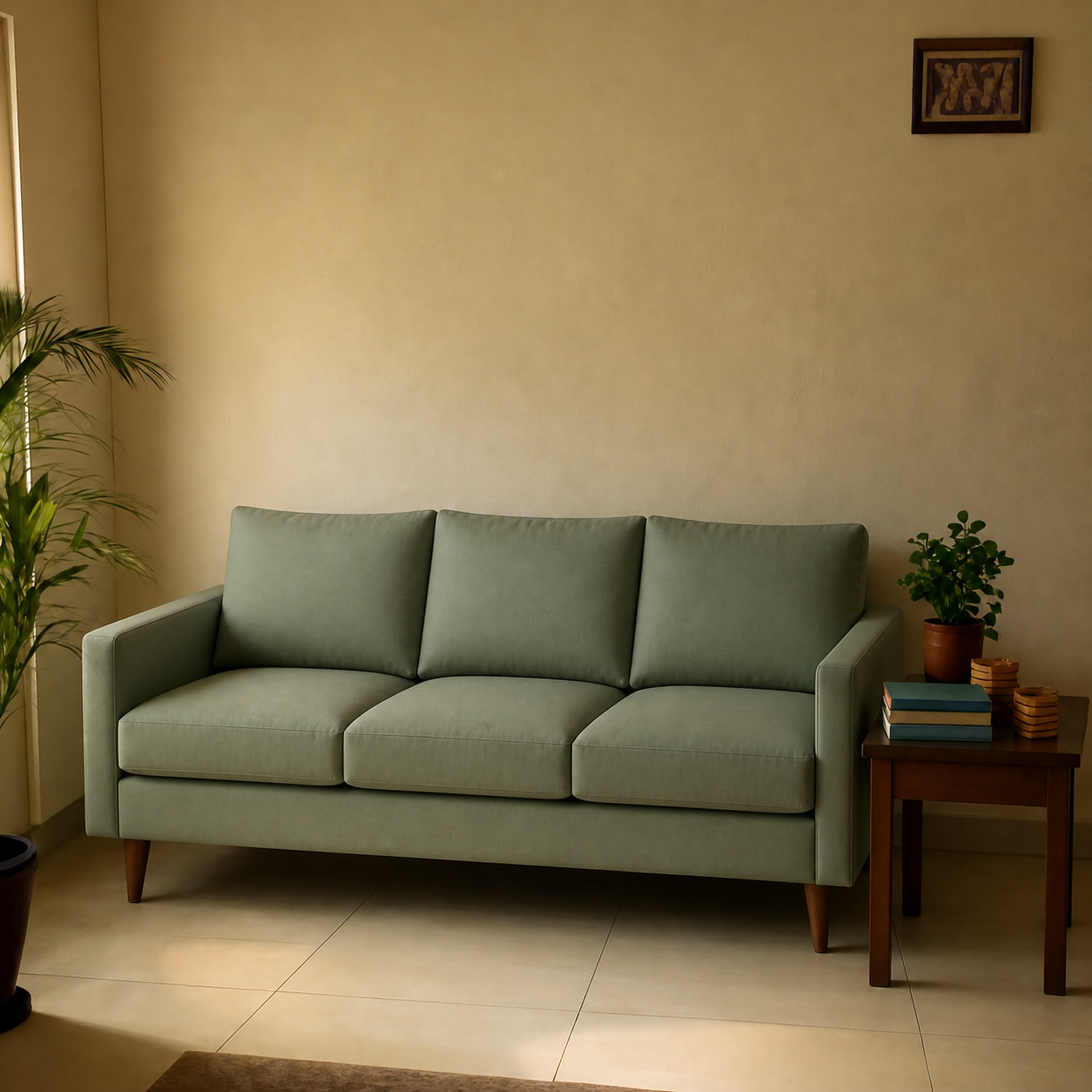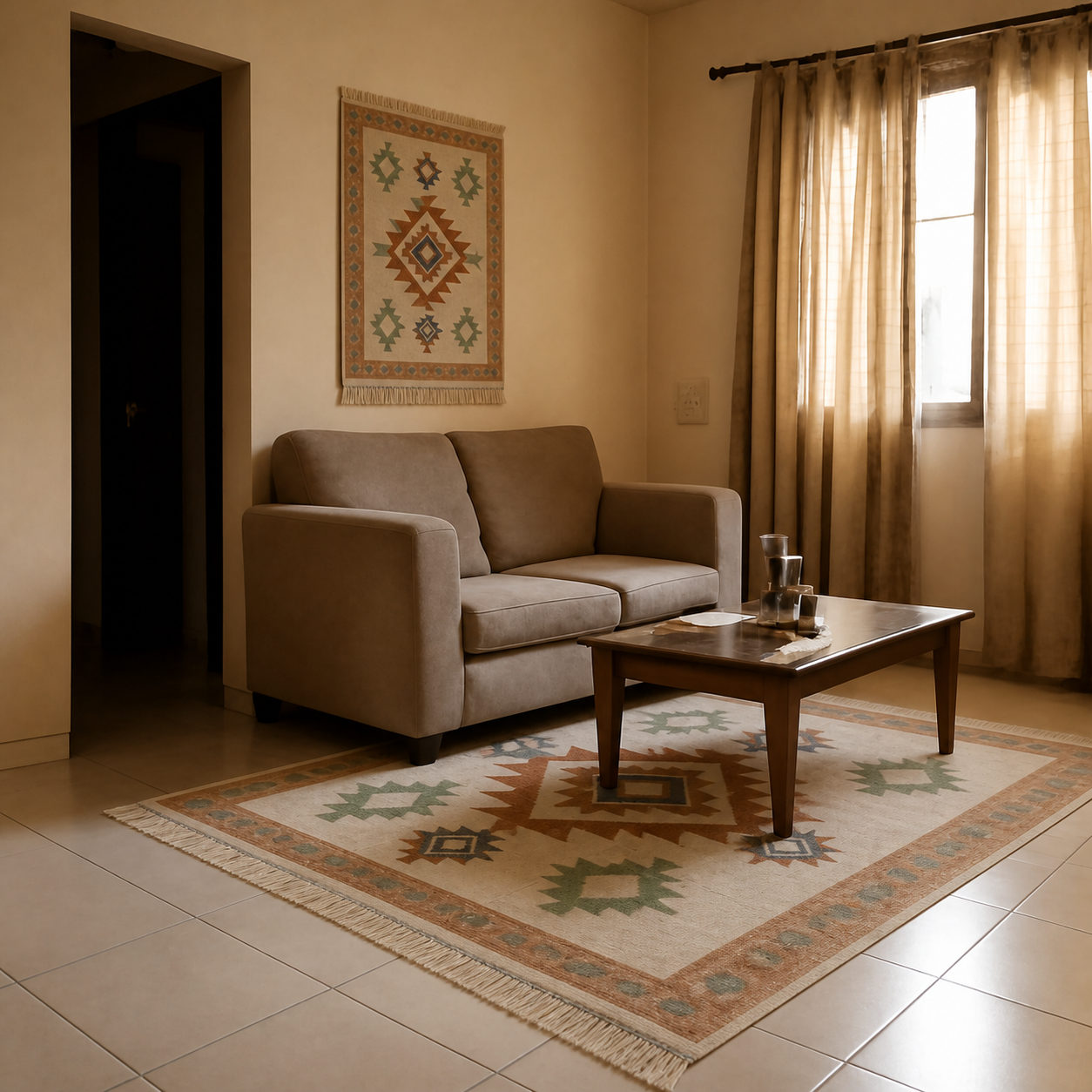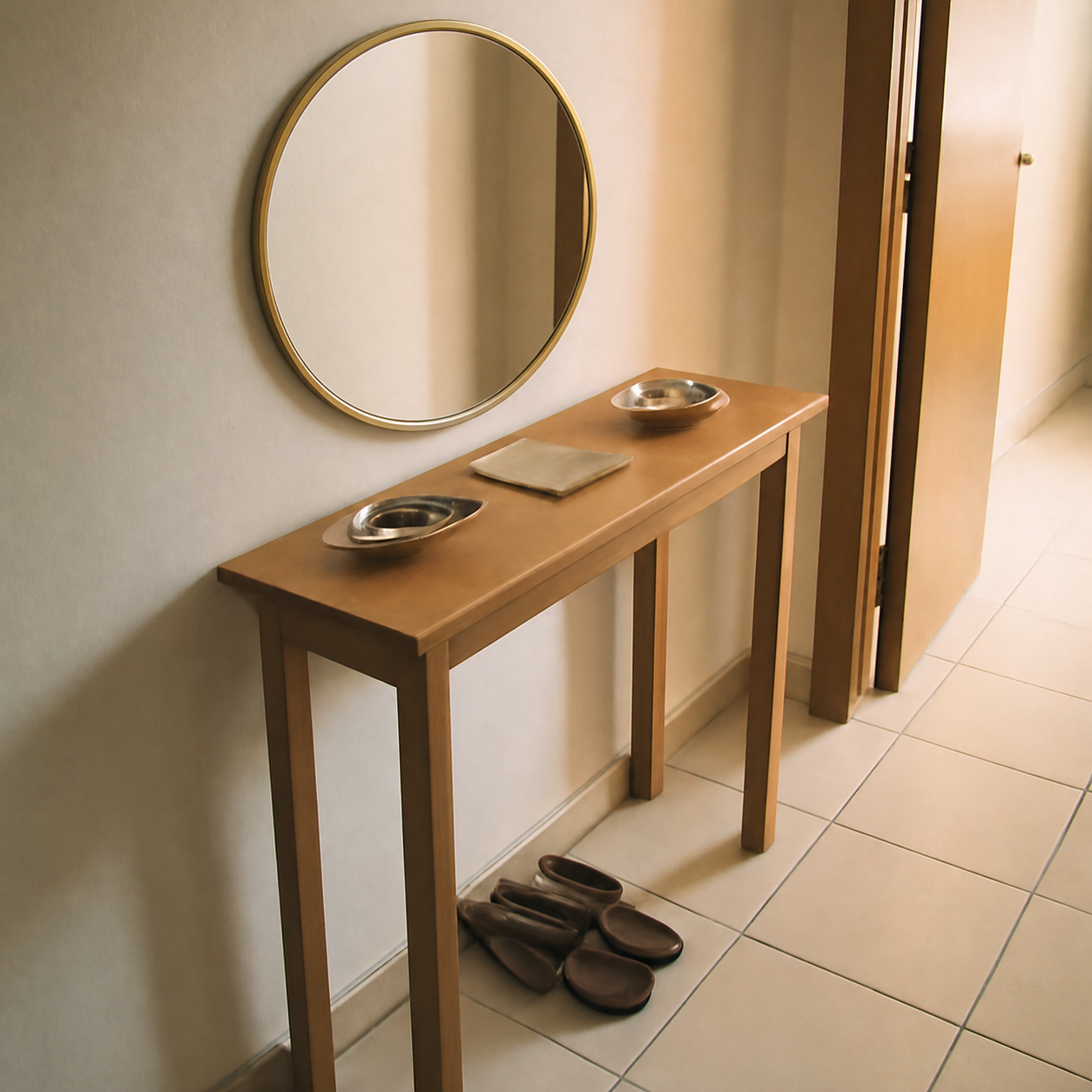
An AI room visualizer is a tool that shows you what a product would look like inside a real room — usually your own — before you buy it. The best modern visualizers compose a photo of your space with a photo of the product, producing a single image that approximates what you'd see if the piece were actually delivered. They've replaced the old workflow of measuring, sketching, and imagining, and they work on any phone with a browser.
What an AI room visualizer actually does
Strip away the marketing and there's a single core function: given a room and a product, produce a believable image of that product inside that room. The two inputs are almost always:
- A photo of your room. Taken from your phone, usually from the doorway with the wall the product will sit on in frame.
- A product image or a product URL. The listing image from Amazon, IKEA, Wayfair, Urban Ladder, or any retailer where the product is shown against a clean background.
The output is one image: your room, with the product placed into it at correct scale, lighting, and perspective. The question it answers — “will this thing look right in my space?” — is the question that drives most online furniture returns when it goes unanswered.
How an AI room visualizer works, at a high level
Without diving into the implementation, the underlying steps are roughly:
- 1Read the room photo. The system identifies floors, walls, windows, existing furniture, and the lighting direction. This is what determines where the new piece can plausibly sit.
- 2Read the product image. Separate the product from its (usually white) background. Pull out its proportions, colours, and material reading.
- 3Compose the two together. Place the product at the right scale, match the perspective to the room, generate shadows that fall in the same direction as the existing ones, and adjust the product's tone to match the room's lighting.
- 4Output a single image. The composed photo, the same dimensions as the input room photo, with the product now inside it.
The shorthand for this is “photo composition.” The important thing is that the room and the product are both real — the AI is composing rather than imagining. That's what makes the result genuinely useful as a purchase decision.
The four kinds of room visualizer
The category is broader than “put a sofa in my photo.” Today's tools fall into four families, each with a different best-use case:
| Type | What it does | Best for |
|---|---|---|
| AR overlay | Live camera view with a 3D model overlaid | Single-retailer catalogues (IKEA Place) |
| Photo composition | Static photo + real product image, composed | Any product from any retailer |
| Generative | Imagines an entirely new room from a prompt | Mood-boarding, early-stage inspiration |
| Hybrid | Generates a stylized room from a real one | “What if I redesigned this” explorations |
Photo composition is the most useful for pre-purchase decisions because the output is grounded in the real product and the real room. Generative tools are more like Pinterest boards — beautiful but disconnected from what you'll actually buy. The AR vs photo composition comparison breaks down which to use when.
Why AI room visualizers matter now
Two things changed in the last three years:
- The technology got good enough. Until 2023, putting a real product into a real photo required Photoshop skill or a paid designer. Now it works from a phone in under a minute. Scale, lighting, and perspective land correctly the majority of the time.
- Online furniture buying scaled past in-store buying. Furniture is the highest-return e-commerce category — between 15% and 25% across major retailers, several times the electronics rate. A tool that prevents even one in five returns pays for itself many times over for the buyer and the platform.
For the data behind the return rates, see the furniture return frequency post and the why-returns-are-expensive piece.
What an AI room visualizer is good at
- Scale judgment. Whether the 84-inch sofa is going to dominate the wall or look right-sized — the hardest call to make from a product listing alone.
- Colour against your wall. A grey sofa reads completely different against a warm-beige wall than against a cool-white one. The visualizer catches this.
- Lighting fit. Products photographed in studios look heavier in lived-in lighting. Composing into your room's actual light reveals this immediately.
- Coordination with existing pieces. The new piece sits with the old furniture in one frame, so visual clash shows up before purchase rather than after delivery.
What an AI room visualizer can't do
- Replace a tape measure. The visualizer tells you whether it looks right. It doesn't tell you whether the sofa will physically fit through the door or around the stairwell. Always measure the delivery path. The sofa-fit guide covers the physical-fit checks.
- Show you texture you can feel. The visualizer shows what something looks like, not how it feels under your hand. For wool, velvet, leather, and high- touch fabrics, order a swatch alongside the preview.
- Generate things you didn't input. A photo-composition tool can only place what you give it. For exploratory “what would a totally different room look like” questions, you want a generative tool, not a composer.
- Tell you whether you'll like it long-term. The preview shows the next month. Whether the trendy boucle sofa still pleases you in 2030 is on you.
How to pick an AI room visualizer
Five quick criteria, in priority order:
- 1Does it accept any product, or only its own catalogue? Single-retailer tools (IKEA Place, Wayfair's View in Room) only work for that retailer. Open tools work with any product image.
- 2Does it compose, or generate? Composition keeps the actual product's fabric, colour, and shape. Generative tools approximate. The output of a good composer should match the product listing image when held side by side.
- 3Does it require an app install? Browser-only tools work on any device. App-only tools work better with AR but lose the casual try-before-buy flow.
- 4Is it free? Most consumer tools should be. If a tool wants a subscription for a preview, you're paying for design service, not visualization.
- 5Is the output realistic? Quick test: does the previewed product match the product listing? Are shadows on the correct side? Is scale plausible? See the realism evaluation guide for the full check.
The best free AI room visualizers in 2026 roundup is the curated list. The accuracy breakdown digs into the technical limitations.
A practical first-use workflow
How a typical first use of an AI room visualizer goes:
- 1Stand in your doorway. Take a daylight photo of the room with the wall the new piece will sit on fully visible.
- 2Find the product. Save the listing image or copy the product URL.
- 3Open the visualizer in a browser. Upload the room photo, then the product image or paste the URL.
- 4Wait about a minute for the composed image. Check scale, colour, shadows.
- 5If it looks right, decide. If it's borderline, try the next-size or next-colour variant. Most tools let you iterate.
See PlopIt's sofa demo and rug demo for what a typical compose looks like end to end, and the can-I-see-furniture-in-my-room guide for the broader case for previewing. The place-real-products explainer covers the specific real-product-into-real-photo case in detail. The room-photo guide explains how to capture the source photo well.
Where this category is going
Three near-term shifts to watch:
- Visualizers as a standard checkout step. Most major retailers will offer a “preview in your room” button next to “add to cart” within the next two years.
- Multi-product composition. Today's tools place one piece at a time. Layered composition — a sofa, a rug, a coffee table together — is the next obvious step.
- Convergence with design assistants. Composition tools will get suggestion layers — “here are three sofas that fit this space and budget” — blurring the line between visualizer and design service.
Quick definition
An AI room visualizer is a tool that places a product into a photo of your room so you can see how it will look before you buy. The best ones compose your real room with a real product image, producing a believable preview in under a minute. They're a pre-purchase decision aid, not a design service, and the good ones are free.